For the first cmd:
Enabled piggy-qt6-apps piggy-qt6-apps
For the second cmd as grep “qt-runner”, I only find it from chum.
For the first cmd:
Enabled piggy-qt6-apps piggy-qt6-apps
For the second cmd as grep “qt-runner”, I only find it from chum.
no
Enabled piggz-qt6sb2 piggz-qt6sb2
?
No, sadly. Can’t see it. Not found with grep.
then add the repository
Funny thing. Did that and got the message that the repo was already added. Refreshed my repos and installed qt-runner and Sailfish without problems.
Tested it with a newspaper that fails loading properly on the native browser (loops on loading the frontage) and it works with Angelfish. Fantastic!
Thank you!
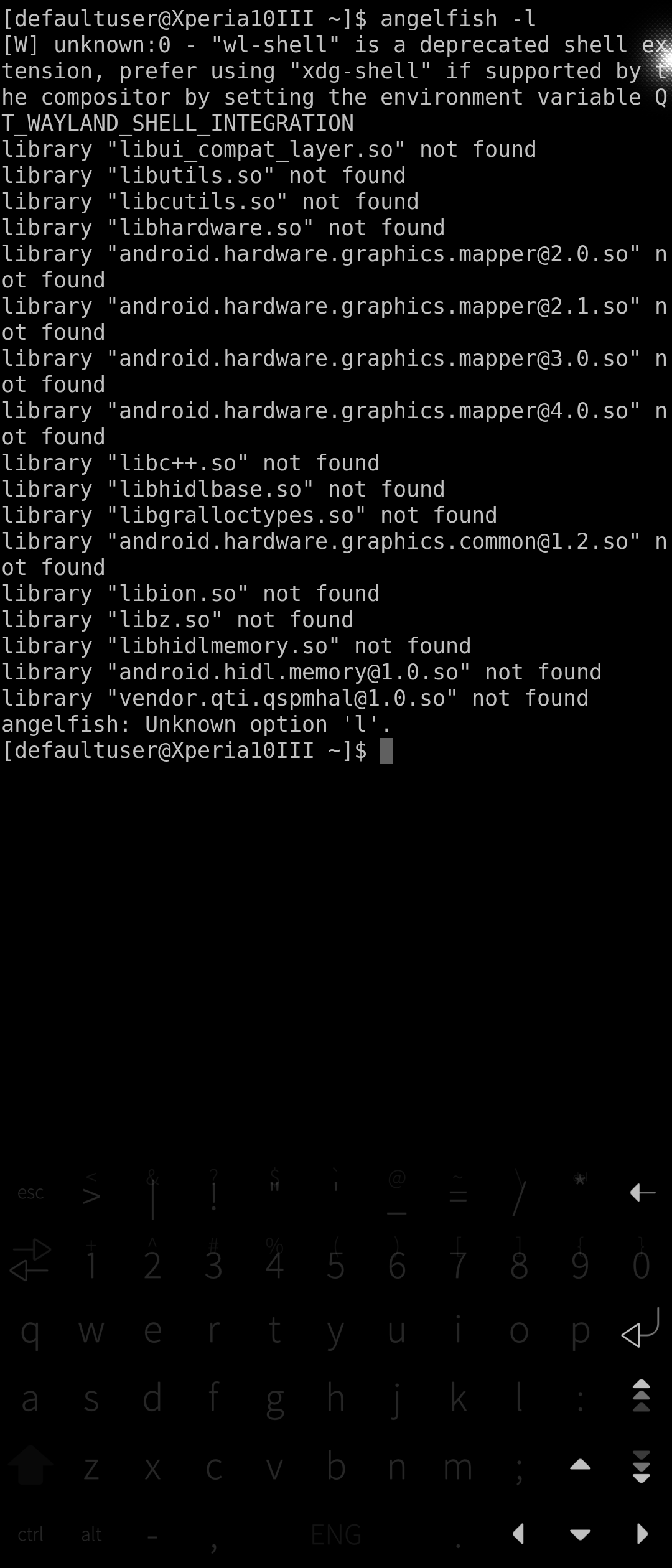
I have the same issue expect its qt6-runner that cant be found, both repositories is enabled, angelfish was installed without issue but it wont run, probably because qt6-runner is missing
does “pkcon search qt6” or “zypper se qt6” show anything?
also no need to try to run without installing qt6z-runner package as this is required to run qt6 applications
I see a lot of available packages, maybe im calling the wrong command? Is it really qt-runner-qt6?
I checked, qt-runner-qt6 is in chum (but it requires packages in piggz-sb repo).
do you have chum installed or the repo enabled?
qt-runner-qt6
Information for package qt-runner-qt6:
--------------------------------------
Repository     : sailfishos-chum
Name           : qt-runner-qt6
Version        : 0.4.6-1.9.1.bso
Arch           : noarch
Vendor         : chum
Installed Size : 0 B
Installed      : Yes
Status         : up-to-date
Source package : qt-runner-0.4.6-1.9.1.bso.src
Upstream URL   : https://github.com/rinigus/qt-runner
Summary        : Requirements for running Qt6
Description    :
    Requirements for running Qt6.

    PackageName: Qt Runner For Qt6
    Type: desktop-application
    Categories:
      - Utility
    Custom:
      Repo: https://github.com/rinigus/qt-runner
    Icon: https://raw.githubusercontent.com/rinigus/qt-runner/main/icons/qt-runner.svg
Requires       : [4]
    qt-runner
    kf6-qqc2-breeze-style
    qt6-qtwayland
    qt6-sfos-maliit-platforminputcontext


##############################################################


Information for package kf6-qqc2-breeze-style:
----------------------------------------------
Repository     : piggz-qt6sb2
Name           : kf6-qqc2-breeze-style
Version        : 6.4.5-1.4.5.bso
Arch           : aarch64
Vendor         : meego
Installed Size : 2.3 MiB
Installed      : Yes (automatically)
Status         : up-to-date
Source package : kf6-qqc2-breeze-style-6.4.5-1.4.5.bso.src
Upstream URL   : https://invent.kde.org/plasma/kf6-qqc2-breeze-style
Summary        : QtQuickControls2 breeze style
Description    :
    This is a pure Qt Quick/Kirigami Qt Quick Controls style.


Information for package qt6-qtwayland:
--------------------------------------
Repository     : piggz-qt6sb2
Name           : qt6-qtwayland
Version        : 6.8.3+main.20251012190227.5.g2e57606-1.13.3.bso
Arch           : aarch64
Vendor         : meego
Installed Size : 6.0 MiB
Installed      : Yes (automatically)
Status         : up-to-date
Source package : qt6-qtwayland-6.8.3+main.20251012190227.5.g2e57606-1.13.3.bso.src
Upstream URL   : http://www.qt.io
Summary        : Qt6 - Wayland platform support and QtCompositor module
Description    :
    Qt6 - Wayland platform support and QtCompositor module.


Information for package qt6-sfos-maliit-platforminputcontext:
-------------------------------------------------------------
Repository     : piggz-qt6sb2
Name           : qt6-sfos-maliit-platforminputcontext
Version        : 1.0.1+qt6.20241010182000.1.g9bb86e6-1.1.9.bso
Arch           : aarch64
Vendor         : meego
Installed Size : 522.7 KiB
Installed      : Yes (automatically)
Status         : up-to-date
Source package : qt6-sfos-maliit-platforminputcontext-1.0.1+qt6.20241010182000.1.g9bb86e6-1.1.9.bso.src
Upstream URL   : https://github.com/sailfishos-open/maliit-framework
Summary        : Qt Platform Input Contexts for Maliit keyboard
Description    :
    This input plugin links Maliit keyboard provided by Sailfish OS to
    applications using newer Qt.
Thank you for all the help, I think I have an old version of chum or something, I have the gui app but it wont load the repositorie and Im not sure how that works
Yes.
 pkcon install qt-runner-qt6
 # OR
 zypper in  qt-runner-qt6
OK. we can help you with that, but you need to give us as much info as you can.
@mive: your explanations were a bit confusing even for me.
Thank you all, I got it working. I did as recommended and got it from chum. My repository was broken somehow so I just got rid of it and added it again and then I could download qt6 no problem. As a last follow ul question, it says that adblock is not supported in this build, is that something that might change in the future if anyone knows?
You could use system wide ad blocking:
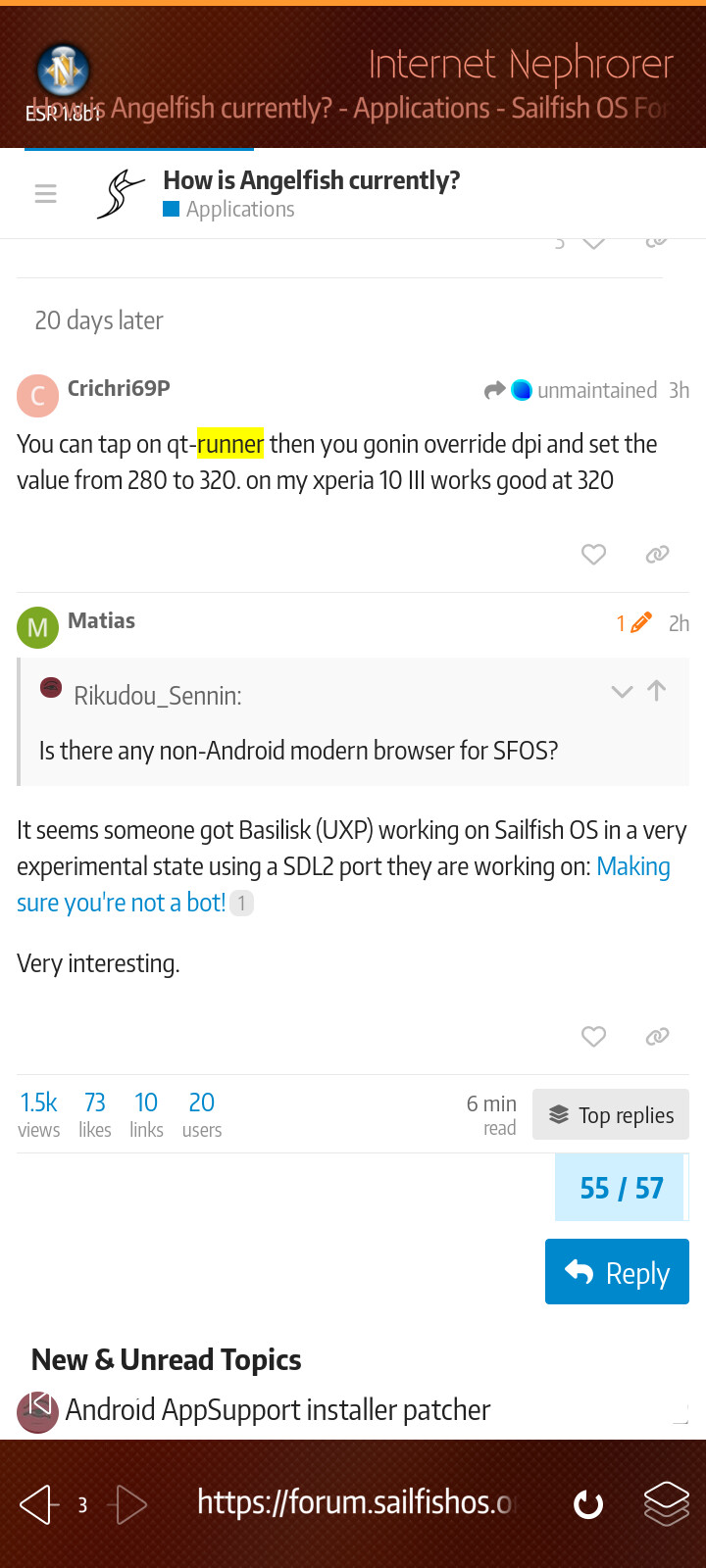
You can tap on qt-runner then you gonin override dpi and set the value from 280 to 320. on my xperia 10 III works good at 320
It seems someone got Basilisk (UXP) working on Sailfish OS in a very experimental state using a SDL2 port they are working on: Making sure you're not a bot!
Very interesting.
Nephrorer
That’s a mouthful! I liked Nephrafari better.
Don’t worry, it changes names dynamically so everyone gets something to dislike!