Hi everyone,
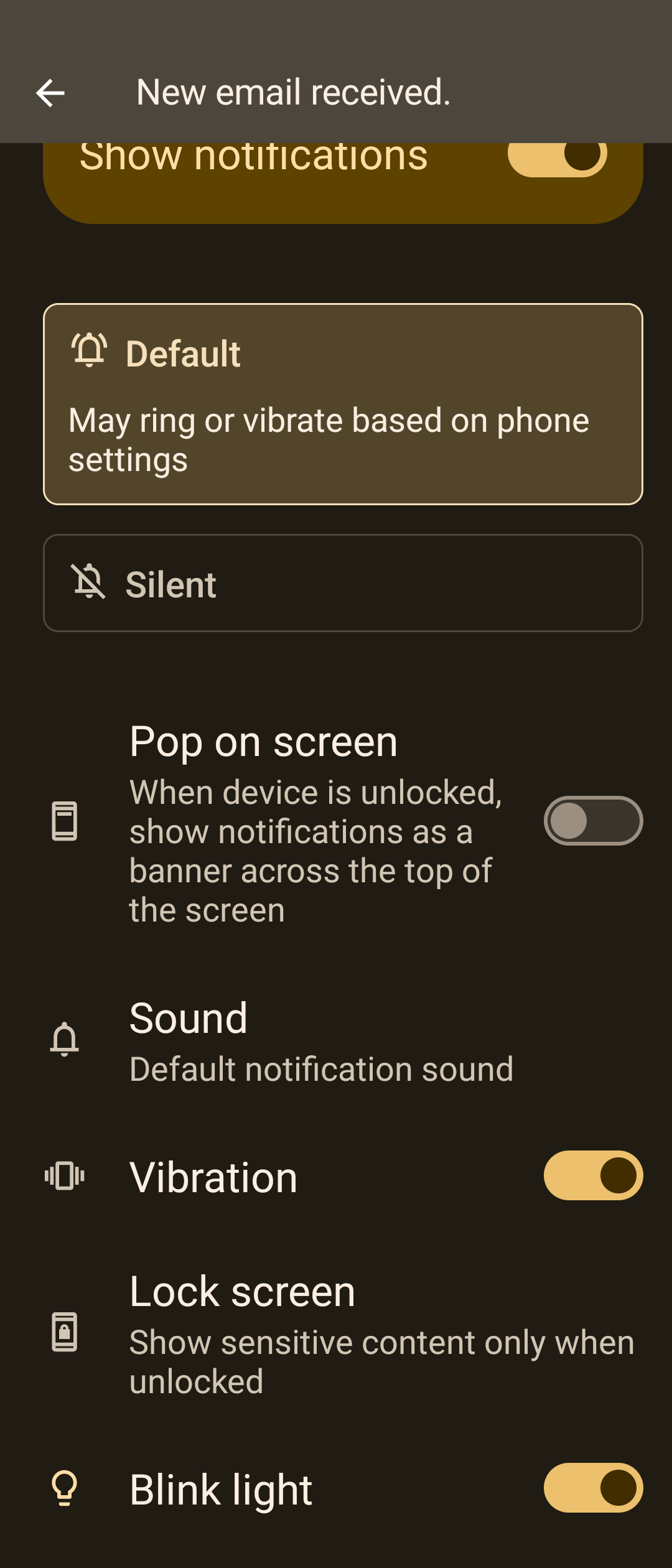
I’m using the Jolla Phone 2026 and the Jolla Email app. Under Settings / Sounds and Feedback, I found the option to turn off email sounds. That works fine. But how do I turn off the vibration for incoming emails?
Hi everyone,
I’m using the Jolla Phone 2026 and the Jolla Email app. Under Settings / Sounds and Feedback, I found the option to turn off email sounds. That works fine. But how do I turn off the vibration for incoming emails?
Hello and welcome! To my understanding there isn’t GUI option to control vibration based on app. You can completely turn it off, but to my understanding then it is completely off.
Yeah, notification control is seriously lacking in Sailfosh OS. I can’t stand sound, vibration and especialy screen waking up for every email and instant message I get, so I had to resort to keeping the phone on “do not disturb” all the time luckily there is an option to let the phonecalls through even on dnd
I’m not really sure it’s lacking, which os gives you full control over each combination? You have email, im, sms, mms, calendar, calls, alarm.. Probably missing something (oh yeah gsm alerts, add presidential vs local, vs emergency, vs each colour), then add silent vs dnd, the matrix grows exponentially do you want screen, notification bubble when screen on, but not when off, vibration, sound or any combination of those??? At least here with root you might be able to cook something, but it’s still such a weird complaint
Android does, you can even have different notifications of the same app to act differently.
Can you show me the matrix of choices where android allows you to set screen highlight, vibration or not, sound or not, bubble or not depending on locked state and app issuing the notification and dnd vs silent vs loud vol setting??? Seriously no need to come up with such convoluted scenarios, you don’t like the os, it’s fine to go back
You can comment out haptic.type and haptic.effect in
/usr/share/ngfd/events.d/email.ini
[email]
#haptic.type = event
#haptic.effect = message
Then reboot. (Not sure if required but I did.)
That’s one app, show me where you control that on OS level for each combination (you’re complaining about OS), tutaapp developer for sfos will also have control which notification type to use, whether he will expose it to endusers is a different matter
What does it matter for end user if it is application or os setting, it’s a fact that on android you can set it up as you want, and on Sailfish you can’t. Why then even default apps doesn’t allow it?
Then ask the non-builtin-os email app developer to add options, your claim was OS is lacking, android and ios are also lacking such features built in, they’re absurd when you start to calculate all possible combinations, you’d need to ship mini-excel just for notification settings management
Edit: also I can’t help but notice tuta on android is not allowing you to control vibration vs lock state and dnd/silent, seems on or off deal like sfos? Doesn’t even allow you to set vibra on when loud, off when dnd, even that example hardly provides full control over each possible combination
I don’t care about full control of every possible combination, I want an option to keep most my apps on silent without any notification whatsoever (no sound, vibration and especially screen wake up, I don’t mind notification led blinking) while the phone is in normal mode (either sound or vibro only). Is it posibble on Sailfish? I dont think so…
With root everything is possible, you can write your own dbus listener that will execute whatever extra action is missing in your current dnd solution for the ‘some’ apps and override the dnd, it is not available from GUI, but with the amount of claude apps we’re getting, who knows, maybe someone will vibe exactly what you need
Hi Manatus,
your solution works very well  .
.
Thank you very much.