To my surprise mednafen compiled without issues (used 1.29):
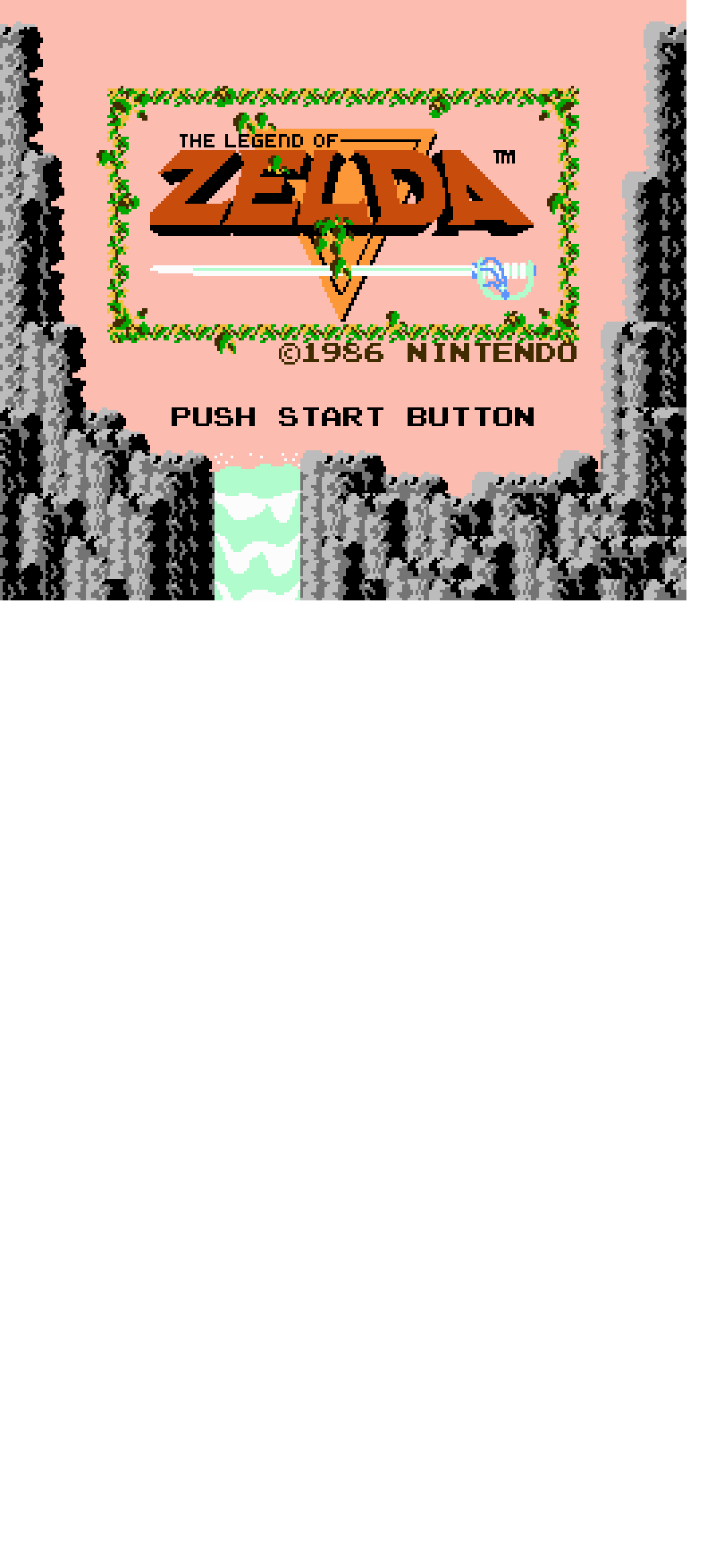
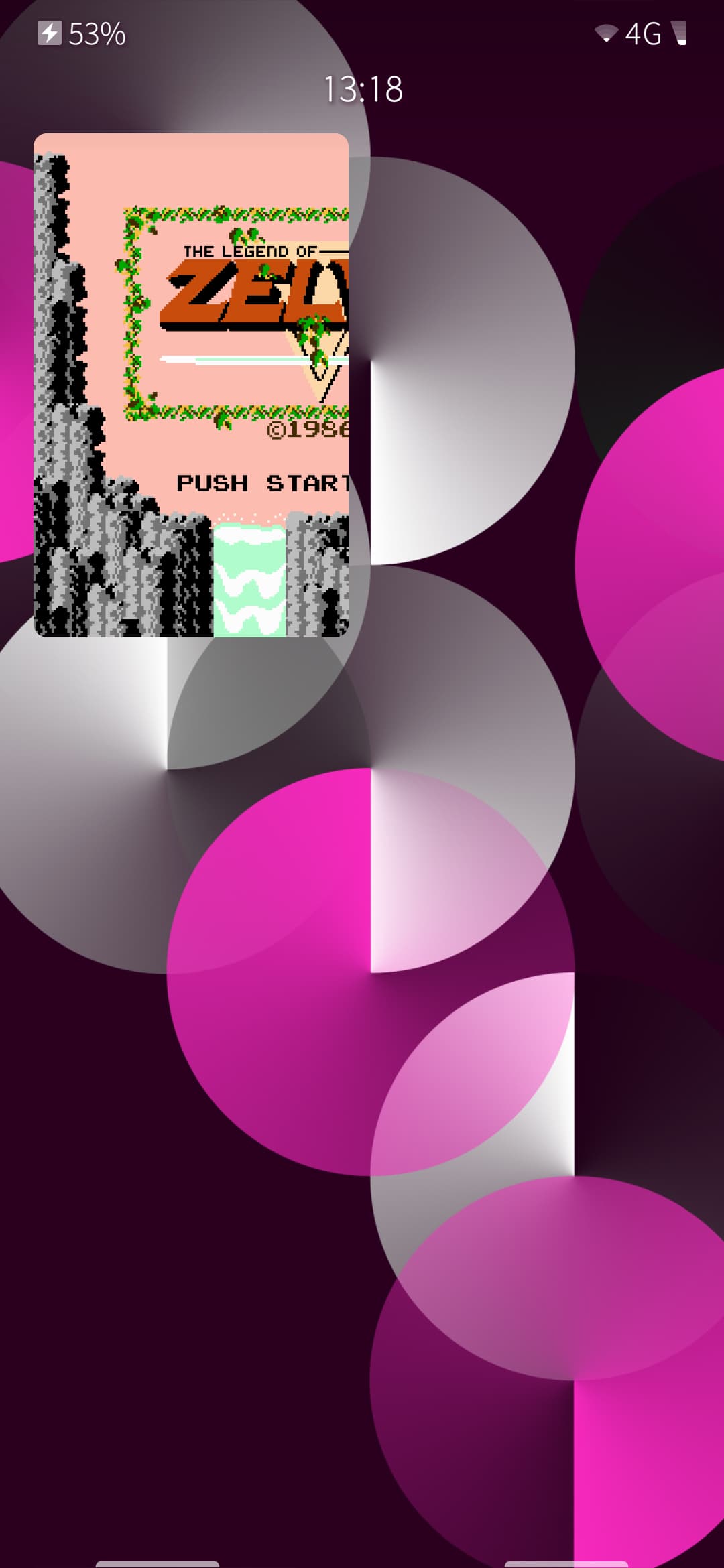
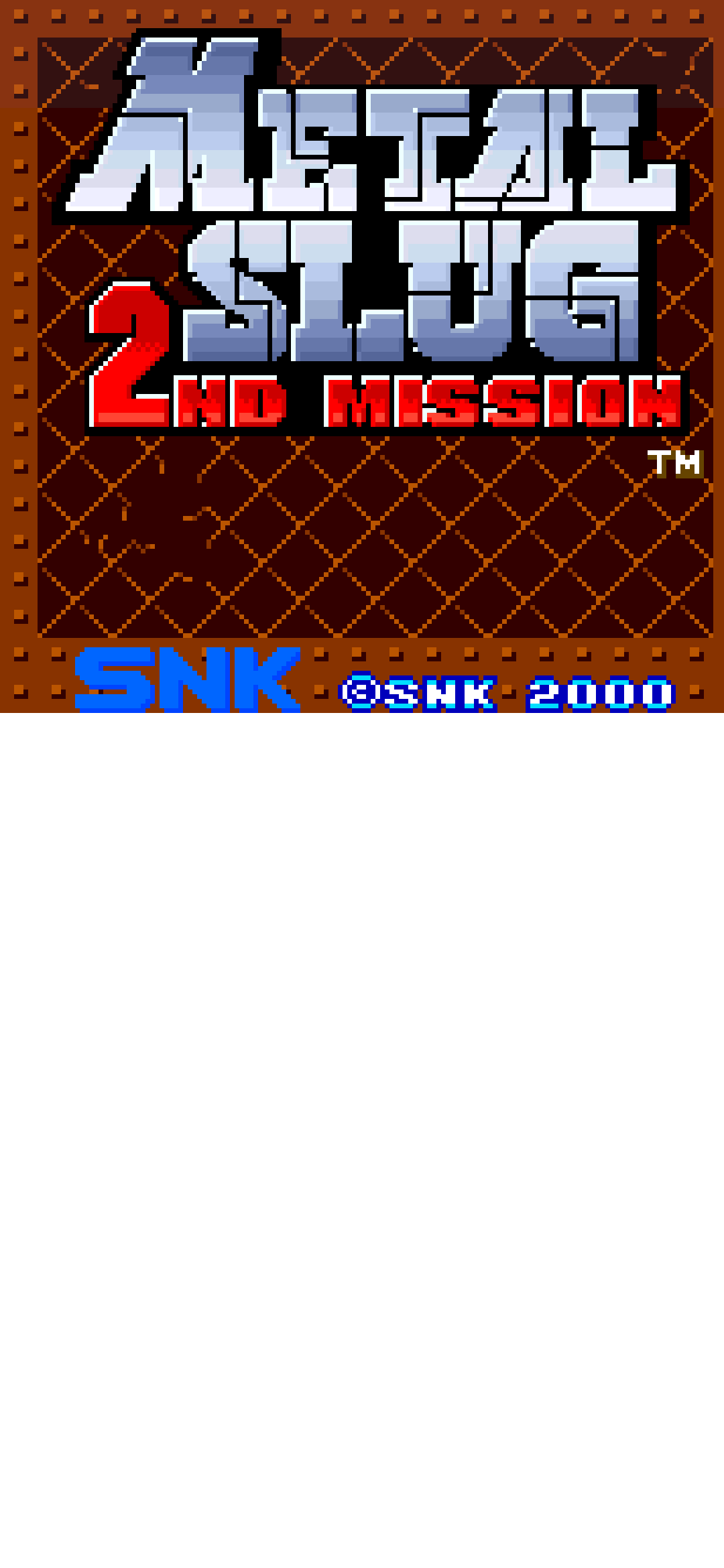
PSX probably not realistic

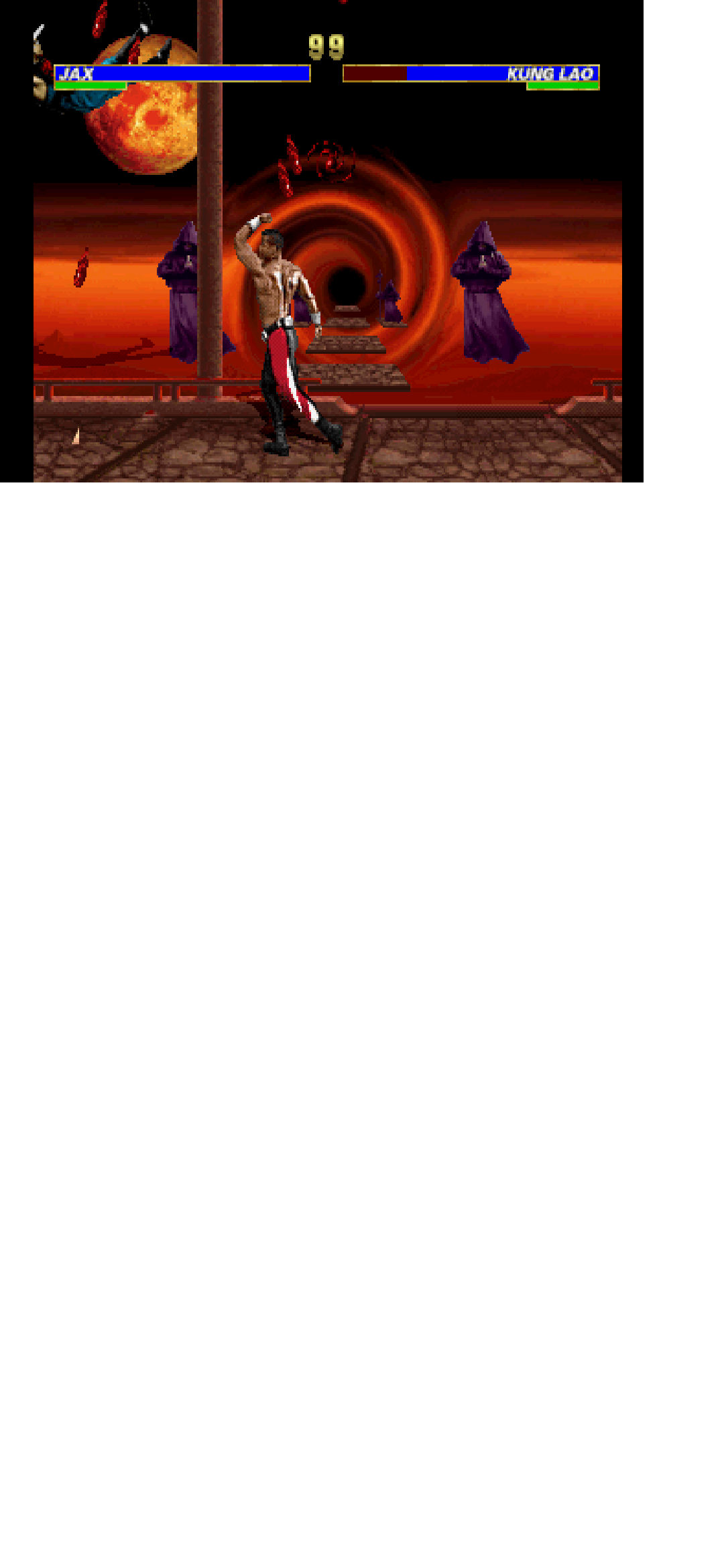
Sound not working, software sdl driver is used
To my surprise mednafen compiled without issues (used 1.29):
Sound not working, software sdl driver is used
Sound is working okayish (at least on some emulators).
cpu usage okayish
does somebody know how to connect a gamepad (if possible ps3) to the device (or how to send F1 key with fingerterm?). I got some shit ass sdl gamepad (as /dev/input/event6) but currently no clue how to connect to mednafen
[defaultuser@Fairphone4 sdloverlay]$ devel-su hexdump -C /dev/input/event6
Password:
00000000  ba 4b 17 69 00 00 00 00  5d b5 04 00 00 00 00 00  |.K.i....].......|
00000010  01 00 30 01 01 00 00 00  ba 4b 17 69 00 00 00 00  |..0......K.i....|
00000020  5d b5 04 00 00 00 00 00  00 00 00 00 00 00 00 00  |]...............|
00000030  ba 4b 17 69 00 00 00 00  19 04 05 00 00 00 00 00  |.K.i............|
...


  PID  PPID USER     STAT   VSZ %VSZ CPU %CPU COMMAND
13041  4027 defaultu S    1962m 35.6   0  7.6 /usr/bin/lipstick -plugin evdevtouch -plugin evdevmouse -plugin evdevkeyboard:key
15434 65165 defaultu SN    626m 11.3   1  6.5 /tmp/mednafenPceDev/mednafen/src/mednafen -sound.driver oss -sound.buffer_time 12
15431 65165 defaultu RN    120m  2.1   2  4.3 ./vjoy_sdl
11666  4027 defaultu R    1395m 25.3   0  2.1 /usr/bin/pulseaudio --daemonize=no -n --file=/etc/pulse/default_sailfish.pa
Use Toeterm (ToeTerm | OpenRepos.net — Community Repository System) it has custom keyboards with Fx keys (and a lot of other qol improvements)
Thanks, I already added F keys to fingerterm (found out adding custom layouts is quite easy, just add .layout to ~/.config/FingerTerm, this way I could also adjust other keys) but unfortunately they aren’t recognized in mednafen. Try to find some solution but again thanks for the suggestion.
If it’s SDL then term keyboard is not gonna reach it, you can add an overlay keyboard/keypad and just map x,y touch events to specific keyboard signals, but in theory if you manage to pair a controller it should also accept those, bt/wired keyboard should work, no (as in use a usb-a to usb-c cable and plug your pc keyboard its F keys should work, EDIT: yeah just checked it works for me)?
The problem with the controller may be that the kernel (Linux) of the device does not support that specific controller. Unfortunately the controller protocol in new controllers is such that each new controller need to have their IDs added to the kernel sources separately and it is not possible to discover new models from the information that the controller sends unlike in HID protocol (e.g. keyboards, mice and older controllers). I don’t know why the protocol was designed like this but it probably had something to do with the protocol being designed for Xbox 360 which initially had controllers from only one source.
It is probably possible to backport the changes from newer kernels but that requires some programming skills and the ability to rebuild and install newer kernels. And you probably want to do it on a spare device.
I currently have no controller that i can connect to the device. I also dont have a cable which would allow to connect something to usb-c port of the phone.
btw. FBNeo also compiles and starts (needs libGL which can be compiled for gles devices, but not sure it this would work properly):
Usage: ./fbneo [-cd] [-joy] [-menu] [-novsync] [-integerscale] [-windowscale <num>] [-fullscreen] [-dat] [-autosave] [-nearest] [-linear] [-best] <romname>
Note the -menu switch does not require a romname
e.g.: ./fbneo mslug
e.g.: ./fbneo -windowscale 1 asteroid
e.g.: ./fbneo -menu -joy
For NeoCD games:
./fbneo neocdz -cd path/to/ccd/filename.cue (or .ccd)
Usage is restricted by the license at https://raw.githubusercontent.com/finalburnneo/FBNeo/master/src/license.txt
Doing exit cleanup
LIBGL: Shutting down
[defaultuser@Fairphone4 FBNeo]$ ./fbneo -menu
LIBGL: Initialising gl4es
LIBGL: v1.1.7 built on Nov 16 2025 13:00:01
LIBGL: Using GLES 2.0 backend
LIBGL: loaded: libGLESv2.so.2
LIBGL: Hardware test disabled, nothing activated...
LIBGL: Targeting OpenGL 2.1
LIBGL: Not forcing NPOT support
LIBGL: Not trying to batch small subsequent glDrawXXXX
LIBGL: Trying to use VBO
LIBGL: Force texture for Attachment color0 on FBO
LIBGL: Hack to trigger a SwapBuffers when a Full Framebuffer Blit on default FBO is done
LIBGL: Current folder is:/tmp/FBNeo
LIBGL: Not using PSA (prgbin_n=0, notexarray=0)
FBNeo v1.0.0.03
Loading config from /home/defaultuser/.local/share/fbneo/config/fbneo.ini
Warning: No joysticks connected!
xkbcommon: ERROR: couldn't find a Compose file for locale "de_DE.utf8" (mapped to "de_DE.utf8")
So I need to get a cable so I can test if a keyboard/gamepad would be recognized.
If someone already is able to connect external keyboard or gamepad maybe he can test if it’s recognized (by mednafen)