It still the same for me, unfortunately. I wanted to try it on C2 to check if it’s the problem of a specific device, but my C2 just died. Sigh.
I don’t think it’s device specific tbh. More likely is that it’s some lovelace card/setting that I’m not using.
Regarding the location issues mentioned before, looks like I have some debugging to do. Today my location has been bouncing between home, a friends house and Helsinki (~150km away) for some reason. And it didn’t update to home even though I connected to my home wifi and the cover showed Internal… That’s at least partially a card update bug though, as the history showed home with correct timestamps when I checked… But no clue where it got Helsknki from, I haven’t been there since last Sunday…
the only culprit I can think of is a camera feed. Do you parse tbis type of objects as well?
Could very well be. What card type do you use for it and with what config? I have four cameras in a grid on my dashboard, but they only show a static thumbail until details are opened. I use picture-element cards for them. If you show a live feed directly on the dash, then that might be what kills it (I’ll of course fix it as soon as I know what to fix though)
[Update]
That’s most definitely it. I put a picture-glance card with a live camera on it on a test dashboard, and when I enter it on the native renderer the aforementioned freeze happens. Let’s see if I can fix it 
[Update 2]
Fix is now on OpenRepos. I’m pretty confident that that should do it
1 Like
Im using button cards for my light dashboard and in the web ui they have a short press to toggle the light and long press for details view while in the native UI they only do the details view, could you have a look if this is the same for you? @pauligrinder
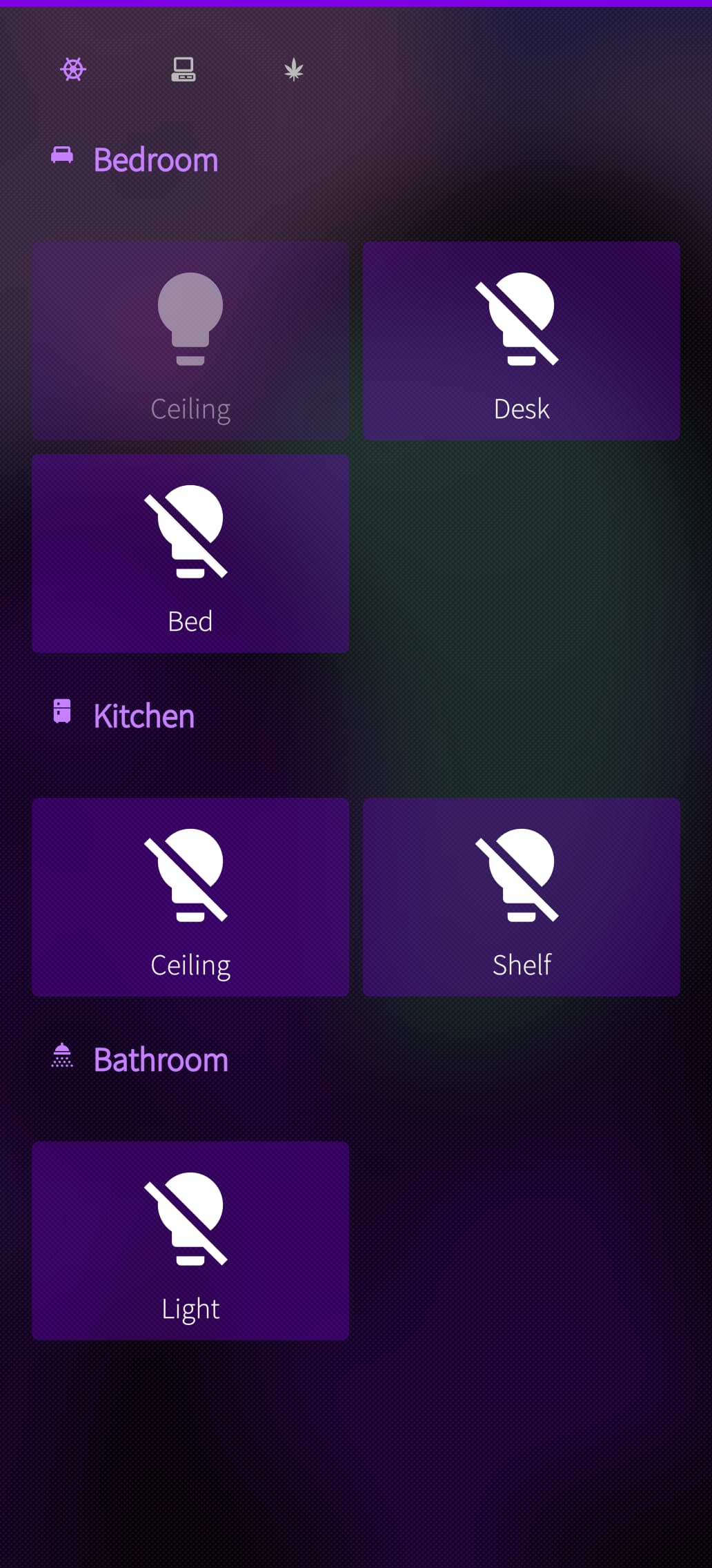
I’ll check it. I don’t use any long presses so I haven’t tested how that works, sounds like it just triggers long press immediately if both are defined.
Sorry, I was away from my jolla for some days. Spot on! Not it works.
1 Like
I’m trying to use the native dashboard, but it shows nothing/is empty.
Probably I’m missing something simple, but I do not know what.
Any help please
It could be a number of things. Can you show me your dashboard as yaml, then maybe I can see what’s causing it? Go to Edit dashboard, and then from there Raw configuration editor. You can dm it to me if you don’t want to post it here, but generally I don’t think dashboards contain any sensitive data.
My quick guess is that the outer container is something I haven’t implemented and therefore it doesn’t show anything.
Send you a dm.
When solved we can put the cause/solution here.
1 Like
@pysen I tested the button component, and for me tap and hold work as expected. Hold on the other hand doesn’t seem to work on the web dashboard. And double taps don’t work, they register as single taps instead of waiting for a second.
aah! unless of course you aren’t defining the interactions at all. I didn’t test how they work by default
yeah, that’s it. the default tap action is wrong in the native dashboard. I’ll fix it.
2 Likes
While at it, could add a drop down for the notch? Now the dashboard is basically under the notch. Thanks. 
1 Like
I found myself instant traveling to Äänekoski, while sitting in the office (not in Äänekoski  ). So there’s still something iffy about the location. OrganicMaps updated the correct location within 10 seconds, so it’s not a general issue.
Yeah, I’ve observed similar behaviour and there will be at least some improvement in the next version. For example today as I was picking up my daughter from daycare, it shows weird bouncing between home-daycare-not home.
Hei
Very nice app - no, world class app.
I have not been testing the app that much but like to come with some comments 
Really nice that it is possible to work with the app natively (so much Sailfish can give of good layouts) and the standard way, here I know the layout.
I do not know how much the gps drains the battery, anyway it could be good, if in the app cover it was possible to turn on an off the gps.
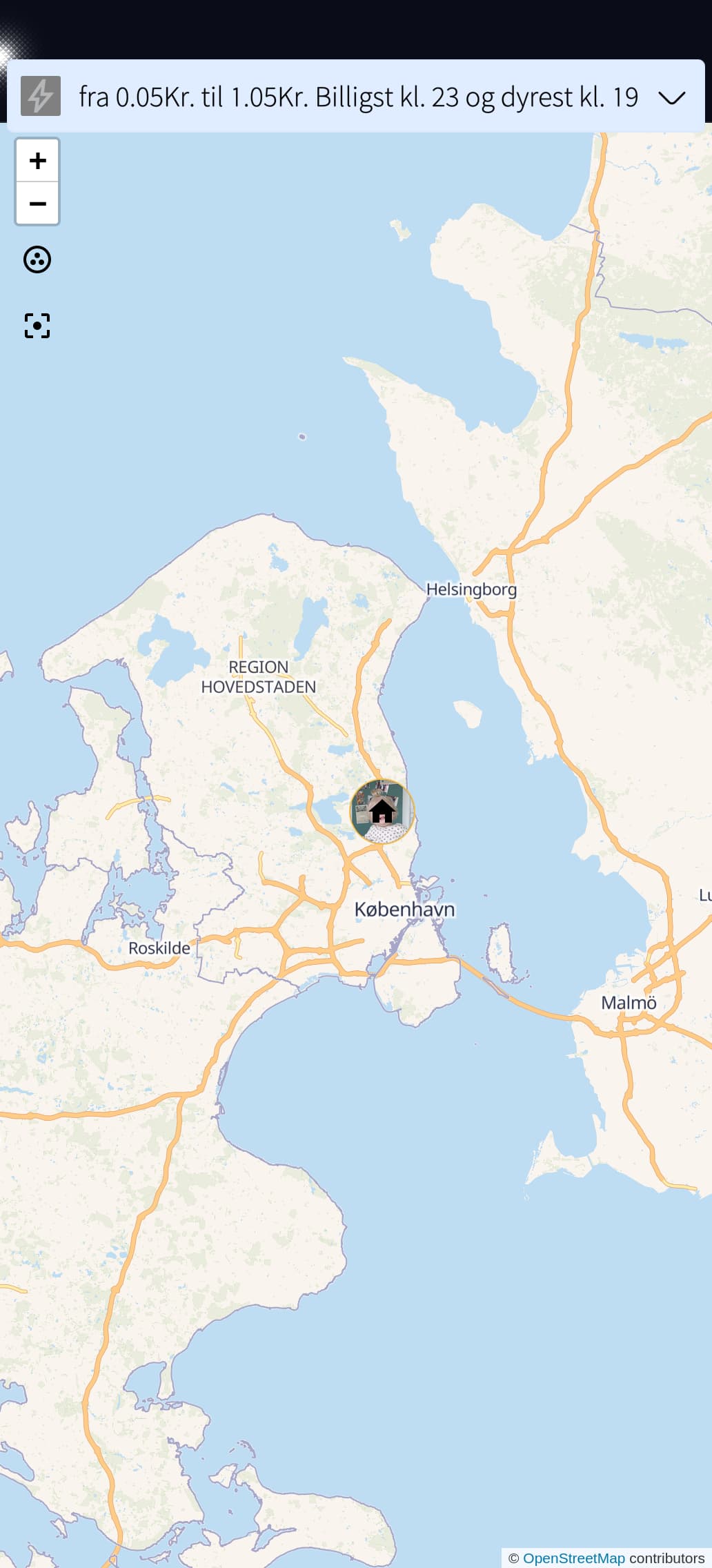
On my Jolla2 the map part is not working, please see the attached picture.
There could be other things, that I think could be different, maybee, but we all think differently; maybe because I am only half Finnish 

1 Like
I just tested with the built in Maps-dashboard and a new dashboard with a Map card and both show the map and persons in the native UI. So, could this be about missing location? Or a network issue that the map cannot be loaded? About the GPS drain, I haven’t noticed anything significant, but I did have the location update set for “Balanced / Tarkka” and 15 minutes. I now changed it th “Accurate / Tarkka” and 10 minutes (included the Finnish texts, since the English ones are translated by me. 
I haven’t had issues with the maps but I wouldn’t be surprised if they’re not perfect since I just threw them together quickly. Maybe you haven’t defined any markers to show on the map, so it doesn’t know what area it’s supposed to show and then instead waits for your location to center on?
Looks like it’s the “Show all entities” setting that does it on the map. I’ll check if I’ve even implemented that.
I do not know where to check the “Show all entities”. If I change to map in the original app, it works for me.
Concerning the gps and update rate, 5 minutes could be a long time for me. I have setup my HA to turn on/off the alarm, that means that I have to wait up to 5 minutes before I can enter the house; if I want it to be automatically. That’s why an on/off of the gps in the App Cover, and even a change from eg. 1 minutes to eg. 5 minutes would be nice to have.
Well, @pauligrinder can correct me if I’m wrong, but this only applies if the GPS data is older than the set value. So it’s not strictly the update interval. If you set the accuracy to high, then I’d guess it’s more or less constantly updated upon change.