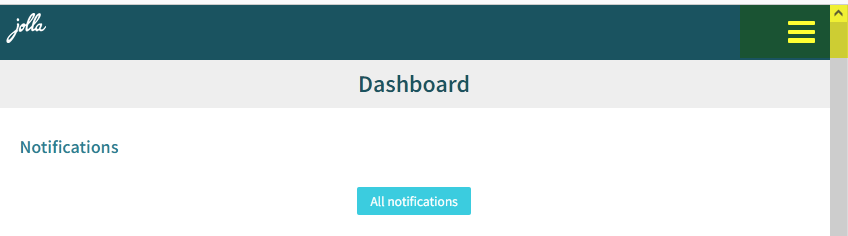
DESCRIPTION:
When logged in to https://harbour.jolla.com/, and the browser window is narrow enough for the website to go into “slim” layout, the menu behind the “Burger Menu” immediately hides after opening.
PRECONDITIONS:
Have a Harbour account
STEPS TO REPRODUCE:
- Log into Harbour site in a (Desktop) Web browser
- Make the window slimmer until the top navigation bar is repositioned as a Burger Menu on the top, right
- Click the Burger Menu
Actually it needs two clicks to open it.
The phenomenon is immediately noticeable when using the SailfishOS Browser (because it’s small).
EXPECTED RESULT:
Menu behind the Burger Button stays open until something is selected
ACTUAL RESULT:
Menu behind the Burger Button hides after very small amount of time, effectively making it unusable.
ADDITIONAL INFORMATION:
Tested using:
- Sailfish Browser (current) on Jolla C2
- Desktop Librewolf Browser (Firefox 146.0)