REPRODUCIBILITY: Always
OS VERSION: 5.2.0.16
HARDWARE: Jolla Phone 2026
UI LANGUAGE: Russian
REGRESSION: Yes
DESCRIPTION:
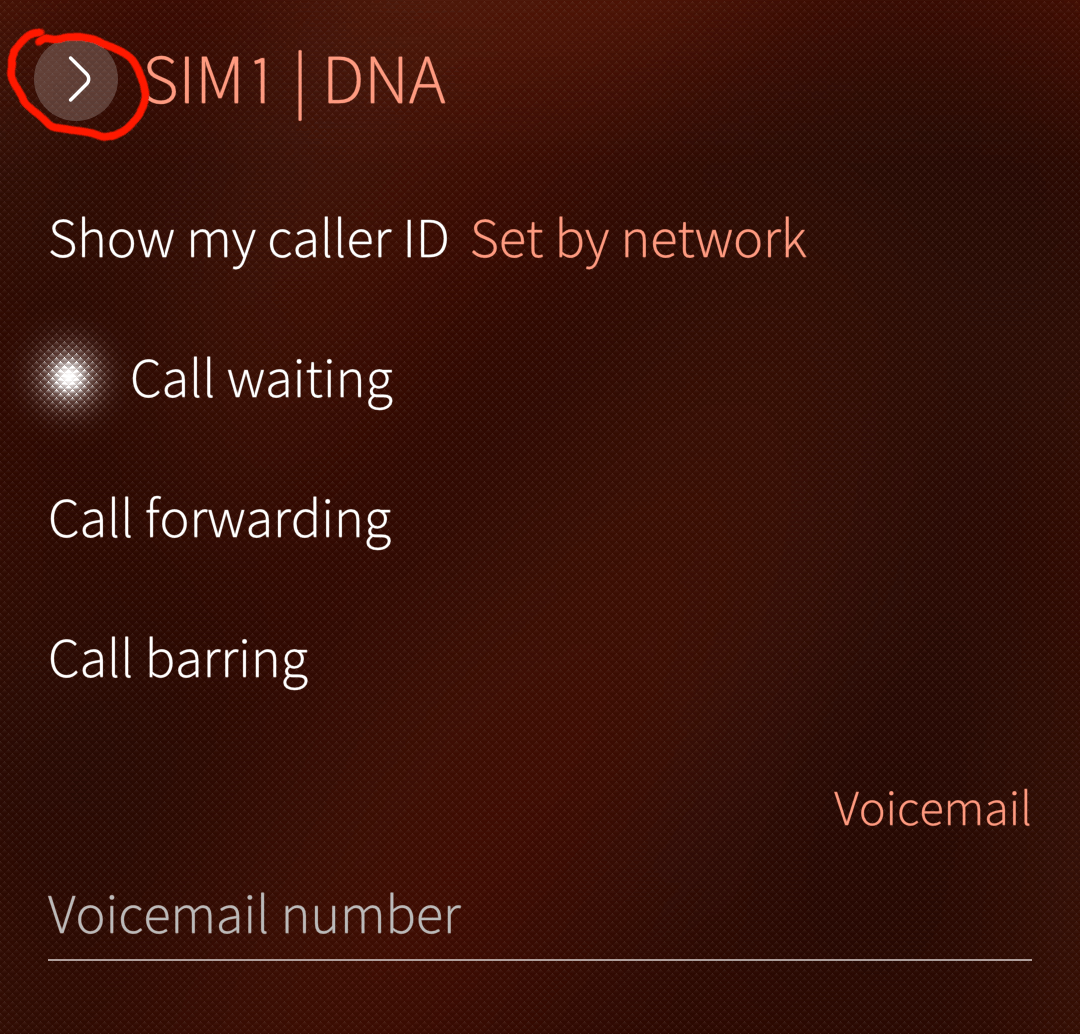
The GSM Supplementary Services configuration does not work on the Jolla Phone 2026. This includes call forwarding, call waiting etc.
PRECONDITIONS:
Connect to a 4G/5G network.
STEPS TO REPRODUCE:
-
Open the Settings application
-
Go to Applications → Phone → SIM1
-
Check the network settings
EXPECTED RESULT:
Supplementary Services configuration is shown and can be changed.
ACTUAL RESULT:
The “Retrieving settings” animation spins forever.
ADDITIONAL INFORMATION:
If I switch from 4G to 2G, then the settings options are shown, but any attempt to change them shows an error.
There is no 3G coverage in my country anymore.
Manually entering a service code, e.g. *43#, shows “Service message problem” after a timeout.