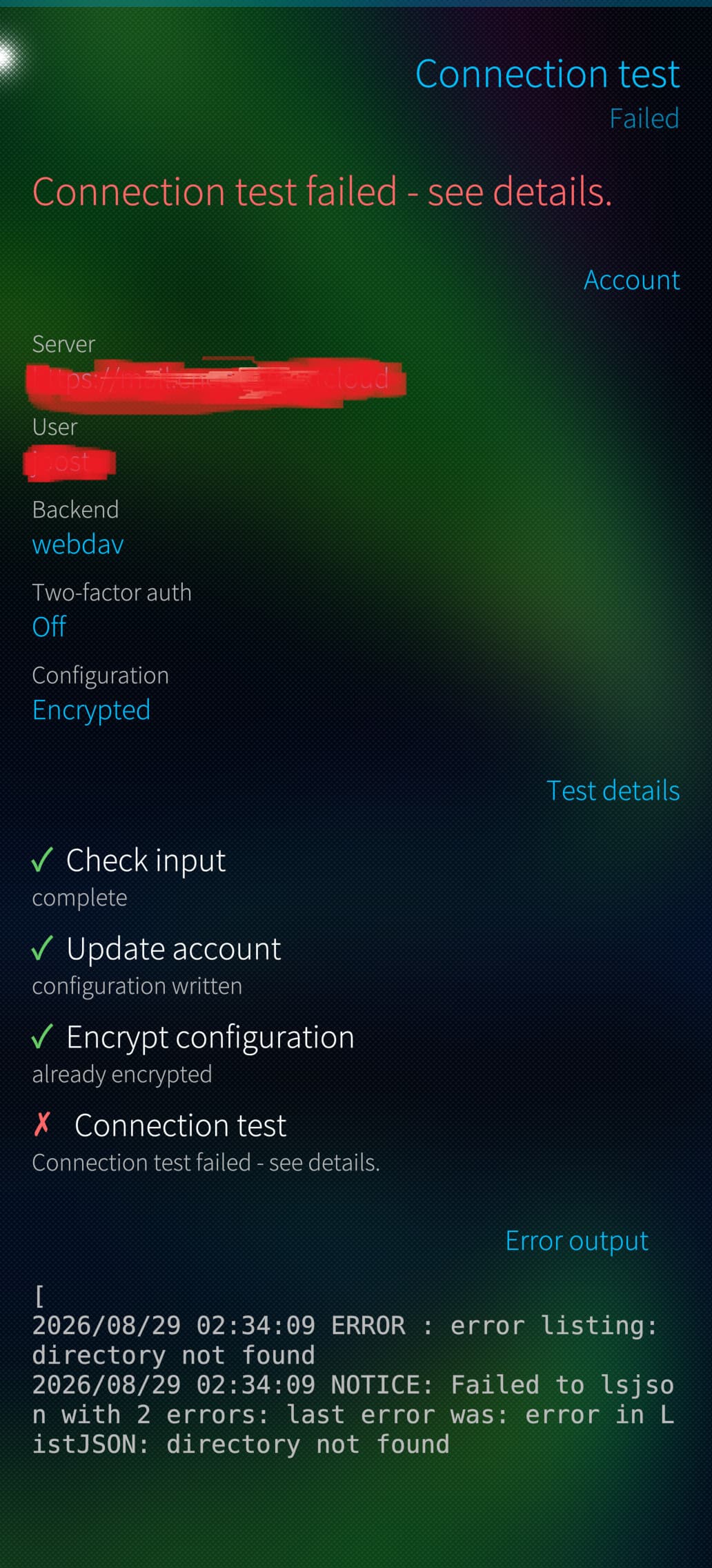
I’ve tried to connect to a Nextcloud server, but upon the connection test for a new account it complains it cannot find a directory. (Which one? Local or remote?)
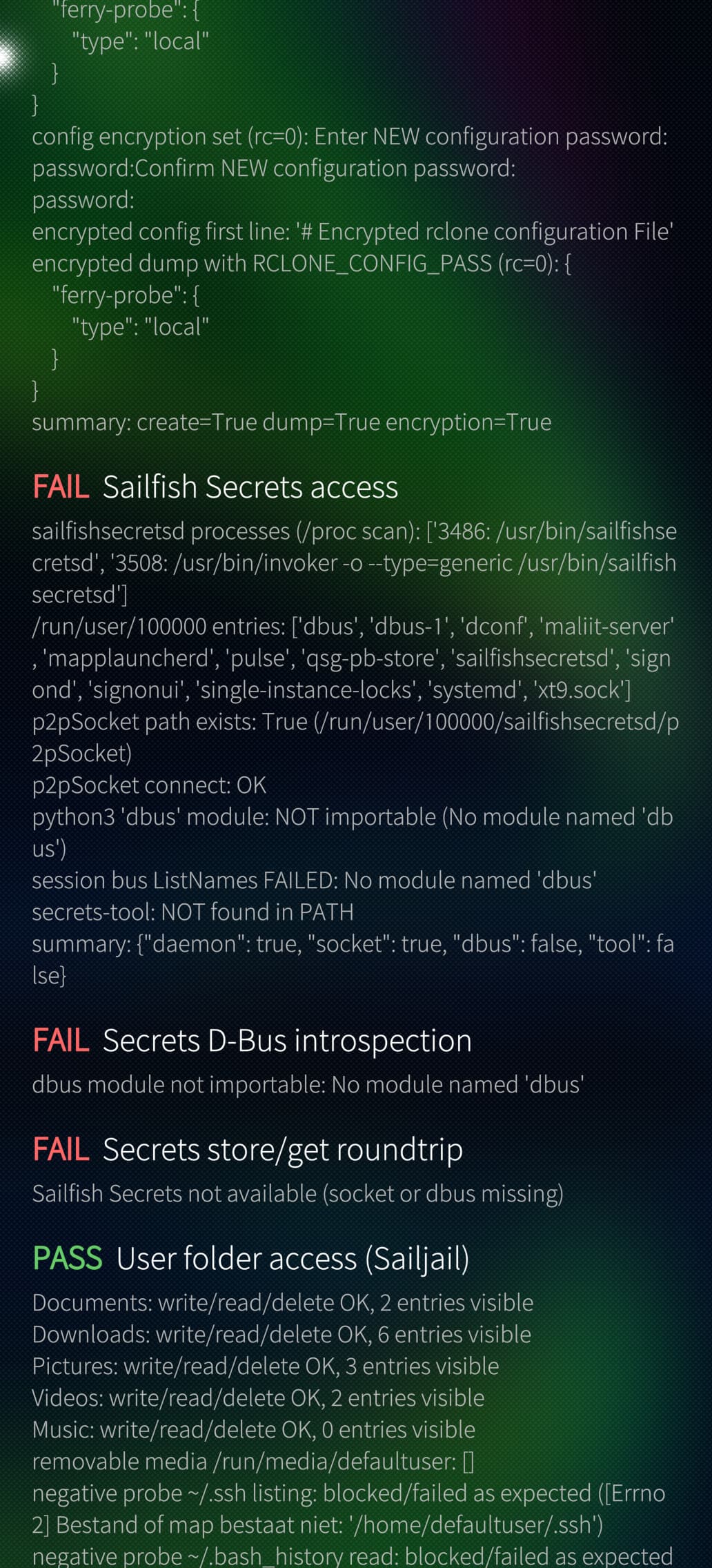
And I’m not sure if this is related, but the secrets access and D-Bus diagnostics do not work. See the attached screenshots for more information.
Thats the Remote Directory - within Connection Test it tries to Connect to the Server and Lists all Folders which can be Found
—> the DBUS and secrets Errors are related to the official Secrets API which the App tries to Store your saved secrets - if it is Not available, then there is a fallback without the API - so no Show Stopper for You
Are there any Folders there on Remote Server? With Minimum one file in it?
In my case there are the standard folders for nextcloud on it and further more the one in made with ferry. This is for me the strangest part: i am able to make new folders but i am not able to see them…
Ok I Need to investigate a Little Bit more - could you send me that log from your failed try maybe as PM? The Part where it was Stored is Printed in your Connection Test Output log.
Sure, but where can i find this file? I will try to investigate on my own first.
Btw.: you spend so much time here, can i pay some digital beer to you?
But I’ve found what the issue is. As server url I filled in https://server.dns/nextcloud. As it is a NextCloud connection I though that that would suffice.
But I have to provide the webdav url: https://serder.dns/nextcloud/remote.php/dav/files/user-name. Then it works. So it is not actually a Nextcloud service, but webdav.
Would be nice if you could change it so that:
It ask for the webdav-url, not the nextcloud-server. Maybe provide an example.
when you encounter this error: give a message that it could be that a valid nextcloud-url is given, but that the path does not contain any files. And ask for the webdav-url.
OR, better: use the Nextcloud api to request the path for root of the file-tree for the current user. But as you are using rclone and are not connecting to Nextcloud ‘yourself’ this may be difficult. (I did not look at your code)
ah thanks for confirmation - i guessed already that this was the issue - i will provide a fix and indeed, i will provide better error messages and i think i will go with that additional api call to not guess the right url path
The app is great and helped me a lot when I moved from my XA2 to my new Jolla2026. I just synced all my important apps to the new phone and, hey presto, I can use them seamlessly. One useful addition would be the option to sync one-way from the cloud to the phone. This would prevent the old user data from being overwritten.
FIXED: Accept self-signed certificates for backends
FIXED: Check correct Nextcloud WebDAV url automatically, added some more description for URL configuration.
ADDED: Languages FR, NL, SV from weblate
NOTE: Version 0.3 is currently stuck on CHUM:TESTING –> If someone aleady wants to install it from there you are free to do it, just enable the testing repo in the settings. My request to release it on CHUM (main) is there already since last week (Open since 5 days)
Version 0.4 will follow when the current one is released.