Well, there are relay servers if you don’t have direct connection. But yeah, this seems to be server/client while syncthing is more of a peer/peer.
1 Like
Version 0.3-1 has landed:
Features:
- FIX: Moved Tab menu from top to bottom to avoid overlapping with jolla notch.
- ADDED: Norwegian translation provided by @fsilye
- ADDED: FTP / SFTP backend support
- ADDED: About section to settings page
- ADDED: OneWay sync mode (Push) for backup purposes
- FIX: size and moditmes are now correctly used for backends which supports them
- ADDED: Translations are now managed via Weblate
- FIX: SFTP verifies the server’s SSH host key now (trusted on first use, refused when it changes later) instead of accepting any key
- ADDED: File browser offers every folder below home, the file system root, hidden files
One remark to SFTP / FTP:
Both are set up with a single server field; the port is optional
(host:2121). FTP defaults to encrypted FTPS - put ftp:// in front of the
address to fall back to plain, unencrypted FTP. What the protocols cost you:
- FTP carries no reliable modification times, and rclone cannot compare
checksums over FTP either, so all a two-way pair can compare is the file
size: a conflict keeps both versions instead of preferring the newer file,
and a change that leaves the size untouched goes unnoticed. Upload-only
pairs do not have that gap - they re-upload everything that changed
locally since their last successful run, whatever the size says. - SFTP logs in with username and password; key files are not supported
yet. The server’s SSH host key is verified: the key seen while
setting the account up is stored and its fingerprint shown, so it can
be compared with the server’s own, and a server that later presents a
different key is refused instead of being given the password.
7 Likes
that would be great for me too. I’m not particularily eager to create valid certificates for my local-only nextcloud
1 Like
ok i will put it on the agenda 
2 Likes
Great app and great improvements!
Thank You!!!
1 Like
Well done, great new features, a pleasure to use. Thanks a lot.
1 Like
Thank you for your great work, I am happy to test this out.
JP2026+pcloud.
Now, I see you use rclone as the backend, which is what I use with pcloud on my Linux boxes.
Based on this…
If you want to use a backend that is not yet implemented and its on the list above, please create an issue on GitHub and I will add it.
…it is my understanding you do not yet support all of rclone’s backends but only SFTP/FTPS. Would that be correct?
correct, until now you can use: Seafile , Nextcloud , SFTP and FTP/FTPS
—> So is this the request for me to add pcloud as next backend?
uhm… pretty please… asking for a friend 
So you need to add each rclone backend by hand? That’s a lot of work!
Well, each backend is a Little Bit different in the setup fields and I dont want to waste effort in adding backends which noone ever is using maybe
Thats why I add new backends to the App when someone wants to use it
But it’s Not so much work, just copy one backend config and adjust the needed Fields here:
4 Likes
fyi: CHUM release of current app is now prepared and package is waiting for approval
8 Likes
Just a stunning work!!
2 Likes
Question on this (I fear to try it out…):
Is there a check what was already uploaded or is it always a full upload? So if I activate one-way for photo backup into an import folder on my Nextcloud and then move the photos there to another folder, will those pictures be uploaded again from the phone because they aren’t in the clouds destination folder any more?
It’s indeed As you described: If you move the photoes Remote to somewhere Else or delete pictures, they will je uploaded again.
If you want them Not to be uploaded again we need to implement a small Database or something which saves already uploaded picture names
And I can confirm the behavior: I tested that already while I implemented it
So in fact a real one-way sync and no backup function. Would be nice to have that as you described.
Ok I will put it on the roadmap
4 Likes
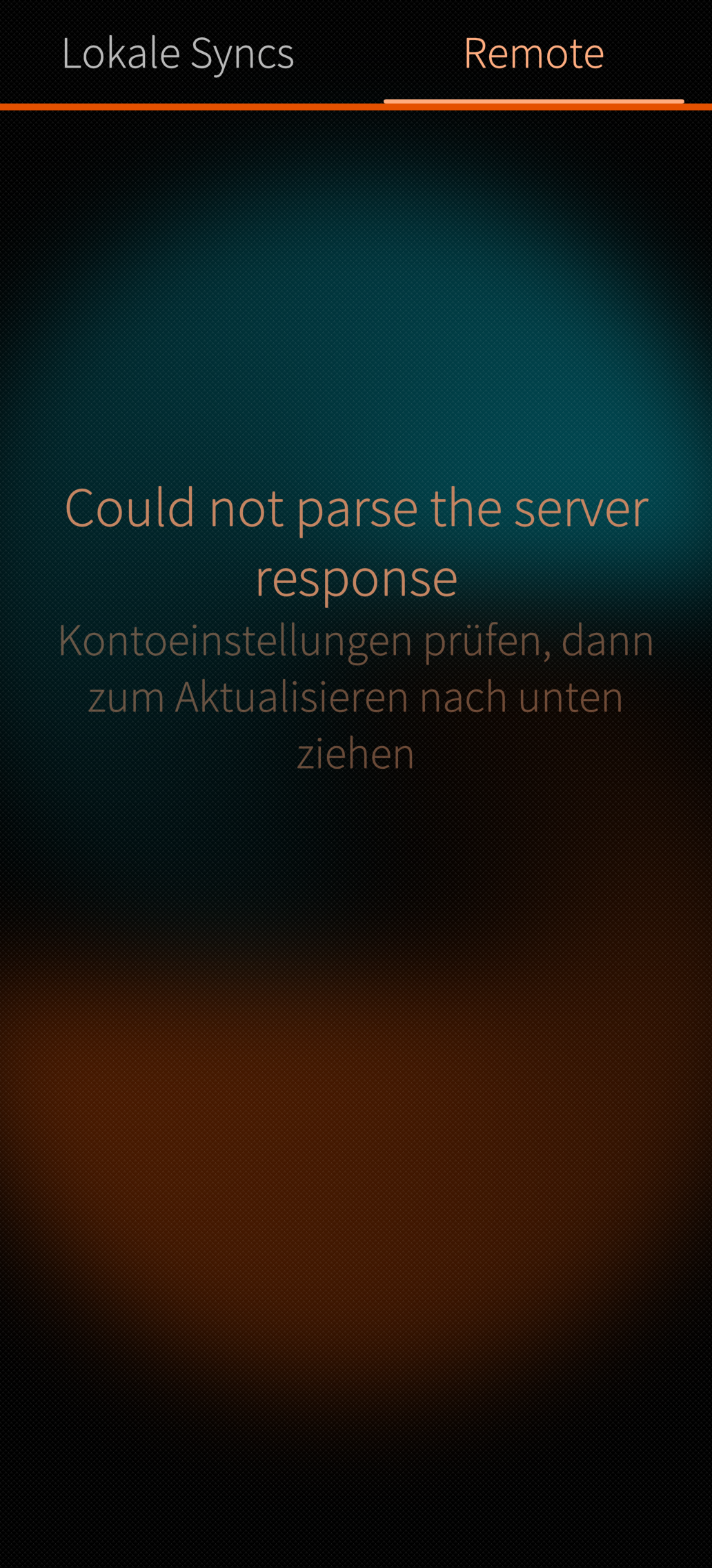
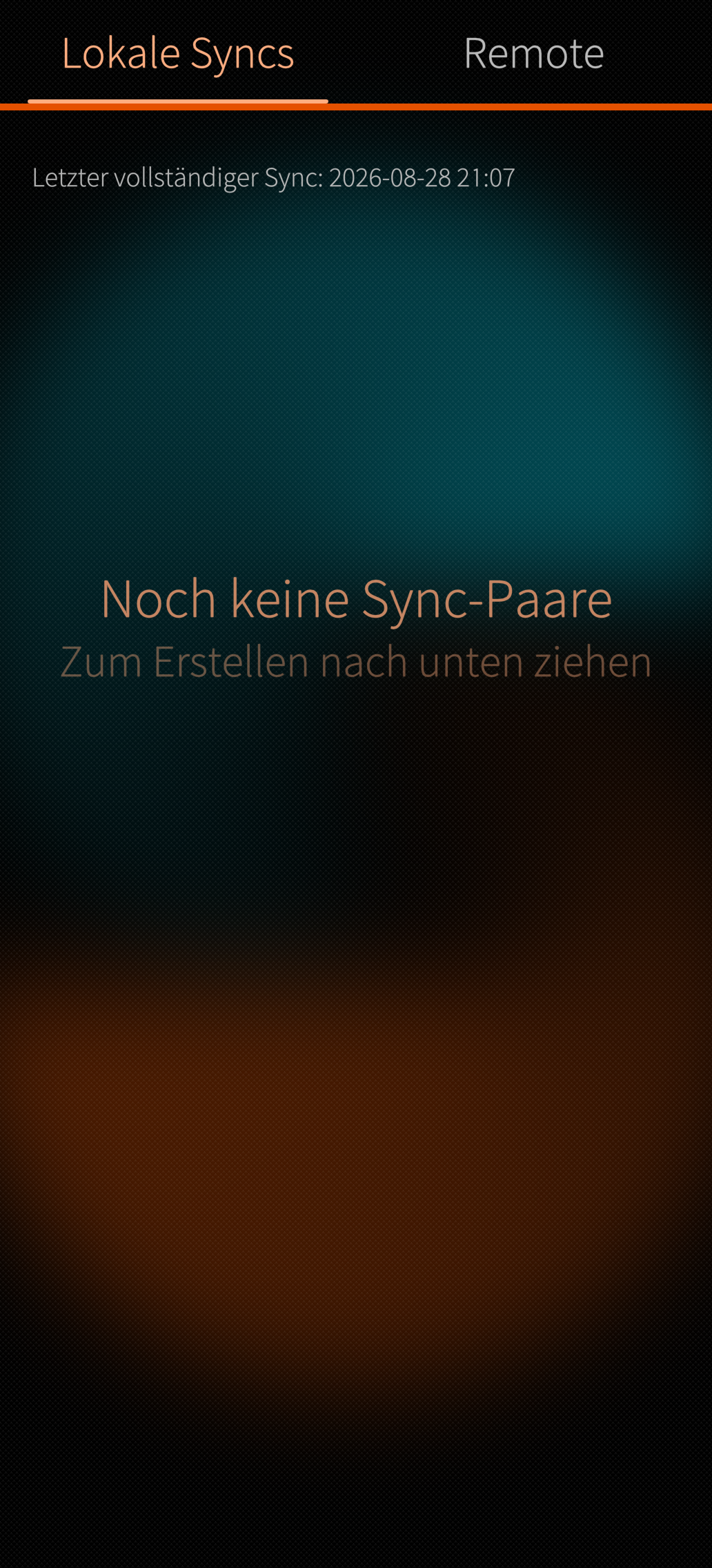
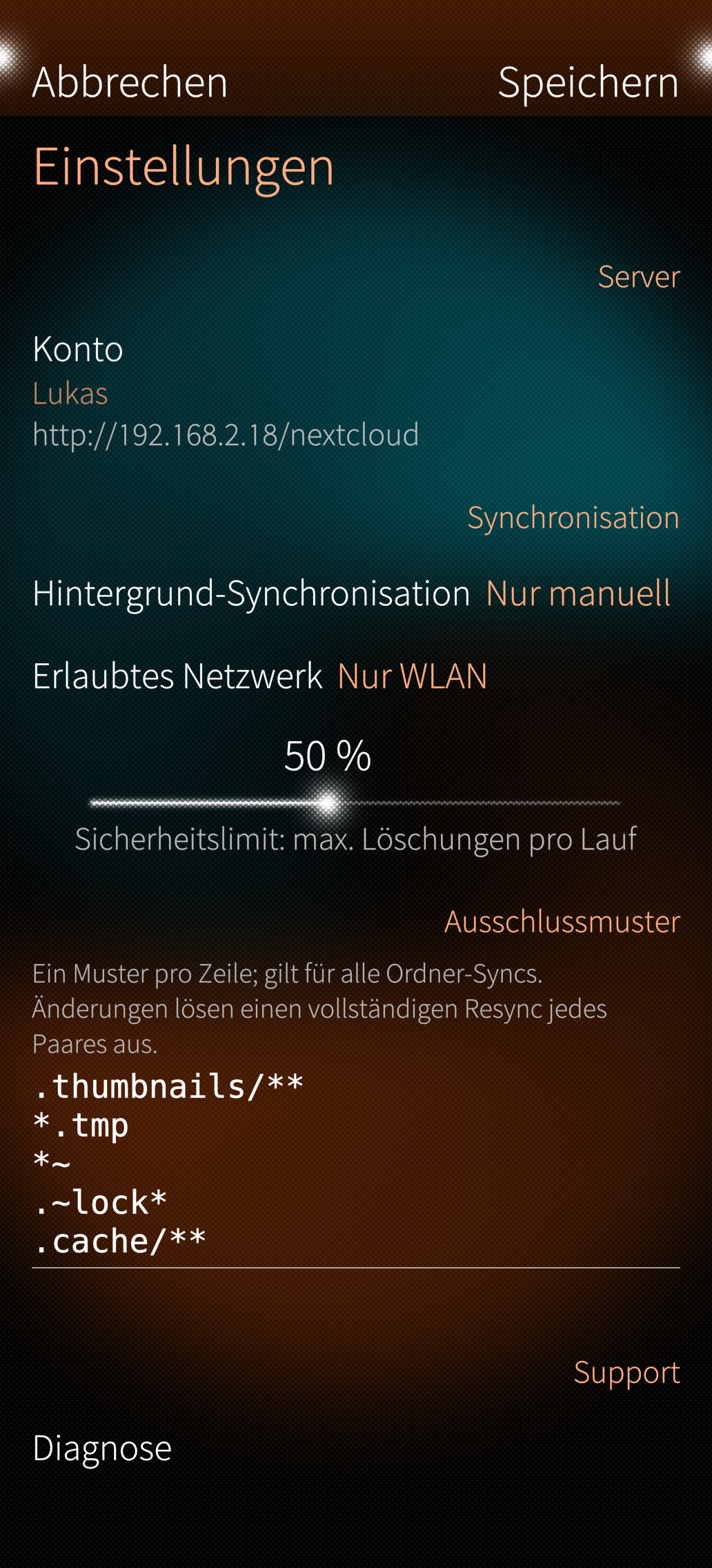
Have tried to get this working, but have a strange issue. Connection is fine, but ferry does not list the folder of my local nextcloud. When i try to make a new folder, it is done, as i can see on nextcloud web access but again nothing shown in ferry. The output is: can not parse the server response. Anyone some suggestions?
BR
Lukas
Edit: the diagnosis fails by four tests:
Network access: that’s ok, because i have my critical stuff in a local lan without internet connection
Sailfish secret test: complains about missing python3 dbus module?
The same to secret dbus inspection and secret roundtrip…
What does the Connection Test Show? Did he Found your Folders?
Can you add also a file or Picture to your empty Folder and retest again?