Looks like the one: Bintu Custom 6.38" 90Hz AMOLED
1 Like
In this image, the color balance seems to be okay, but the grayscale balance is off, causing distorted tones in dark and black colors.
J2 display type/brand listed by terminal command hw report was somewhere in the forum, but cannot find it now. But it was not that one.
weird, I dont have this green/yellow hue, okay I have the privacy screen protector it might hide it better
1 Like
Haha you were right it’s not LCD
With:
lsmod | grep -i panel
I get:
panel_vtdr6126_dphy_vdo_90hz_boe 163840 0
panel_xl_sd5207_dphy_vdo_boe 90112 0
yft_devinfo 57344 5 hynitron_spi,imgsensor_isp6s
,panel_vtdr6126_dphy_vdo_90hz_boe,hf_manager,panel_xl_sd5207
dphy_vdo_boe
panel_ocp2131_i2c 16384 0
mtk_panel_ext 20480 5 hynitron_spi,panel_vtdr6126
dphy_vdo_90hz_boe,leds_mtk_disp,mediatek_drm_v1,panel_xl_sd5
207_dphy_vdo_boe
So it’s a BOE made AMOLED panel with a vtdr6126 chip
I’m not sure about the protector and how much it gets in the way, but you can probably see something even with a lot of darkened layers on top of the display.
Before you go to bed turn off the phone and then power it on. With a proper OLED there should be just the Jolla logo lighting up with a slight halo effect around it and the rest of the display should be completed black, same as you see with the HMD in the photo.
If not, then you have the same issue.
Okay, I tested this with a (xperia 10 V) camera in pitch darkness and confirmed it’s there, though I never noticed it with the naked eye during normal nighttime use. It appears to shift between red, yellow, and green hues, and under certain conditions, the hue variation disappears altogether.
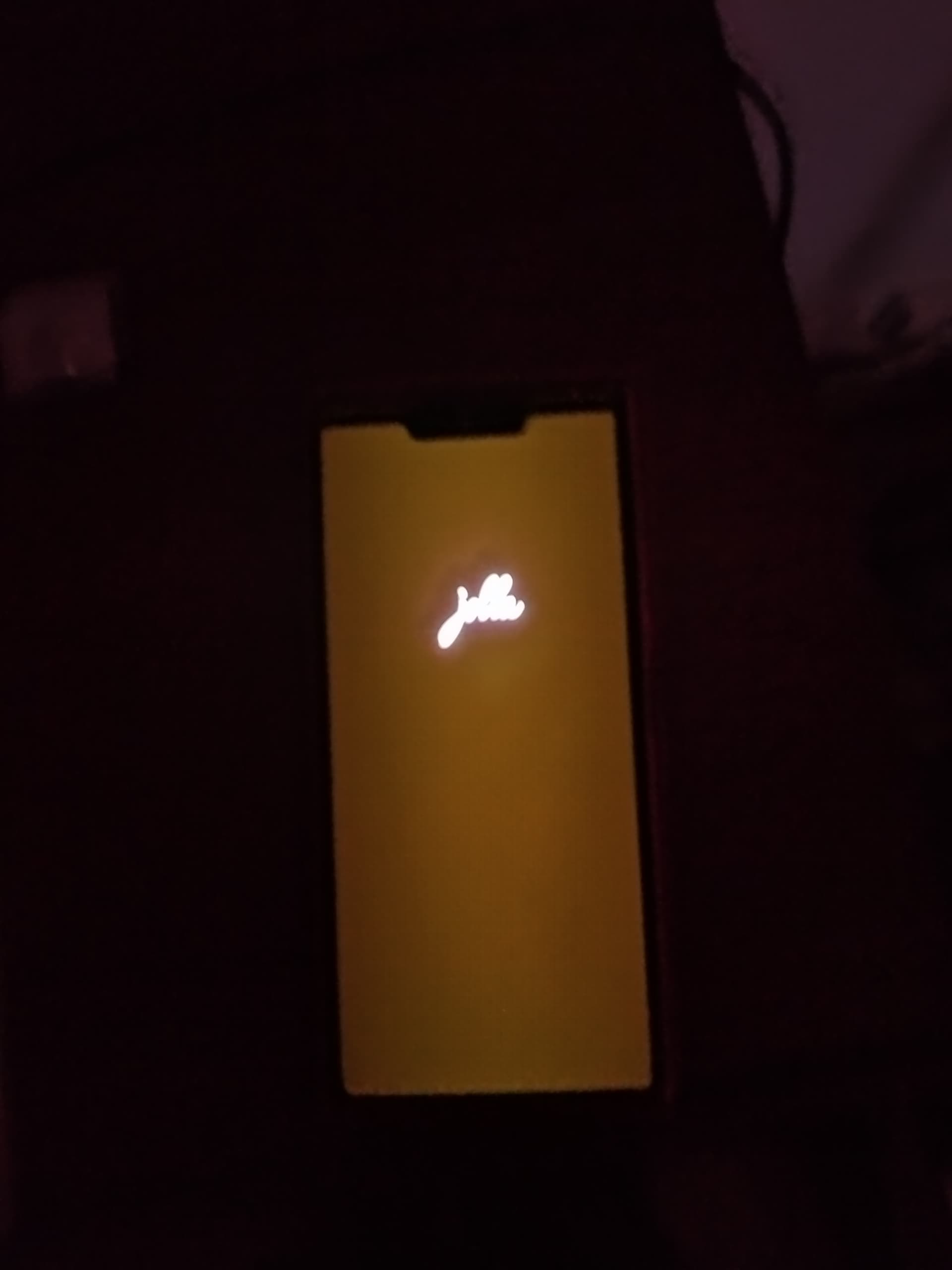
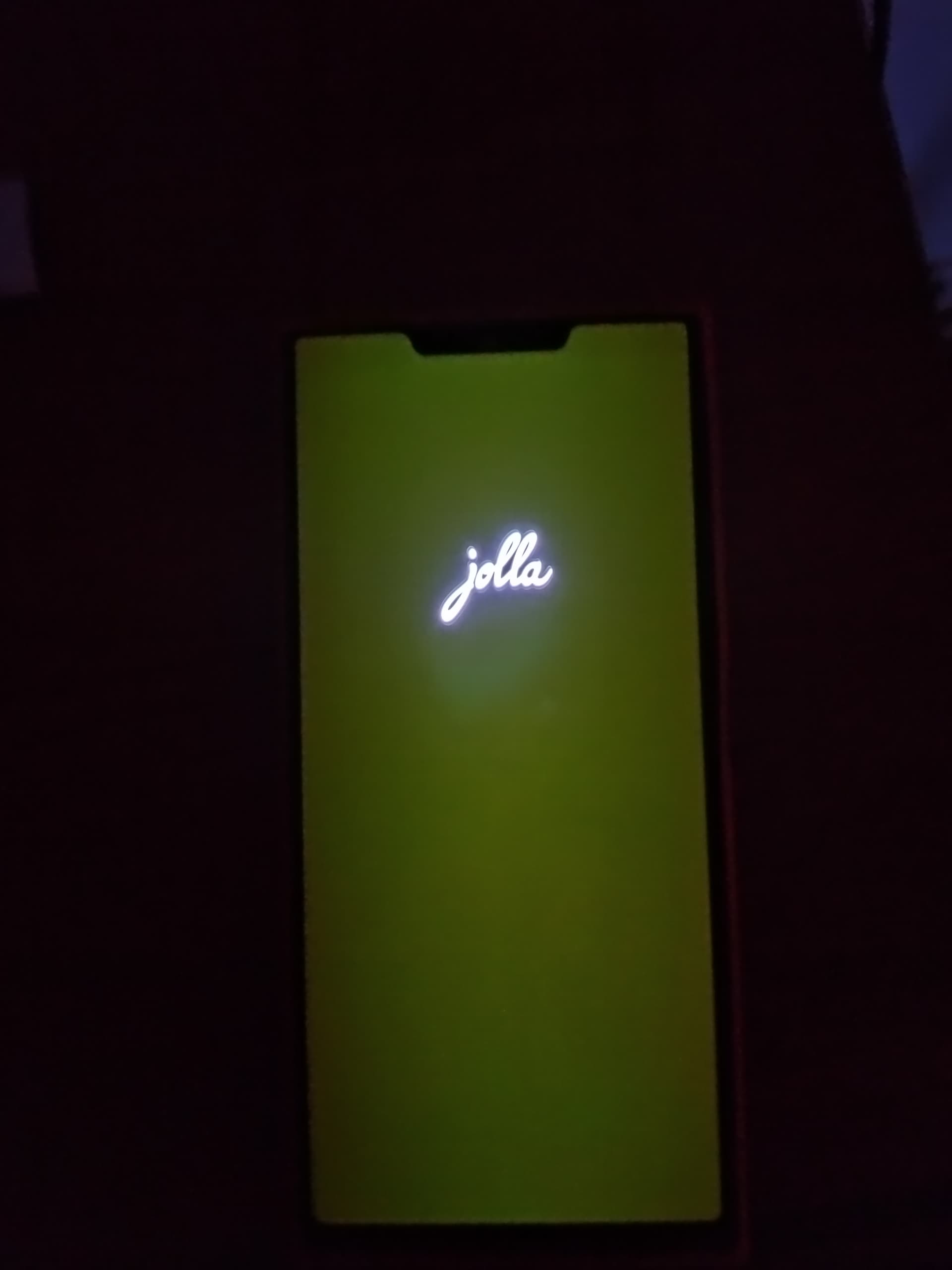
1 Like
Seems not all phones are affected.
I tried to stay 5 minutes in the dark to let my eyes get used to it and become more sensible.
Then, started the phone.
Just the Jolla logo and pure black.
Wouldn’t it be a hardware issue or some software thing stuck?
If my phone would be affected, I would try to disconnect the battery for some minutes, just to try…
1 Like
But so far it looks like every phone we’ve seen has this.
I was aware weeks before I received mine as an example.
I’m not sure if we should take apart anything now especially since most (or at least many) of us expect an email about dust under the camera.
1 Like
Right when the phone is starting, the screen is pitch black, but once the Jolla logo has been on screen for a couple of seconds, it gets the reddish-greenish hue. So extremely early in the boot process, the screen does actually work as it should, but then soon after, something changes, colours are shifted, and all the pixels are lit up with that hue.
1 Like
Battery change should be in the ability of user as it is sold as a removable battery phone.
Hence not voiding warranty.
Just a supposition though. I could be mistaken.
Protocol:
Do you confirm that after 5 minutes in a black room, I should see this green-black tint?
Or should I wait more?
Hm, ok. I’ll try again and wait more.
I think @jolla needs to look into this issue. Whether it’s a hardware problem or a software problem — if one person experiences it while another person doesn’t, then that would point more toward a hardware issue. But if most people are experiencing it, then the possibility of it being a software issue is much higher.
Which batch was your phone from? Maybe Jolla was already aware of this issue and acted on it quickly.
1 Like
An easier way to test instead of rebooting is to use CSD (Settings → About device → tap the build number a couple of times), run the ‘LCD’ test and tap the screen once for it to change to displaying black. The only pixels that should light up are the page indicator and the text at the bottom, everything else should not emit light.
Thanks.Tried. CSD, Black Picture, Boot, I’m not able to see this tint.
First half of the first batch.
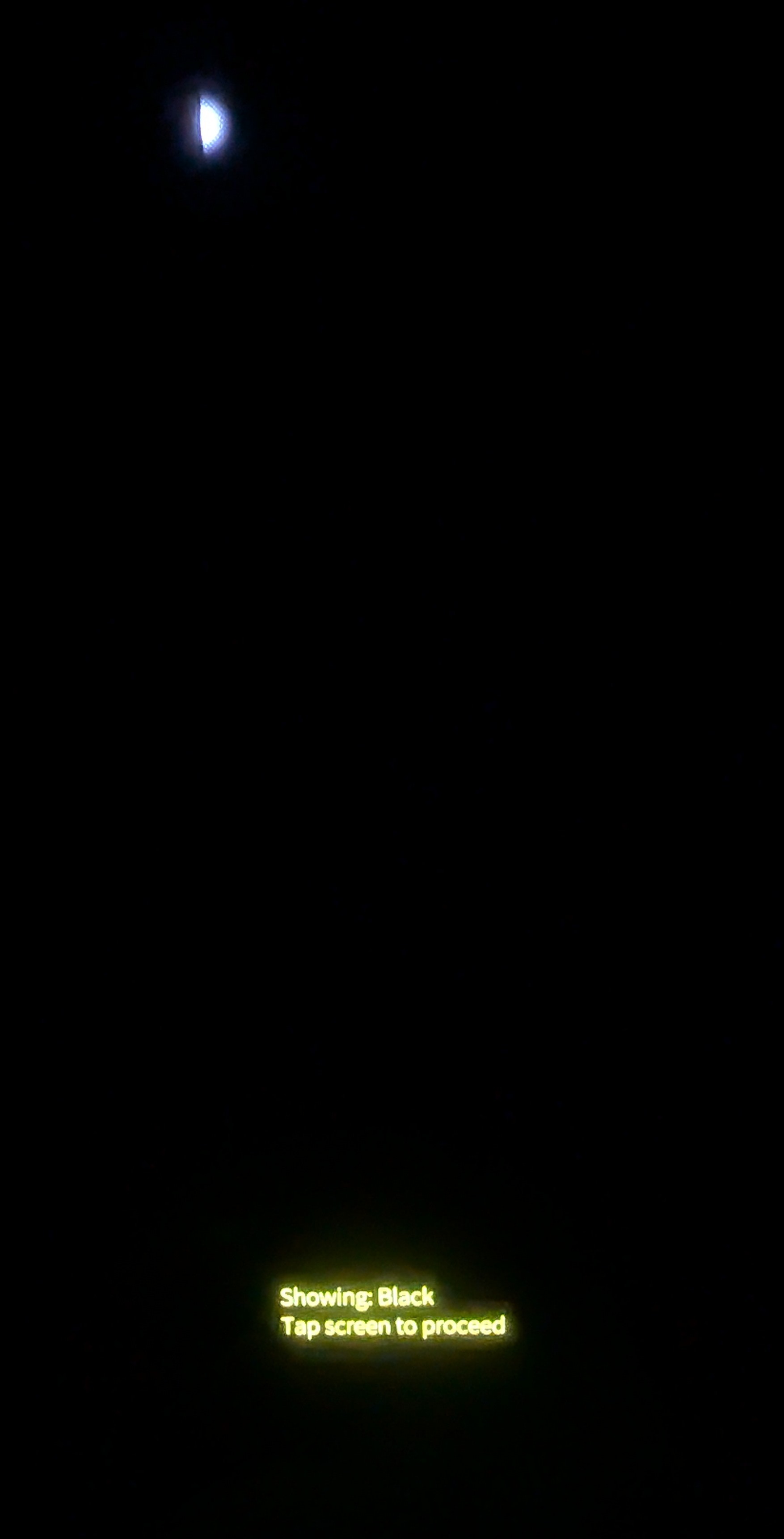

My results, photos taken in a dark(ish) room with FP4 BSG Google Camera port
Batch 1
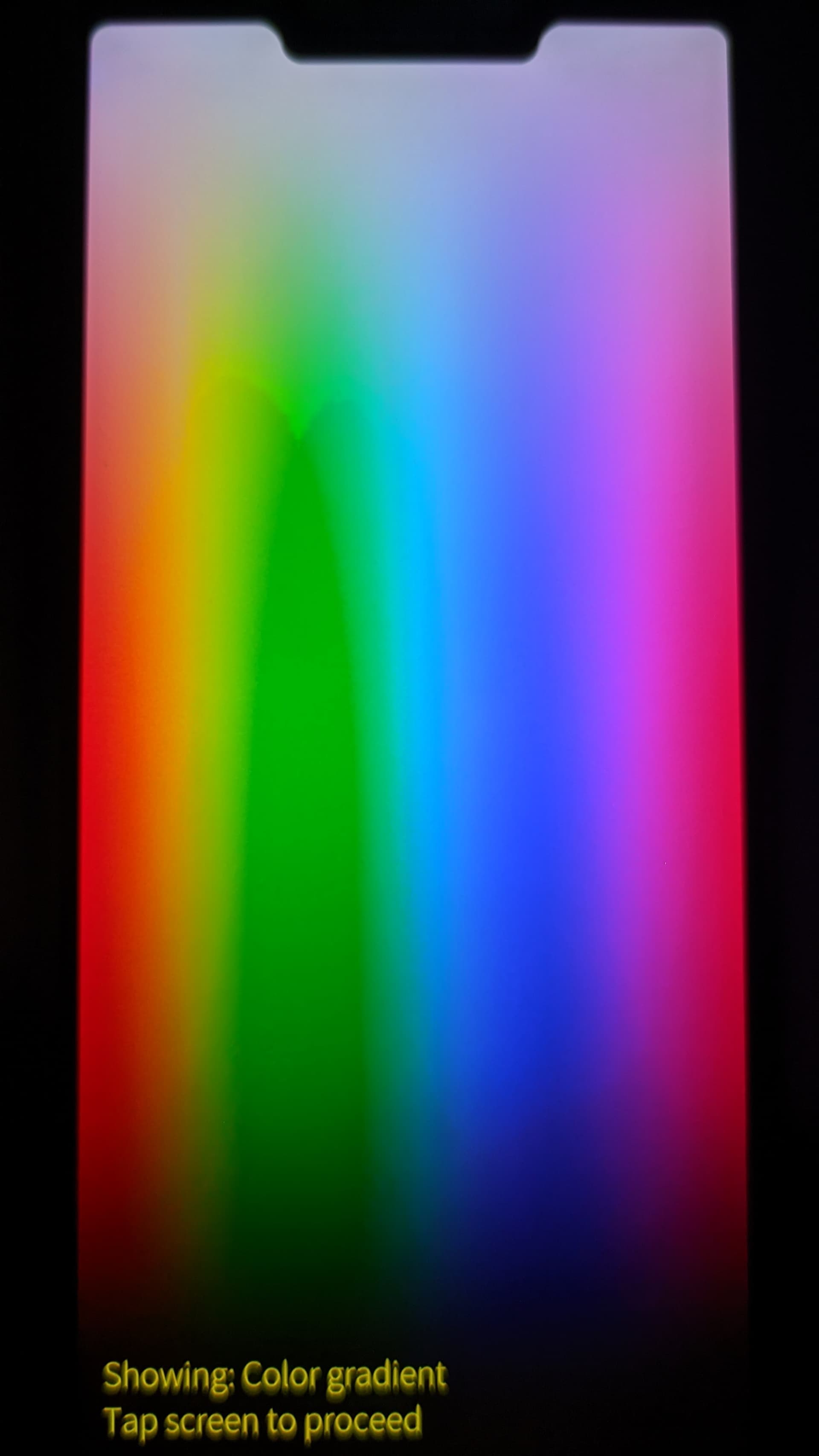
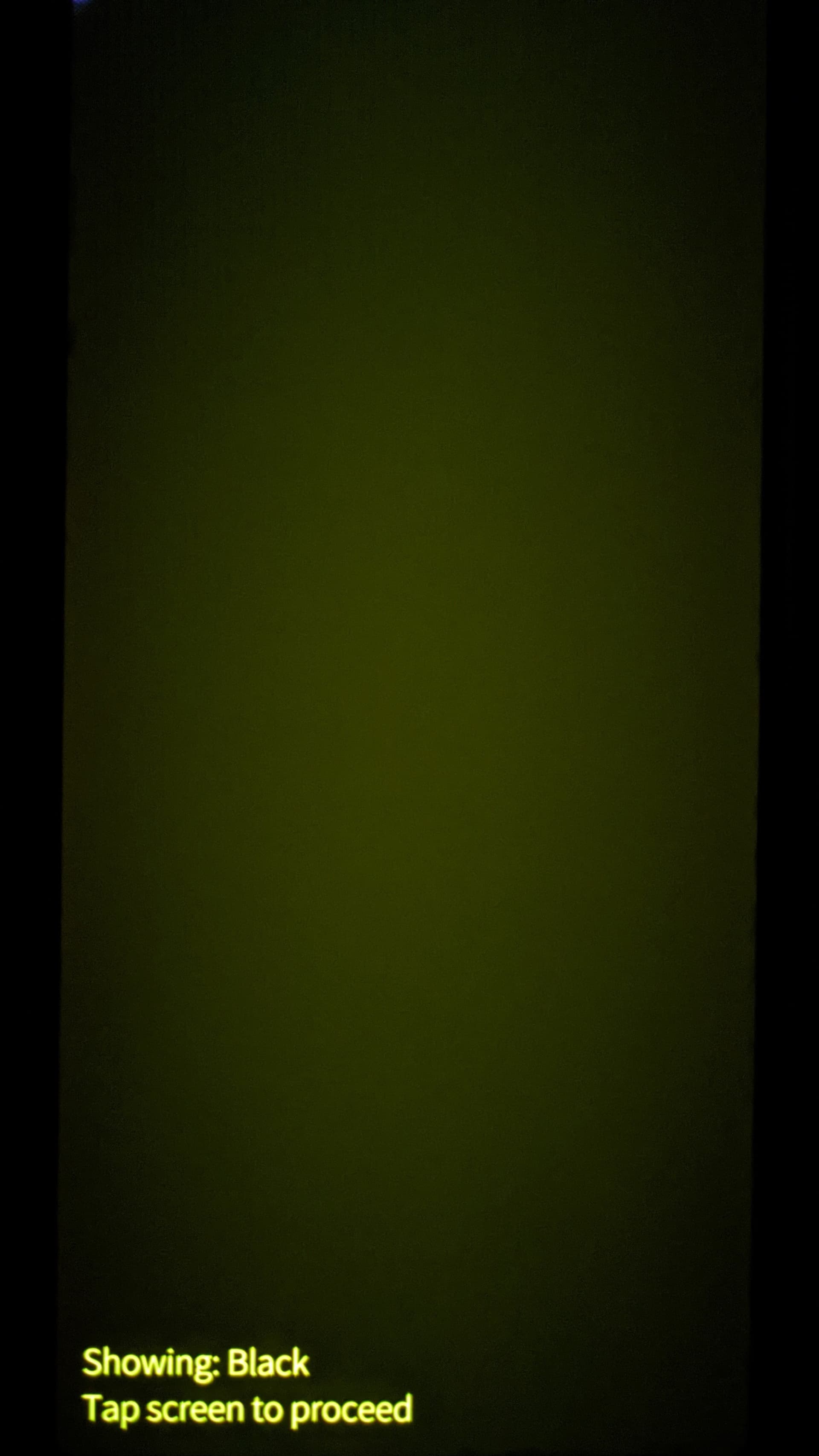
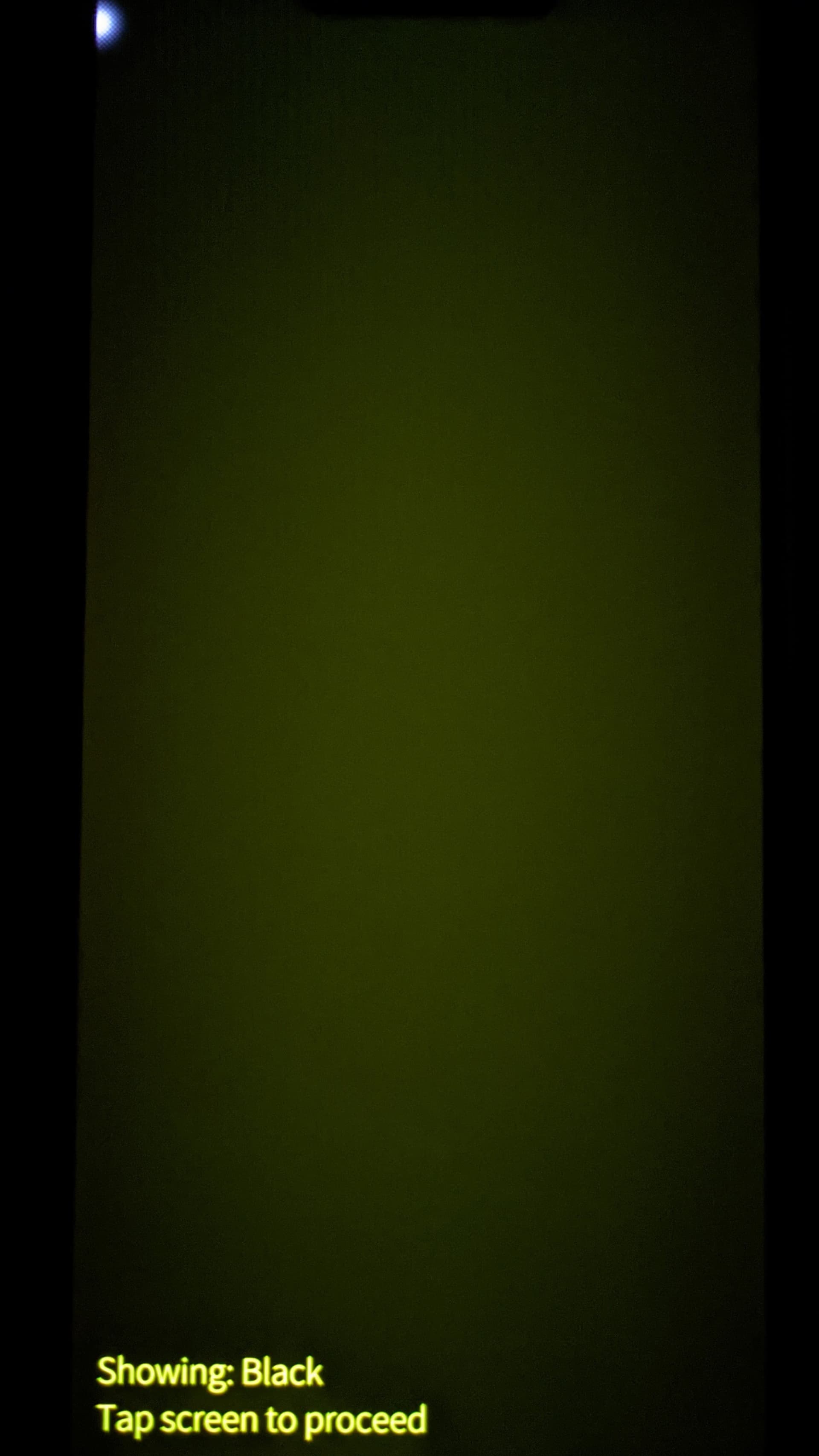
I’m sure my black isn’t black, not sure how to interpret those strange dark waves on the green in the color gradient test
2 Likes
It should be immediately obvious if your device has the same issue, no need to wait.
I have a wallpaper with a lot of black shapes and I can see the green hue even with the lights on indoors, but I use this wallpaper on my other phone as well so it’s immediately noticeable.
1 Like
A few replies have connected this to black levels — I don’t think they’re the same issue. Black is 0,0,0 in every colour space, so selecting a colour mode can’t change it.
Some tint on black at low brightness is a known AMOLED low-drive colour shift: blue and green need more voltage than red, so the balance wanders near the bottom of the range.
To compensate, some manufacturers write per-panel correction data into the display driver IC at the factory.
Viewtrix’s description of the VTDR6126 lists Demura, IRC and SPR as functions of the chip. That correction data however, is per-panel and written at manufacture, so it isn’t something the OS configures.
1 Like
I can’t see anyone connecting the problem to black levels. It’s just much more noticeable on black because the pixels should turn off, and they don’t. Although apparently it works correctly for some people, so the question is what the difference is between our devices and theirs.
1 Like