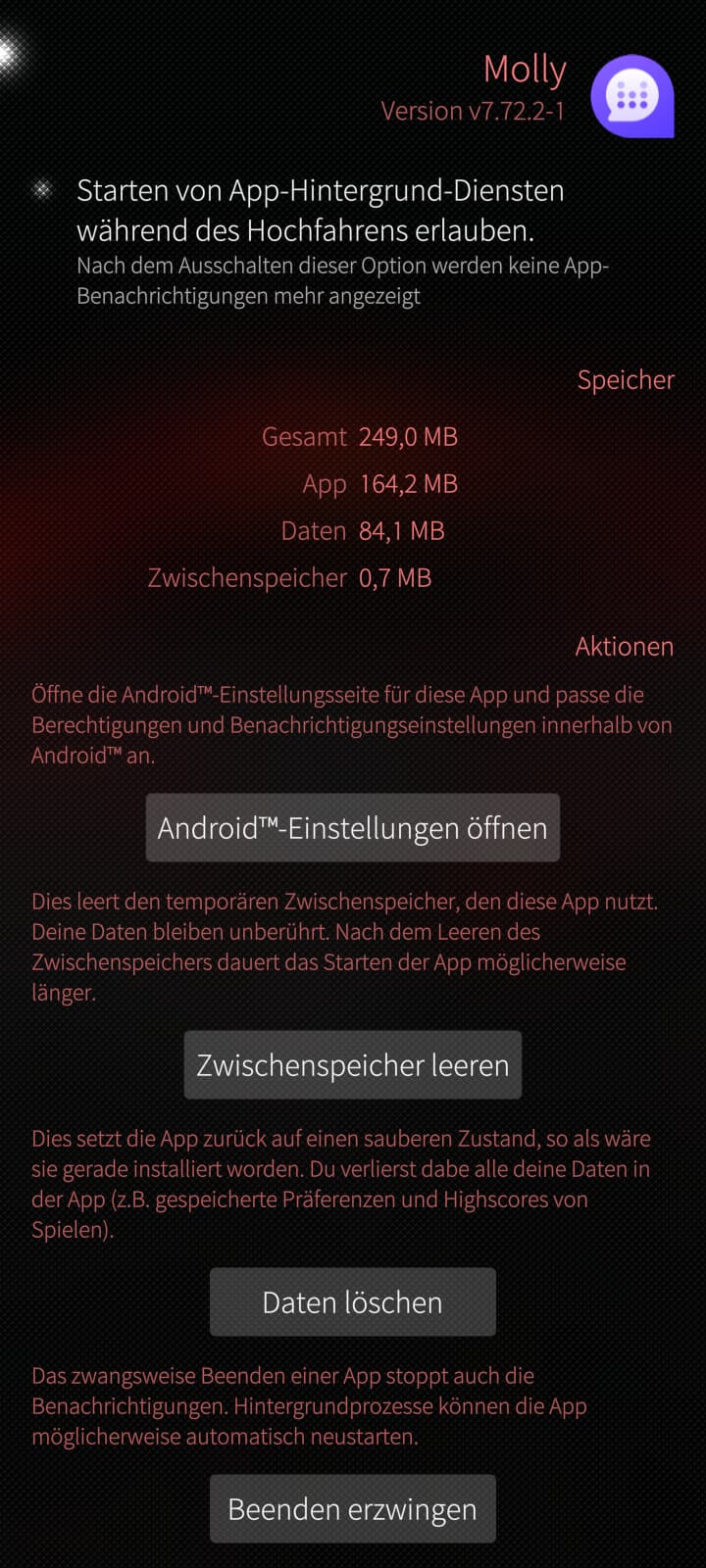
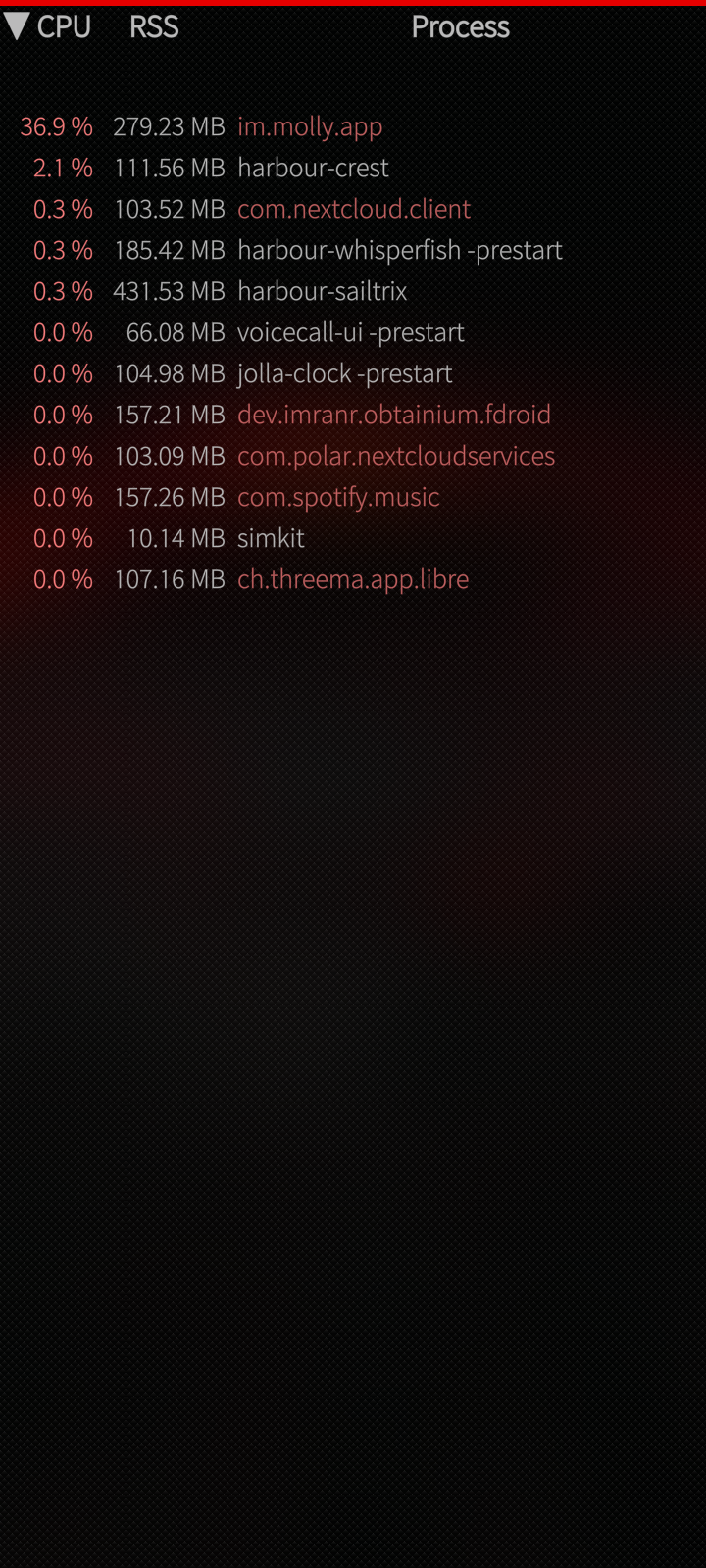
Hi everyone. I have a quick question. For example, in Graphene OS, I can set it so that an Android app isn’t allowed to run in the background. I’d like to be able to do that with AAS as well. I mainly use Whisperfish. However, for video calls, I have to switch to Molly. I haven’t enabled background app running, and I’ve disabled all notifications in the Android settings. Yet Molly consistently keeps running in the background. I’d like to stop this. Does anyone have any tips?
2 Likes
See: Whisperfish - The unofficial SailfishOS Signal client - #1641 by crun and the reply.
I also would like to know how to disable “autostart” of the molly daemon (or any other “autostart”) when AAS starts. I can always stop it afterwards by just killing AAS.
This happens also with watchapp, gadgetbridge and home assistant android apps. I found that if you go from settings to the specific app and press the “force stop” button 5 - 6 times, it actually stops. Another thing is that even if you don’t start the specific app (whatsapp for example), but start any other android application, even when Android support isn’t running and starts then, whatsapp appears to run. Even to Gadgetbridge that is opensource and has an option to disable background running, it runs.
1 Like