Is there any apps or way to track which apps are using data and how much?
2 Likes
On the SFOS side of things i don’t believe that is possible.
I also can’t really imagine any reason do do this for native apps. What problem are you trying to solve - or are you just trying to replicate Android functionality for no real reason?
There probably exists or can be made something for the AAS side of things, but i’m not a heavy user of that, so i have not looked in to it.
1 Like
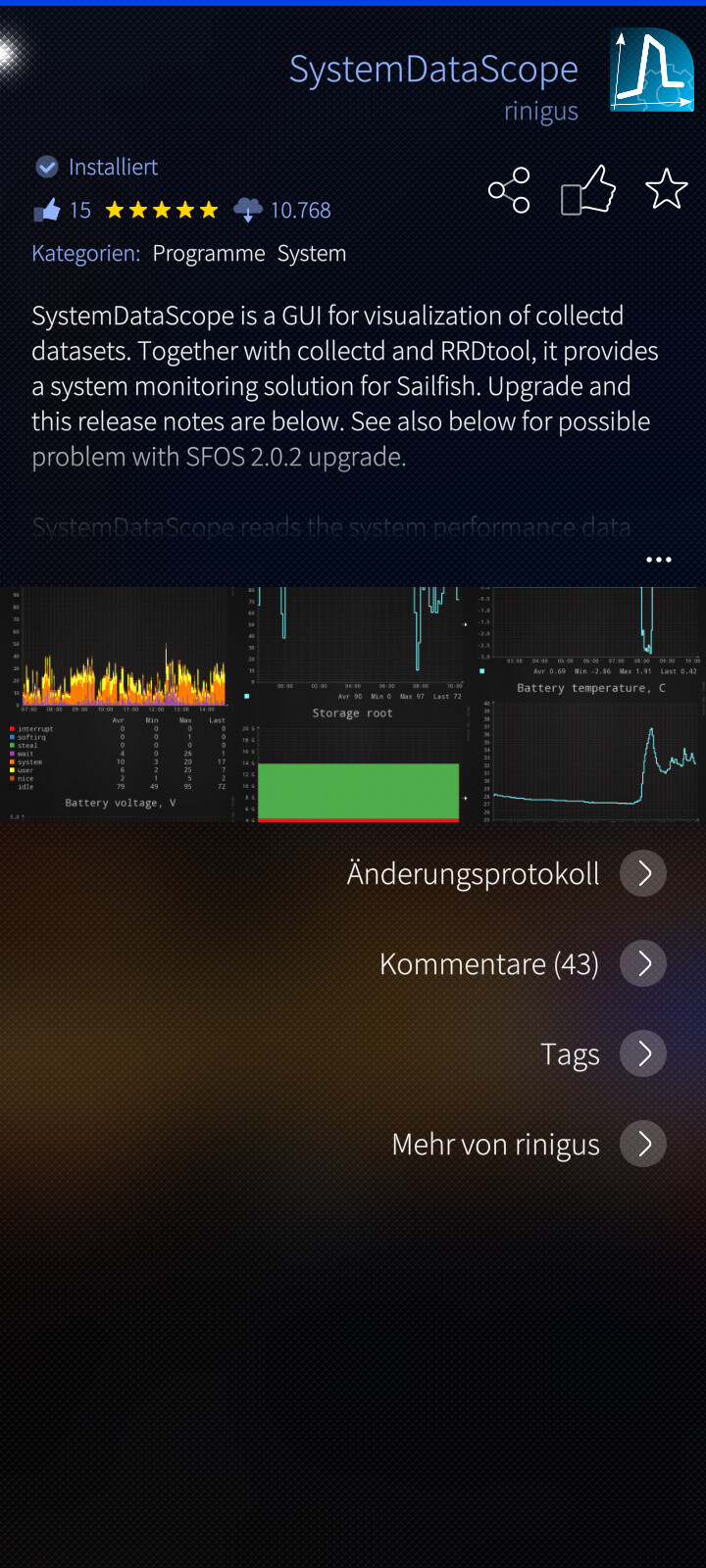
I have not heard of any native SFOS app that could track how much and what data outflows from individual apps. However, if you want to check the overall picture of how much data at what time and how much energy was consumed, I recommend SystemDataScope (by Rinigus) with every possible details regarding the system or a bit more simple Sysmon (System Monitor by Basil, Rinigus and Arno Dekker) app. Both can be found in Storeman respectively in Chum (alternative SFOS stores).
2 Likes
Thank you! I’ve actually forgotten about those apps. But I can add that System Monitor is available in 32 bit only. Don’ know about the others.
Don’t know if it’s really applicable, but there is also is this Monit app by @nephros, available on chum.
Never tried it, but CollectD also might be an option.
1 Like
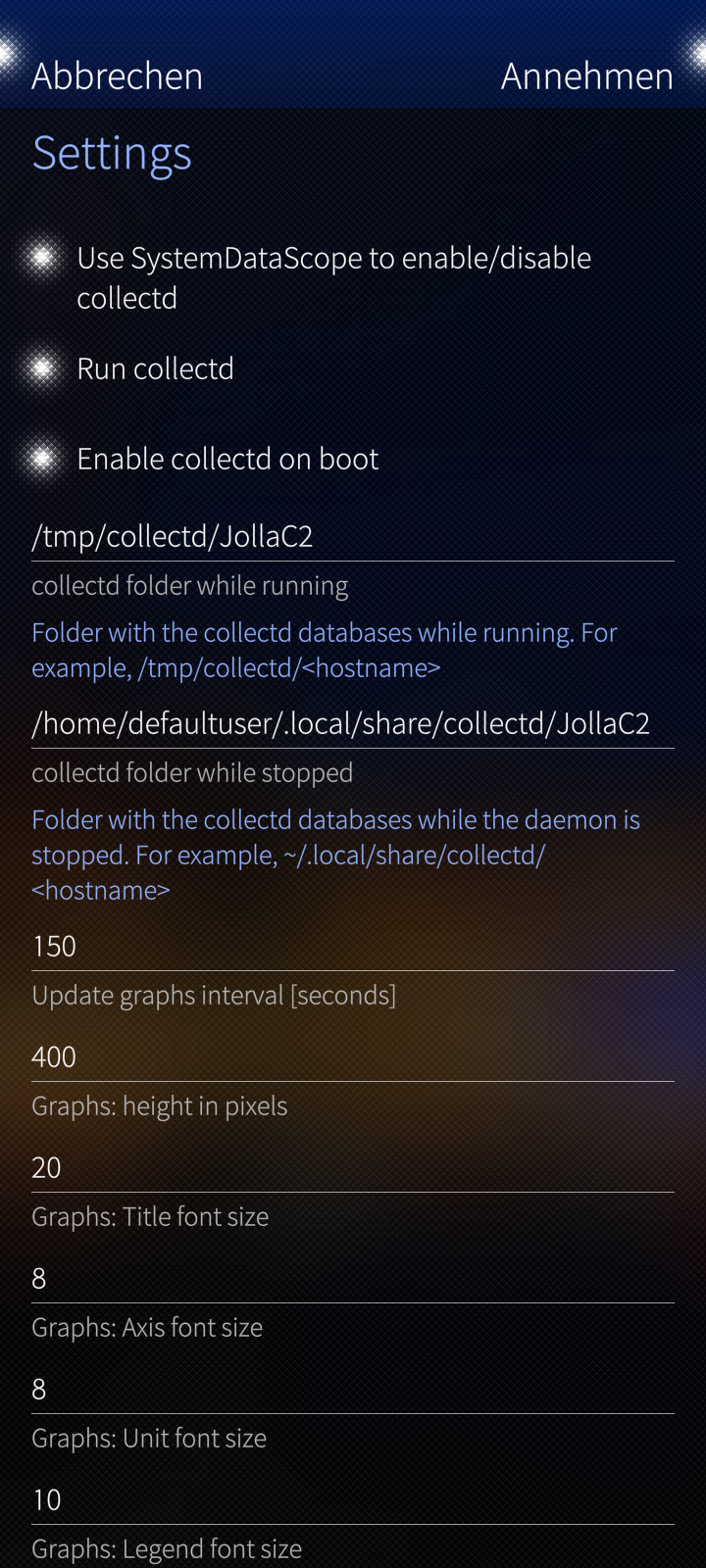
You,'re welcome @eson and I just wanted to mention that there is a 64-bit forked version of Sysmon by Ade at Openrepos.net (StoreMan). In case you choose the detailed SystemDataScope app, I would install it from Chum since it receives updates only there. This is the only app that is able to plot power consumption (mA) values vs time besides many other important system measures, thanks to RDDTOOL and collectd. This shows that SFOS is most of the time quite efficient in power consumption (especially the C2…if working well ) and no tracking by native apps was noticeable to my observations. I wrote in an research article (http://doi.org/10.1002/sd.2995) that the Duopoly doesn’t want to make such data available for users since this would reveal their systematic tracking on the system level, I mean location tracking and over evil stuff. We are lucky that the tracking industry is not working with Jolla and hopefully will never do but the Duopoly does. In case you have difficulties to get SystemDataScope app running, please check the guide by Rinigus. Just in case, here are my settings:
1 Like
@svalmont I totally forgot about the app called Lighthouse (v1.7.0) by Almindor which you can find in the alternative SFOS stores (StoreMan & Chum) but unfortunately not at the Jolla store. This app has the option to track the CPU usage of each running app and process. Please check within the app under process section and then via pulli-menu the show applications section. Surely you could use the Terminal for this but Lighthouse provides a nice graphical way and has all possible info at the minimized app card.
Yes, I finally found it. 
I know about SystemDataScope, I used it a lot years ago but somehow I decided to not dig that deep. After all… the phone is a device that is meant to make my life easier, not to make me worried about this and that. 
Still, it’s a very good tool to have if something goes south.
Edit:
You know what? I’ve actually translated System Monitor into Swedish! So much for my memory… 
2 Likes
Lots of data use on one particular day, and I wanted to see what app caused it.
Install nethogs from chum and leave it running for a while, you will get app/process names of biggest offenders, caught meecast downloading 500mb in 2h at some point when my GBs ran out surprisingly quickly (not sure if it looped or something but one provider was borked and update fixed it to normal levels), maybe someone can build a gui/service around it