That’s a bit thin. What exactly did you do? How do the files you edited look now?
@RootGPT you should test step-by-step instructions yourself (incl. a reboot), triple-check what you wrote and use code tags where appropriate:
`code tags`
That’s a bit thin. What exactly did you do? How do the files you edited look now?
@RootGPT you should test step-by-step instructions yourself (incl. a reboot), triple-check what you wrote and use code tags where appropriate:
`code tags`
Thanks for reply. I’ve executed exactly what @RootGPT explained in this post : Custom ZRAM Optimization (4 GB + Swappiness=20) for Xperia 10 III — Guide Available - #38 by RootGPT
and after the last reboot (after modify /etc/fstab with /home/defaultuser/.swap/swapfile) the phone can’t reboot. It stay on a black screen after the Sailfish OS logo (I don’t know if it’s off or crashed)
you could try to boot in recovery, use telnet (from pc) and undo the changes to fstab
Thanks, i’ve tried, but on my laptop, the USB connection don’t work with fastboot… I’ll try tonight at home.
It seems you’ve messed up something. Always do have a backup and a compatible USB cable + fastboot, when doing such a mods!
Apart from that, after couple of days testing, this tweak makes my XA2 usable again!
Big Ups!
edit: On my main device - the X10 III - I’m about to test 2gigs of ZRAM and no swap @all.
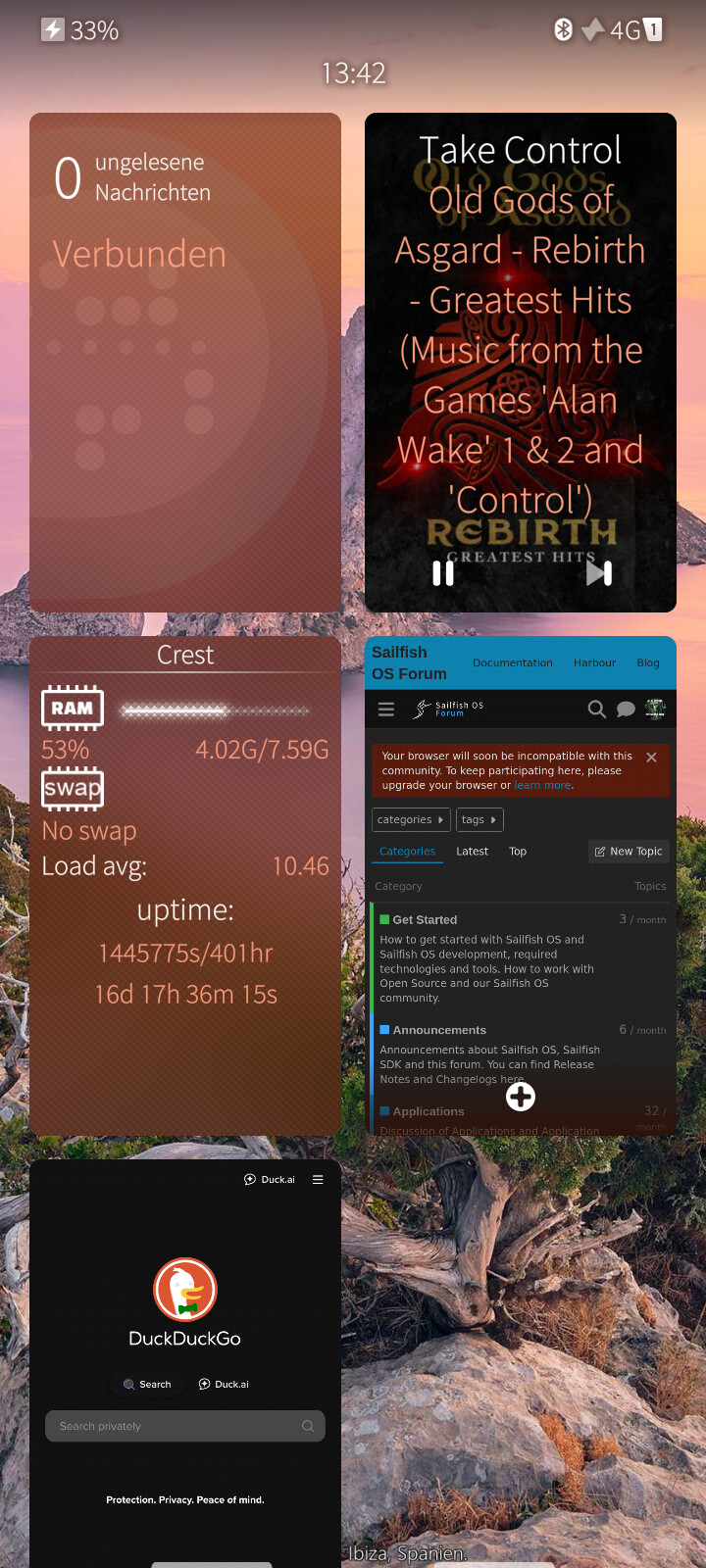
J2 will have 12GB RAM, so no Problem. Even on my Jolla C2 with 8GB RAM i was able to turn off swap completely, because i never reach even the 6GB barrierer. Here with two Browsers open:
I beg your pardon… After looking into it more carefully, I think I finally understood the issue.
Swap placed in /home/defaultuser/.swap/swapfile blocks the boot because that directory does not yet exist when the system tries to activate swap.
During startup, the kernel attempts to enable swap before user home directories are mounted.
Result: the file isn’t found → error → boot interrupted or slowed down.
My apologies, I genuinely didn’t know.
I’ll go and correct my previous post right away (dome now, it’s ready).
Please, when you have a moment, let me know whether you managed to fix it and if everything is working now with this procedure.
Thank you so much!
The alternative would be to create a 512 MB /swapfile instead of 1024 MB. That way the root partition would remain free enough for future updates (hopefully…).
No problem ! I’ll try to boot on recovery mode tonight and change fstab…
You’re right, and I apologize for my carelessness.
After looking into the issue more thoroughly, I finally understood where the mistake was.
Placing the swapfile in:
/home/defaultuser/.swap/swapfile
doesn’t work because the user’s home directory doesn’t exist yet when the system activates swap.
During boot, in fact, the kernel tries to enable swap before user home directories are mounted.
Result: the file isn’t found and the boot is blocked…
Thanks a lot for pointing this out.
I’ll correct what I wrote earlier right away.
I mean also the very small system partition. That on 10III with many apps installed, the free space on system partition is not enough to perform the system update.
I have update to 5.0.0.73 versione two days ago. It’s all ok. I have free 800mb in root partition.
It does not make any sense because or it is still on root or on not mounted and decrypted home partition.
In 10III you can use 4gb of ZRAM.
Wherever you put the file, you may consider adding nofail to the fstab mount options entry, to communicate it’s OK if the file can not be found for some reason.
Like this?
/home/.swap/swapfile none swap sw,nofail,pri=-2 0 0
This is a great team’s work! Thanks to you all!
Do you recognize the difference between physical and logical partition?
A swapfile is not a physical or logical partition.
It’s just a regular file inside an existing filesystem, and SailfishOS supports it without issues.
That’s why /home/.swap/swapfile is perfectly valid.
UPDATE: No, It isn’t valid! 
@mkz before you try to restore the fstab files, read all the discussion and the modified procedure for your case.
Unfortunately, placing the swap file in the home partition doesn’t work…
I’ve rebooted my 10ii without swap and it works well now with only 4Go of zRam 
Thanks for all!
Thank you for your thanks, but in reality I just made you waste time because I was incorrectly convinced about the swap reading order. Apparently the swapfile can only be placed in root or in /var.
By the way, you can create a swapfile in root smaller than 1 GB; 512 MB should work fine.
Thanks to you, because even if it wasn’t your intention, you ended up acting as my debugger, and today I truly learned a lot thanks to you and everyone else who took part in this discussion.