@moderators if that is not the right part of Forum, please move the topic.
I tried to find similar topic, but I don’t see one, so starting the new one.
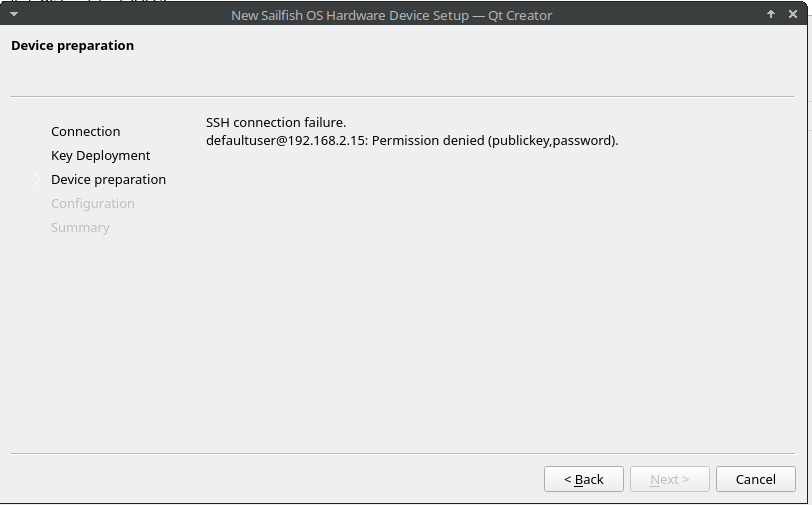
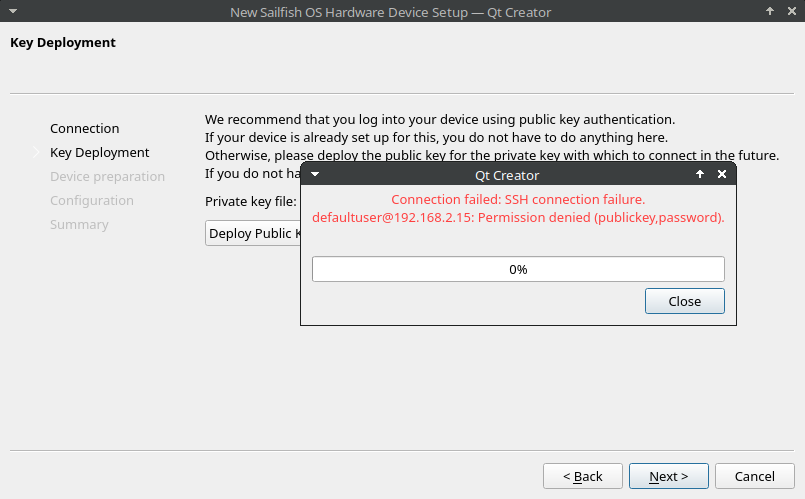
I am now on the point, that the Sailfish SDK is installed (MX Linux, debian based with offitial debian kernel). Example APPS are working now in the emulator mode. Now I am trying to setup the USB connection in development mode, but this is not working. Here is the HowTo: Your First App | Sailfish OS Documentation . If I folow all the stepps, in the wizard I have no connection to the phone with error:
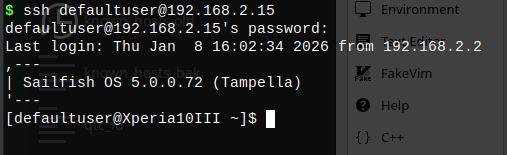
That’s quite strange, assuming you entered the password correctly. Anyway, you should be able to deploy the public key manually as well. Just add it to .ssh/authorized_keys on your device.
Sometimes I have had problems to connect the SDK to a device. My possibilities have been USB cable, home WLAN and sharing the network from my Jolla C2 device. I have ended to the situation that I share the connection with my Jolla C2 device. The good point is that the device ip stays always the same 172.28.172.1 which helps SDK setup to stay fixed when managed to get it to a working status.
For other devices I create only rpm files manually and move them to the devices manually with the cable and install them by Filemanager. Sometimes it is easiest to utilize Chum testing for older devices than try to develope straight with SDK.
I have a docker version of the SDK. One day in history I messed my VirtualBox and did not have power to find what is wrong.