Hi!
Any news on the main 1.0 sensor hack?
Its the only one not working at the moment on the 10 V , am I right?
No, only the 2.0 wide back lens and front selfie lens work on the Xperia 10 v. The 0.6 and 1.0 lens do not work, and if you select them it will crash the camera app.
Similarly trying to record video will also crash the app.
Finally these lenses only work in the native Jolla camera app. I haven’t found any other app that they work with (maybe because they do not use the Camera 2 API).
I made a fix for the flashlight / rear LED on the official Sailfish port for
Xperia 10 V, and I want to share it.
Stock flashlight opens the main camera (device 0). On the 10 V that sensor
fails power-up (OIS / cam_vaf), so the LED never stays on. The ultrawide
(device 3 / “2.0”) can drive the same flash.
This replaces the session flashlight service and keeps video-torch on the
ultrawide. Photo flash also works on rear “2.0” with Flash On.
Flashlight fix for Xperia 10 V (GitHub)
Needs the Camera2 provider running first, e.g.:
/vendor/bin/hw/android.hardware.camera.provider@2.5-service_64 &
Tested on Xperia 10 V, Sailfish 5.1.x. Feedback welcome. 
6 Likes
Here is how Opencode big pickle AI was managed it working:
How to get the camera working on Xperia 10 IV (XQ-CC54) running Sailfish OS — flash the Android 13 Sony blobs (v3a murray)
This thread describes a reproducible way to bring the camera up on the Xperia 10 IV (“murray”) with official Sailfish OS. The camera HAL that Jolla includes crashes on the bundled blobs; flashing the Android 13 vendor image for murray fixes it. On my device this is verified working — viewfinder and photos.
TL;DR
1. Unlock the bootloader (Sony developer site) if not already done.
2. Download "Software binaries for AOSP Android 13.0 – Kernel 5.4 – Murray (v3a)":
   https://opendevices.sony.net/file/download/software-binaries-for-aosp-android-13-0-kernel-5-4-murray-v3a
3. Unzip → you get SW_binaries_for_Xperia_Android_13_5.4_v3a_murray.img
4. Reboot to fastboot (with the phone powered off, hold Volume-Up and connect USB).
5. fastboot -S 100M flash oem_a SW_binaries_for_Xperia_Android_13_5.4_v3a_murray.img
6. fastboot reboot
7. Open Jolla Camera → enjoy.
Background — why this works at all
The official Sailfish flasher for XQ-CC54 installs the Android 14.0 v3a murray Sony blobs into the oem_a partition (see flash-config.sh: flash_blob oem_a *_v3a_murray.img).
On Android 14 v3a blobs the camera HAL (android.hardware.camera.provider@2.5-service_64) dies with SIGSEGV (SEGV_ACCERR) right after opening /dev/media0//dev/video*, while CAMX loads its node components from /odm/lib64/camera/components/*.so. No amount of kernel/HAL debugging helps — the crash comes from the wrong blob, not from a bug you can patch.
From the existing giant threads (Xperia 10 V camera community work and the “trying to download the v4b blob” one) people found that on the 10 IV the camera works with the Android 13 binaries: v3a and v4b murray. So the plan is simply to flash the Android 13 vendor image.
Note: there is also an Android 13 v4b_ murray release, but every official mirror currently returns a 243-byte AccessDenied XML instead of the real file. The v3a Android 13 link above is the one that works. And please — do not flash the Android 13 v4b_ zambezi (10 V) image: the 10 V uses a different camera sensor (imx582 vs imx486 on the 10 IV).
Requirements
- Unlocked bootloader — fastboot must report
secure: no,unlocked: yes. If your device is locked, follow the Sony bootloader-unlock instructions first; fastboot will refuse to flash otherwise. - A USB cable, fastboot/adb tools, and a computer.
- Optional: an image of the current
oem_abefore overwriting (a full backup of the partition is the safest habit).
Step-by-step
1. Download the blobs
https://opendevices.sony.net/file/download/software-binaries-for-aosp-android-13-0-kernel-5-4-murray-v3a
File to get: SW_binaries_for_Xperia_Android_13_5.4_v3a_murray.zip (~181 MB). Verify the zip is a real zip (the broken v4b downloads are 243 bytes).
2. Extract the image
unzip SW_binaries_for_Xperia_Android_13_5.4_v3a_murray.zip
→ SW_binaries_for_Xperia_Android_13_5.4_v3a_murray.img
It is an Android sparse image (magic 3aff26ed, expands to 204800 × 4096 = 838 860 800 bytes, volume “odm”) — that’s expected.
3. Boot the phone into fastboot
Power the phone off, then hold Volume-Up while plugging the USB cable into the computer. The Xperia shows a blue indicator LED (it has no readable “fastboot” text). Verify on the PC:
fastboot devices
4. Flash only the oem_a partition
fastboot -S 100M flash oem_a SW_binaries_for_Xperia_Android_13_5.4_v3a_murray.img
The -S 100M part is important: the bootloader reports max-download-size: 805306368 (768 MB), but the expanded image is 800 MB. A plain fastboot flash oem_a <img> sends the whole thing in one go and fails with
FAILED (remote: 'Requested download size is more than max allowed')
With -S 100M fastboot splits the transfer into five sparse chunks and the flash finishes in ~18 seconds (each chunk prints Sending/Writing … OKAY). Only oem_a is touched — Sailfish OS and your user data stay untouched.
5. Reboot the phone
fastboot reboot
The phone will boot normally (it may ask for your encryption unlock code — that’s expected).
6. Start the camera HAL and open Jolla Camera
The HAL is started by a systemd user unit so it survives and stays alive:
/usr/lib/systemd/user/harbour-camera2.service
ExecStart=/vendor/bin/hw/android.hardware.camera.provider@2.5-service_64

systemctl --user status harbour-camera2.service    # active (running)
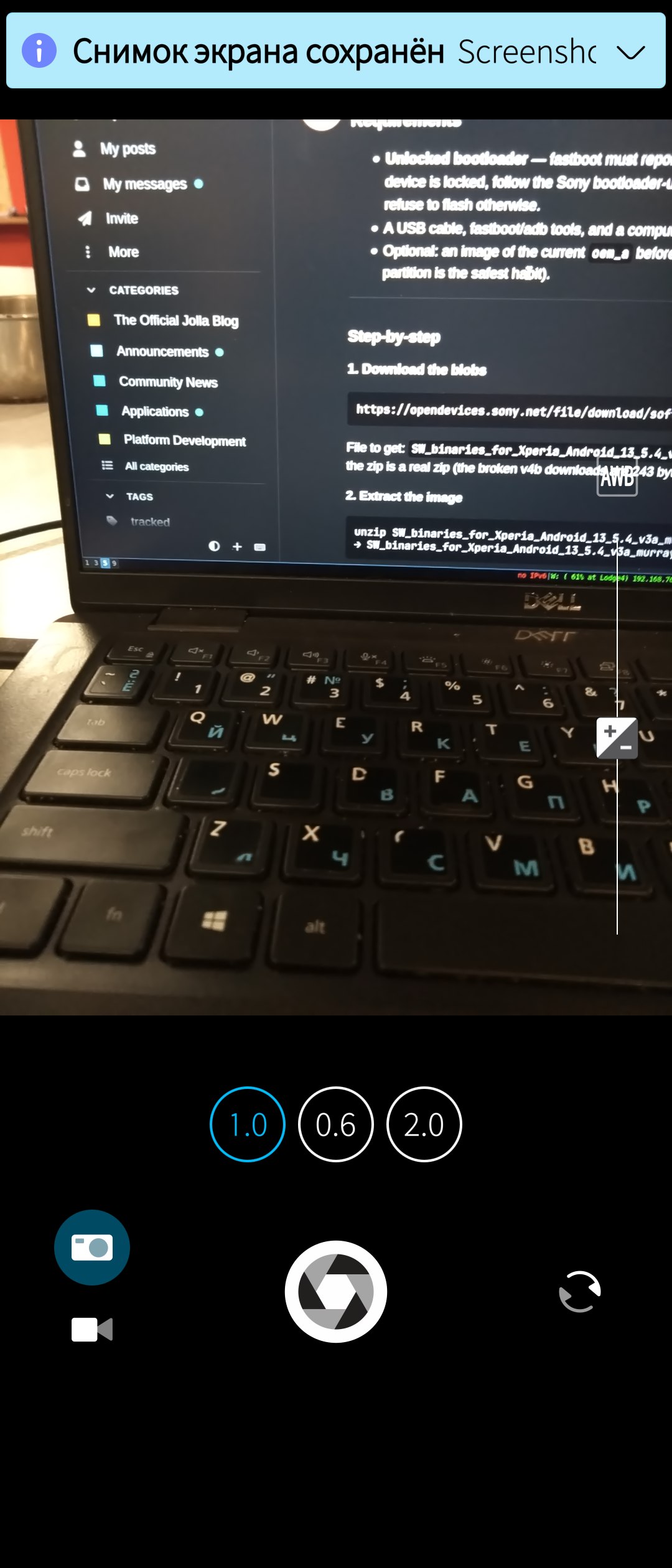
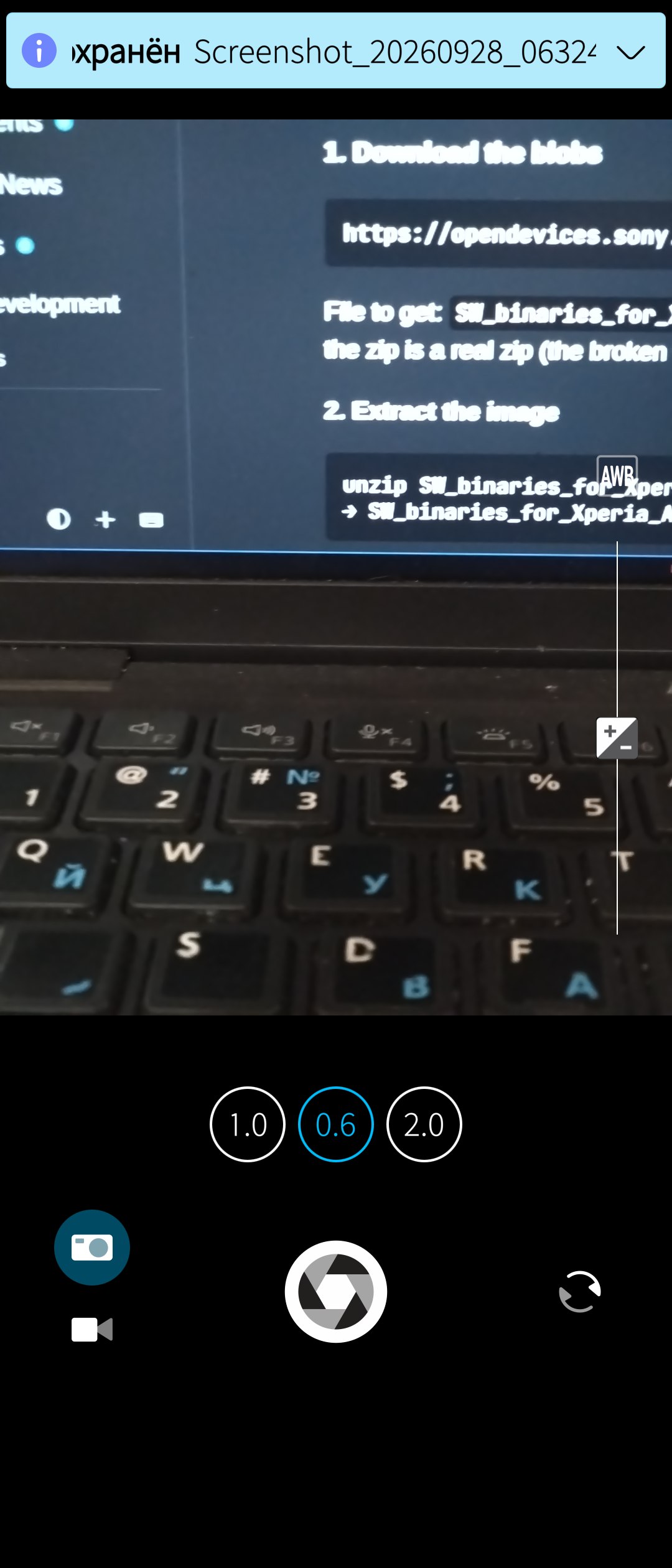
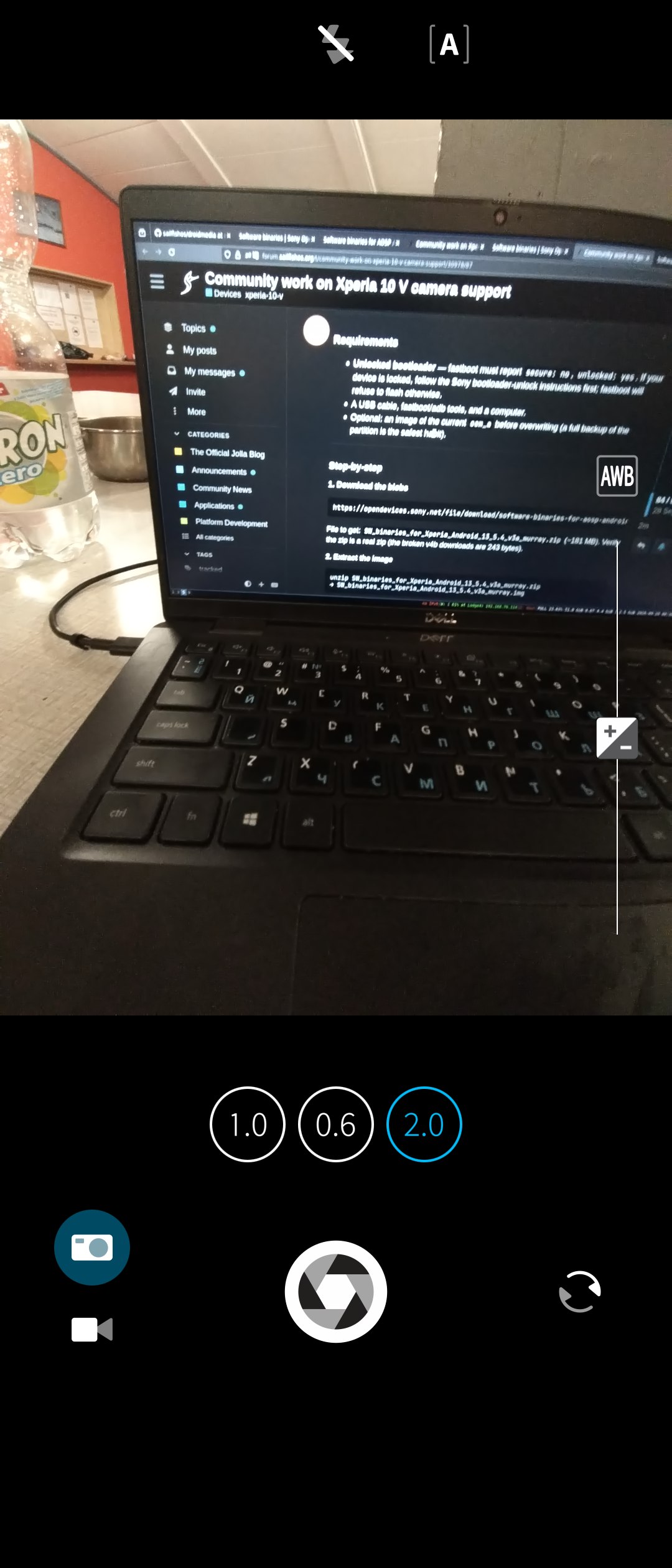
With the Android 13 blobs the service no longer segfaults — it keeps running. Open the Jolla Camera app: viewfinder and photos work. (Screenshots attached.)
What was different / troubleshooting notes
- Do not debug the SIGSEGV in camx. The crash pattern (dies while loading
/odm/lib64/camera/components/*.so) is a symptom of mismatched blobs, not a fixable bug. -S 100Mis not optional on this device — otherwise the transfer exceeds the bootloader’s 768 MB download limit and fastboot aborts.- SELinux on this build was permissive;
avc: deniedlines about cameraservice in dmesg appeared but did not stop the camera. - If someone has a working v4b murray (Android 13) archive, please share it — per reports all lenses including tele work on the 10 IV with v4b. I could not download it anywhere (all mirrors return AccessDenied); I used v3a successfully.
Aftermath: two follow-up findings
Getting the HAL up is only part of it. Two further issues turned up afterwards:
- The lens buttons in Jolla Camera are in the wrong order (0.6 and 2.0 swapped).
This turned out to be a wrong default in the device config, not a hardware or
HAL problem — see the follow-up post on the label order and the one-line fix. - Video recording freezes the app when the record button is pressed. Photos
work, and it also happens on the selfie camera, so it is unrelated to the lens
mapping. Still undiagnosed.
Device / versions used
- Xperia 10 IV (XQ-CC54), Sailfish OS 5.1.0.11
- Flashed blob:
SW_binaries_for_Xperia_Android_13_5.4_v3a_murray.img(v3a, Android 13, kernel 5.4, murray) - previous (broken) blob: Android 14 v3a murray — the one Jolla ships
- fastboot 34.0.5, Linux
5 Likes
Now i have both of mine wills working: Android App Support + At least photographable camera! Wow!
2 Likes
Waooooo… So cool. I wonder if applicable somehow to the 10 V as well… So far i think only the 2.0 and selfie camera have been unlocked…
1 Like
Xperia 10 IV (XQ-CC54) on Sailfish OS — wrong lens-order buttons in Jolla Camera (0.6 / 2.0 swapped) and how to fix it
After successfully getting the camera working on the 10 IV (see the earlier post about flashing the Android 13 v3a murray blobs), all four cameras worked — main, ultrawide, tele and front — but the lens switch buttons were wrong:
- button 2.0 showed the ultrawide lens
- button 0.6 showed the tele lens
- button 1.0 (main) was correct
- front/selfie camera was correct
It looks like a swapped-lens bug, but the hardware mapping is fine — it is only the labels in a dconf key that are out of order.
Root cause
The Jolla Camera assigns lens labels by index over the back-facing camera list (backCameraLabels[index] in SettingsOverlay.qml, matched to camera.backFacingCameras). The device IDs on the 10 IV are:
| deviceId | Camera | Sensor | Physical |
|---|---|---|---|
| 0 | 12 MP main, 26 mm | imx486 | cam0 |
| 1 | 8 MP front | hi846 | cam1 |
| 2 | 8 MP tele, 54 mm | hi847 | cam2 |
| 3 | 8 MP ultrawide | hi846 | cam3 |
So the label order must be [main, tele, ultrawide] = [“1.0”, “2.0”, “0.6”]. But the shipped default is ["1.0", "0.6", "2.0"], which puts “0.6” on the tele and “2.0” on the ultrawide — exactly the symptom everyone sees.
This is the same issue reported for the 10 V in the “Community work on Xperia 10 V camera support” thread (deviceId 2 Tele labeled 0.6, deviceId 3 Ultrawide labeled 2.0).
Fix (no reflash needed)
On the phone, run:
dconf write /apps/jolla-camera/backCameraLabels "['1.0', '2.0', '0.6']"
Re-open the Jolla Camera app — now 2.0 is the tele, 0.6 is the ultrawide, 1.0 stays main. Optionally verify the current value first:
dconf read /apps/jolla-camera/backCameraLabels
For a permanent change across re-flashes this key was defined in
droid-config-sony-murray:sparse/etc/dconf/db/vendor.d/jolla-camera-hw.txt
currently shipsbackCameraLabels=["1.0", "0.6", "2.0"]and should be fixed upstream.
Wait — the labels fix was only the symptom
Before touching the dconf label, the same misordering shows up in other camera apps, so I wanted to be sure the physical/HAL mapping is really right and my dconf change isn’t just cosmetics.
I dumped the CAMX logs during real opens. The camera HAL on the 10 IV builds four physical cameras and exposes them to apps under these Android cameraIds:
| cameraId (app sees) | CHI logical id | sensor (from camxsensornode init) | physical role |
|---|---|---|---|
| 0 | 0 | imx486 | main |
| 1 | 1 | hi846 | front |
| 2 | 3 | hi847 | tele |
| 3 | 2 | hi846 | ultrawide |
Key finding: in the HAL there is an ID permutation between the Android cameraId and the CHI logical camera id (logical 2 → cameraId 3, logical 3 → cameraId 2, visible in camxhal3.cpp Open/Close HalOps and CloseCachedSensorHandles(): Logical CameraID=2, PhysicalID=2 / 3,3). The physical wiring itself is fine (cam2 = hi847 tele, cam3 = hi846 ultrawide).
So for my Jolla-camera symptoms the dconf change is a legitimate fix — Jolla indexes the logical back-cameras in the order [main, tele, ultrawide] and labels them, and the shipped default label array was simply ordered [main, ultrawide, tele].
Still open
- Video recording freezes the app at the moment the record button is pressed (even on the selfie camera, so it is unrelated to the lens mapping). Photos work.
- Other camera apps (e.g. a native Sailfish “Advanced Camera”) still show swapped lens selection — the app-level dconf label only affects Jolla Camera. Root cause is likely the physical/logical zoom/role characteristics handed out per cameraId by the CAMX config, not the physical wiring.
Device / versions used
- Xperia 10 IV (XQ-CC54), Sailfish OS 5.1.0.11
- Flashed blob:
SW_binaries_for_Xperia_Android_13_5.4_v3a_murray.img(v3a, Android 13, kernel 5.4, murray)
1 Like
I have started all the lenses. And AI says that mechanism for V is similar to mechanism of IV. Investigating that.. Not going to promise too much yet.
Uh, wasn’t it already concluded in this thread that on IV all the lenses work with those blobs. You didn’t have to ask AI to figure it out for you.
You can try install Opencode (Big pickle model) - then give it this resource to rely on. And maybe it will make the thing.
Sorry if my fix isn’t liked by you. Otherwise i dont have much time to mess around manually with it.
No, the point was that it is not your fix, as it was already present in the thread.
Oh sure,you’re right.
Just as a little bit of hope: with a small kernel patch I found a way to get the 1.0 camera working too, but for now just for photos and just in the Jolla camera and just with 12MP. I will investigate more.
4 Likes
Thank you very much - Hero of the day! 

Bless you in your journey!
1 Like
I have asked developers of SONY to publish Android13 Kernel 5.4 v4b blobs - Now they are available thanks to Them. I have flashed those blobs on mine oem_a slot - everything seems to be working in same way. Will be investigating video recording later. And if someone’s try that fix also - Please tell me how the battery drainage goes. Has it increased or not.
4 Likes
Oh really? Who did you contact at Sony and how?
Could you elaborate?
As a small update: The tele lense is still generally not working, but the other lenses are working fine in Jolla Camera and advanced camera, no lenses at all are working in RAWFish and CodeReader. Taking video is not crashing the camera app anymore but also is still not working, it produces empty files. On the android side all working lenses seem to be working in any app I tested now. I currently try to get video recording working, after that I look into the native app failures and the tele lense.
Generally I’m impressed by the pictures I’ve taken so far, far less noise than on my Xperia 10 II. I’m curious to get RAWFish working after seeing the results from the J2.
Edit: forgot to mention that the flashlight is also working now.
3 Likes
Just for the reccord, which blobs are you using? Also you flashed sailfish on top of which android version of the 10 V (if you recall)?