As I mentioned during the meeting, I’m trying different ways to add more backends to the note application, now that it is open source. The native backend is a SQLite database which works great for the application itself. The idea is to add concurrent backends that would allow to synchronise part of the notes. Like for the calendar application, I keep the local-only backend and I’ve modified the note application to display either the local notes, or notes originating from other providers.
I’ve implemented a file storage backend, that allows to display files from given directories as notes (modify, delete or create new files within the note application). The files themselves can still be modified outside the note application with a text editor or synchronised by webDAV or git with a server.
This is proposed in this pull request and currently under an early stage of review. It’s more to test the possibility of various backend and may not be accepted as a change in the application, or under an improved form. But it’s usable and I’m eager to hear also feedback on the usability, implementation, interest… I’ve compiled a version of my branch on OBS for those who would like to test, as suggested by @pherjung during the meeting. I’ve not yet created the setting to add looked up directories. It should be done on commad line like:
dconf write /sailfish/notes/directory_list "[['/home/defaultuser/Documents/Recettes']]"
It’s a list that can contain several directories. There are currently some limitations in the implementation:
- it’s not limiting the size of the files when displaying the content as notes. Don’t try with large text files of several MB.
- it’s not guessing the file content, so binary files will display garbage.
- on contrary to the native notes, the file as notes are sorted by modification dates, so modifying a note will promote it to the first position.
- colours are persistent only when selected by the user, otherwise they are taken randomly from a pool of colours.
Some screenshots:
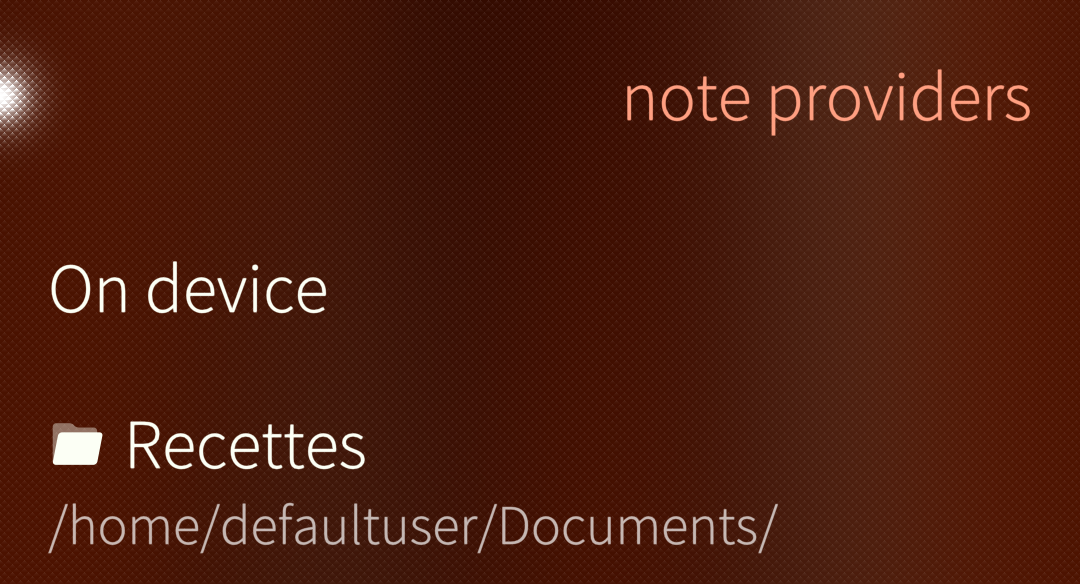
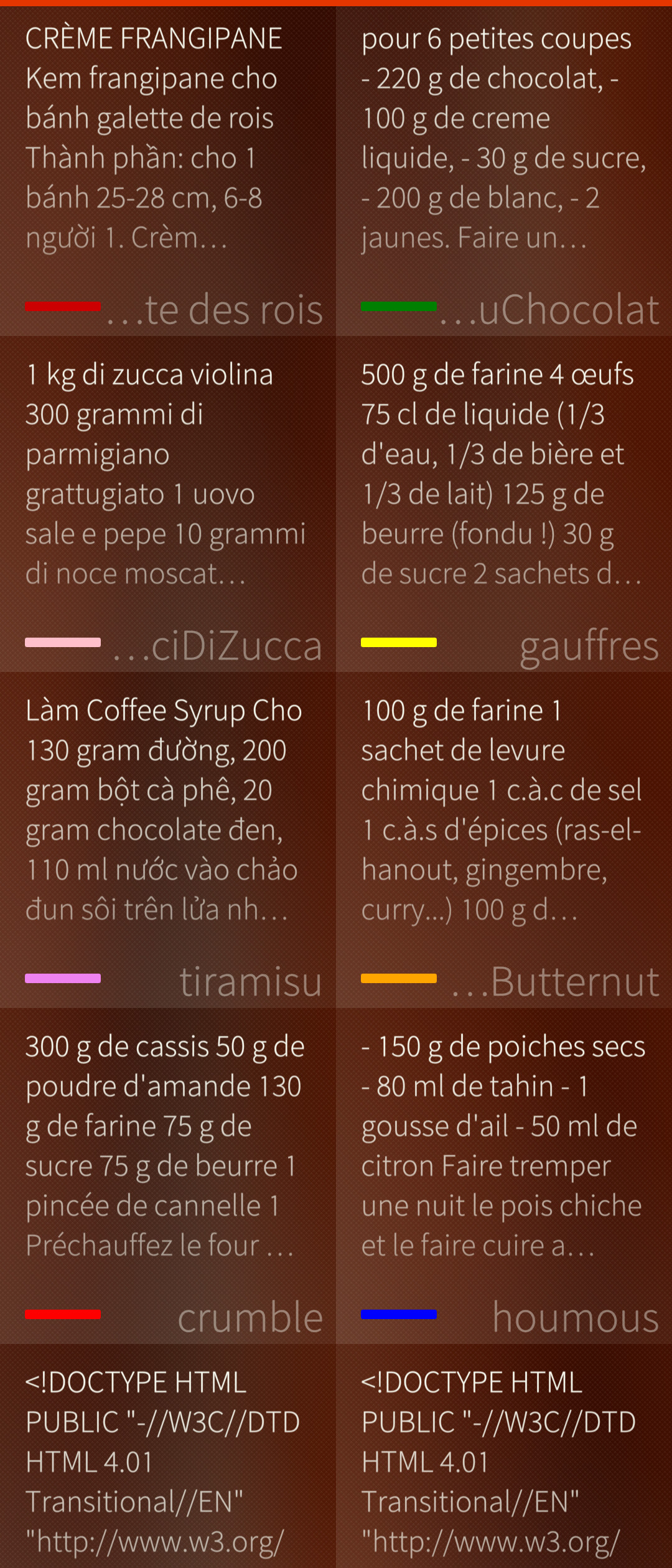
Some more details about the implementation are discussed in the pull request.
Edit: I forgot an important notice, it required to modify the storage logic to add concurrent backends. It may negatively impact the behaviour for the native notes. Don’t forget to make a copy of the database before using the modified application version. The location for the note database is:
~/.local/share/com.jolla/notes/QML/OfflineStorage/Databases