Meecast should work if you install all the parts in correct order, the PR was accepted so there is a chance the old weather widget will get fixed in 5.0.0.7x or something like that
I’m not sure what exaclty you meant by ‘correct order’. Isn’t there only one app to install?
Install in this order: Meecast App, Meecast Daemon, Meecast Eventview. Maybe a reboot is required.
1 Like
If I recall correctly, you have to install meecast, meecast-daemon and meecast-event and at least in the past people had problems getting the event view widget working if they installed them in wrong order. I would assume it should work if you install all three of them at once from command line. There is at least one quite a long topic about this around and after the time the official Jolla one stopped working.
2 Likes
Meecast works great on te C2. And you can see weather on the events screen, when the right packages are installed.
While I wait on Jolla to fix the weather app, I just ask my family with i-devices what the weather will be.
3 Likes
As some of you mentioned, it seems event cannot be installed. Anyone suceeded by install all rpms through the terminal ?
Thats very strange, because i could install and update them without problems.
i installed thru Storeman
It is. So you have simply installed three components from Storeman without any considaration necessary? I might try to uninstall them and re-install via storeman again…wish me luck
There is a German weather service that works via a Google calendar, showing in the events view via the calendar, someone wrote about it last year here. It worked well on my Xperia, but now I can’t find it for my C2.
1 Like
If i remember it right, my problem with getting meecast weather to event view was that jolla deleted the option for showing weather in events view in settings with 4.6
Is that the case, if you go to settings app > events view? There should be an option to show calendar or not and an option to show weather or not
Please find that post here:
The Sailfish Weather app is open source now, as highlighted in this announcement. So you can contribute things directly back into the source code.
It should be fairly straightforward dev work to create an adapter and pattern each weather source so they are interchangeable from the rest of the codebase’s perspective. (free ones, paid ones (insert your own API key), doesn’t matter but i’d start with the most popular sources). Then implementing any new weather source is simply matching the same interface.
dit was een foutje van mij…
Just in case someone does not know my screensaver app uses yr.no as a source. It is actually a simple script that retrieves the weather in plain text so it also works directly from the terminal with no graphics, which would consume less battery that running the browser all the time with the site opened.
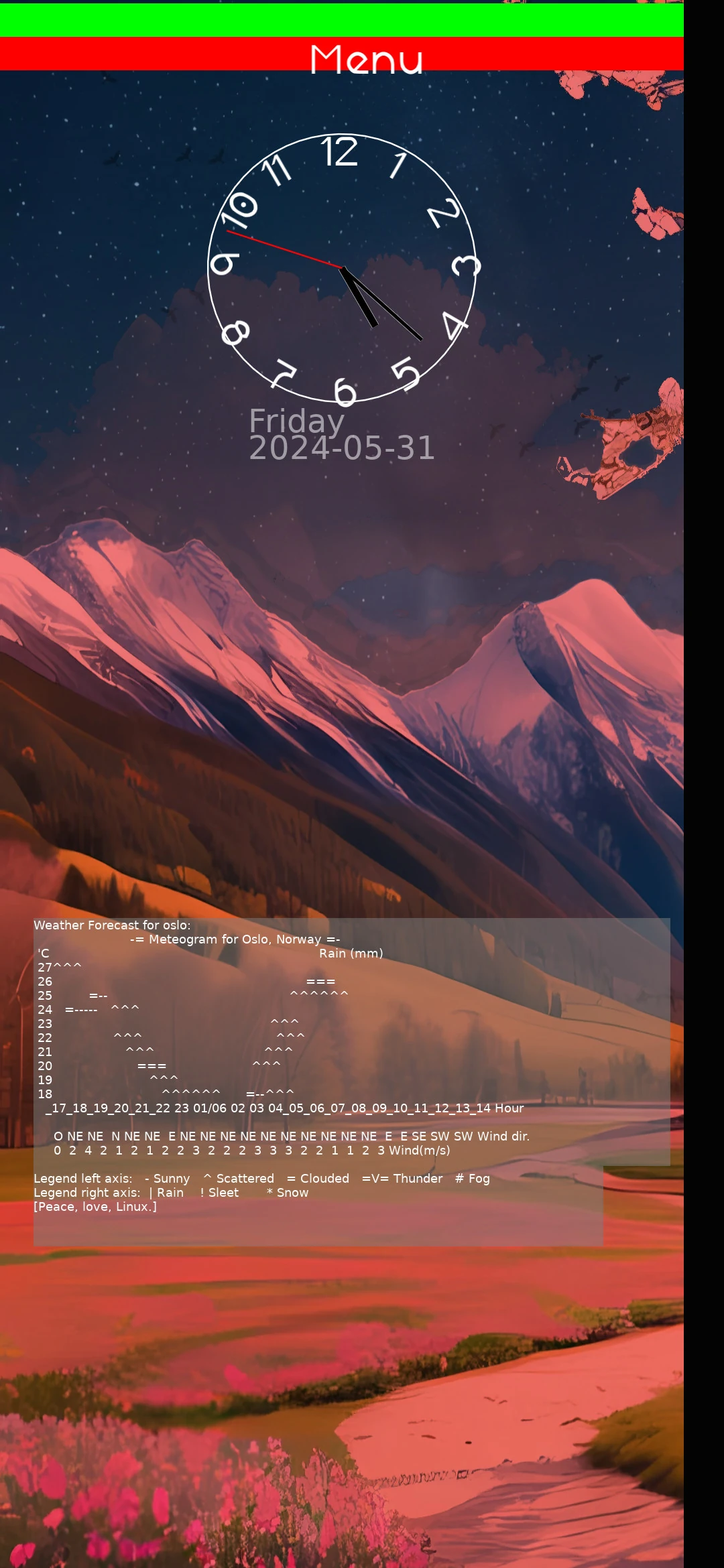
And you have the same script integrated on “love launcher”, just swipe to the right as you are used to.
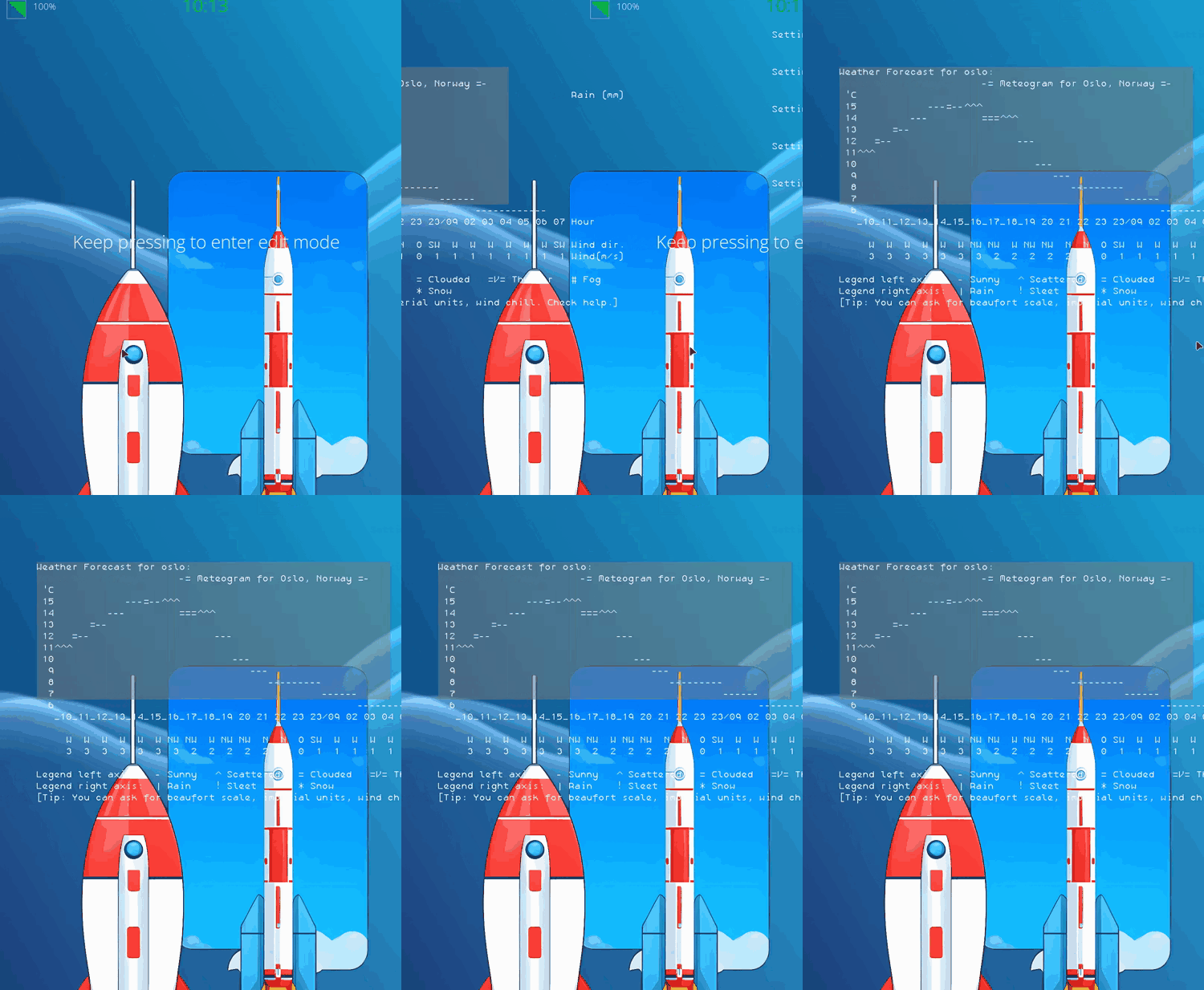
This weather app is very simple and there are no graphics (for the forecast I mean), but you can improve it if you are interested, all you need is some lua skills, if anyone is interested I can provide the repositories, they are both open source.
2 Likes