REPRODUCIBILITY: always
OS VERSION: 5.2.0.16
HARDWARE: JollaPhone 2026
UI LANGUAGE: Deutsch
REGRESSION: Yes, working on Xperia10II on 5.1
DESCRIPTION:
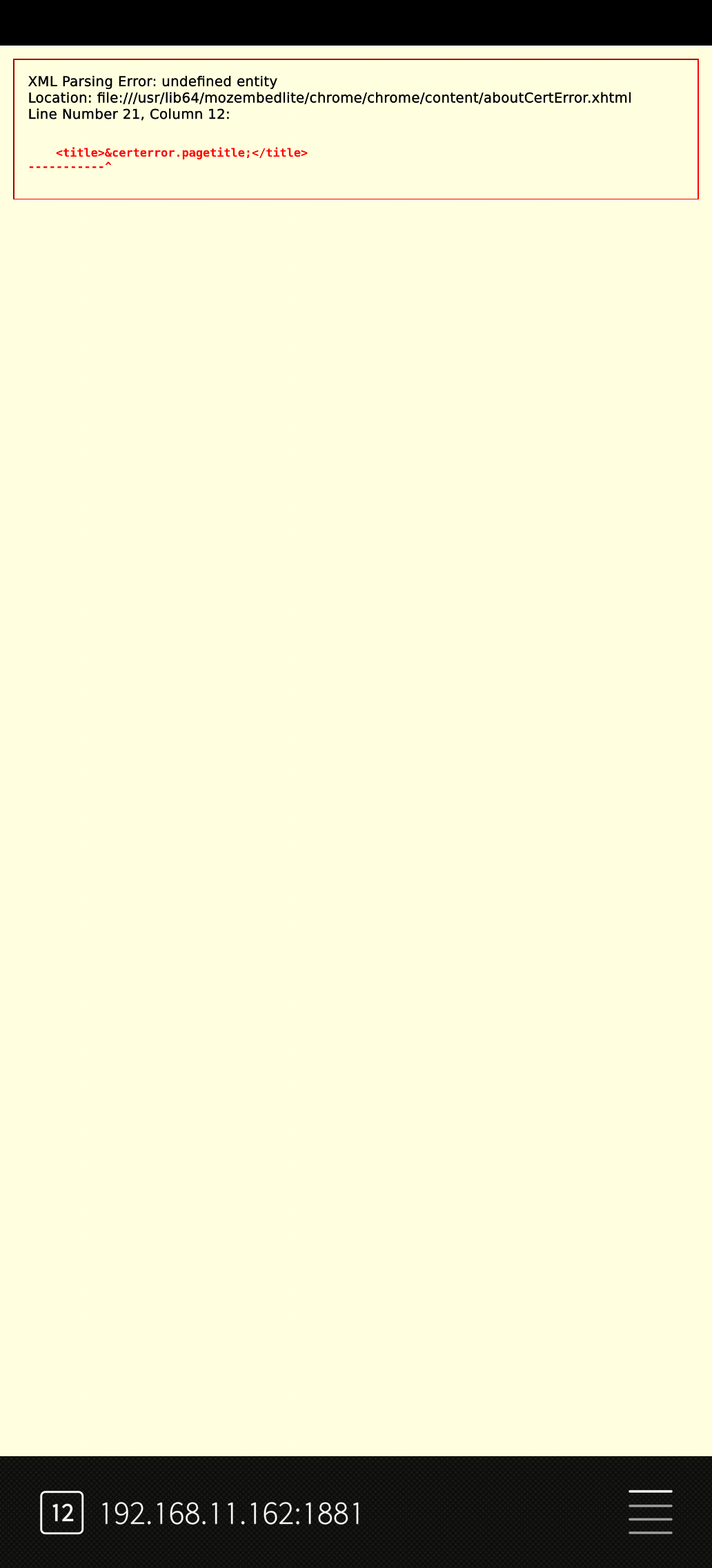
The browser fails to display the certificate warning page correctly when accessing an HTTPS website with a self-signed or otherwise untrusted certificate. Instead of showing a normal certificate error message with the option to continue or inspect the certificate details, an XML parsing error is displayed.
PRECONDITIONS:
A device or web server providing HTTPS with a self-signed certificate or a certificate issued by an unknown certificate authority is required.
The issue can be reproduced on a local network HTTPS service or any HTTPS endpoint using an untrusted certificate.
STEPS TO REPRODUCE:
- Set up or access an HTTPS web server using a self-signed certificate.
- Open the HTTPS URL in the default browser.
- Wait for the certificate validation to fail.
- Observe the displayed error page.
EXPECTED RESULT:
The browser should display a proper certificate warning page explaining that the certificate is not trusted. The user should be able to view certificate details and, if supported, add a security exception or continue.
ACTUAL RESULT:
The browser displays an XML parsing error instead of the certificate warning page:
“XML Parsing Error: undefined entity”
The certificate error page cannot be used, preventing access to the website.
MODIFICATIONS:
None
ADDITIONAL INFORMATION:
Other clients (for example desktop browsers) correctly display the certificate warning page for the same HTTPS site.
The problem appears to be related to the rendering of the internal aboutCertError.chtml page in the browser component (mozembedlite).