Ah, will probably prefer then the OR version, fingerprint is neat functionality  Little weird that doesn’t work with sandboxing, hopefully one day
@Gepardi55, @raketti & @frankps: If you have a new enough version, there should exist a log file at .local/share/harbour-bitsailor/harbour-bitsailor/warnings.log - can you share that with me privately?
1 Like
That’s because there’s no official “fingerprint framework” that developers can use, instead I had to create my own polkit permission and then ask the polkit system to authenticate against the permission, which pulls up the system dialog.
Communicating with polkit is disallowed by sandboxing and installing a custom polkit permission file is disallowed by store rules.
4 Likes
Previously, when a single item had an error and could not be decrypted, the whole vault failed, which is what happened in your case according to the logs. I updated it to only fail the individual items, so the vault should be fetched, although some items will not work.
Now, it might also happen that all the items will fail fetching, in that case the issue is deeper and I’ll need some further logs (I added a long press action on failed items which will copy a more detailed error).
2 Likes
Now it works in my phone! Fantastic! Good job!
Thank You very much @Rikudou_Sennin. I am so pleased 
Ok. Got two decryption errors. Do you want them as PM?
Also, after uninstall and reinstall I had to clear data to get the fingerprint working.
A feature request, after clearing the data, a note like “Data cleared, please close the app.” would be good. Took a while to realize that it was done and selecting any of the options wouldn’t do anything.
Also on the same note, the options to clear certain data can’t be selected. Everything is selected automatically and thus cleared.
Latest version works for me! v1.7.1.
Thank you!
1 Like
Same here, latest 1.7.1 works now. Big thanks!
I believe the biggest issue with BitSailor (besides email/password login yielding error 400, which can be resolved by using client_id/client_secret) is that vaults using Argon2id encryption fail to unlock with the error “Failed unlocking, did you provide the correct password/PIN?”
I have tested this with my personal account and a second test account which I have DM’ed you credentials to. The first test account, which uses the default PBKDF2 SHA256 encryption, I was reliably able to login using client_id/client_secret on BitSailor 1.7.1
Just released v1.7.2, should be fixed there.
2 Likes
Got two encryption errors in the Logins section. Stating invalid item (decryption failed).
No way of knowing which these are, since the list is not sorted in any logical (to my brain) way. Alphabetical order could be good to check against the desktop version for example.
It wouldn’t help because we don’t know the name of the item which failed decryption. But if you long hold on it, you should be able to copy some details, feel free to send those over.
1 Like
Logging into my Argon2id-encrypted vault with email/password works. thanks!
The settings page is simplified, entries load and passwords generate much faster than in the Bitwarden CLI based version.
Three minor issues compared to 0.5.4:
- top margin on the cover screen, that can make the generated TOTP code overlap with the buttons
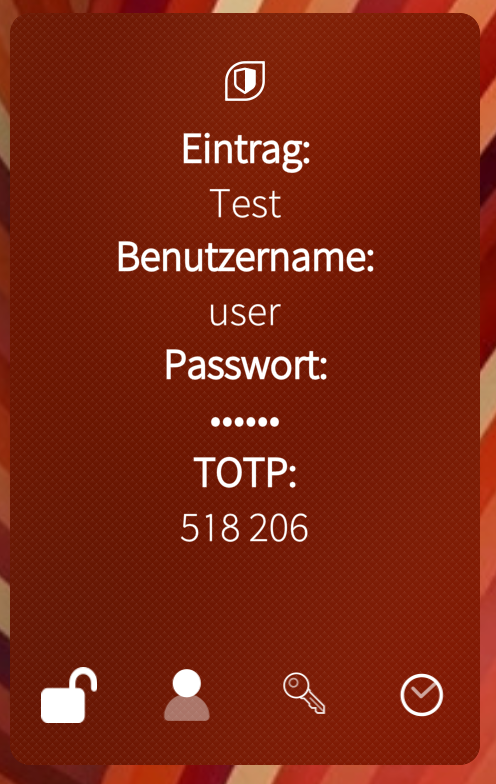
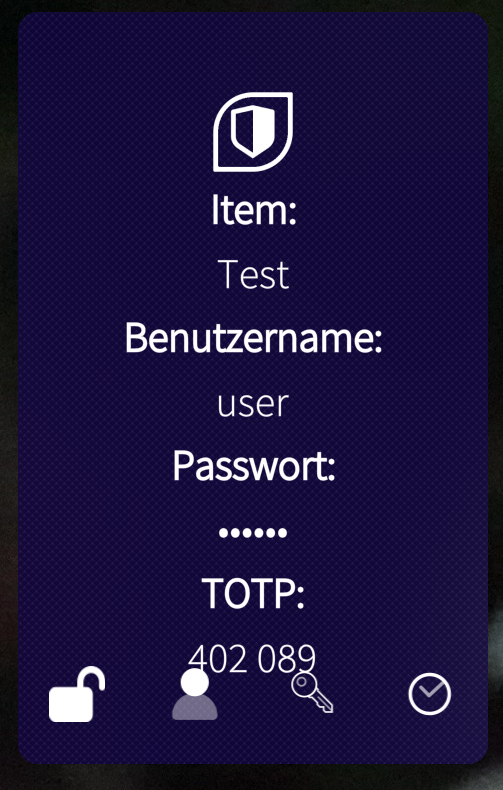
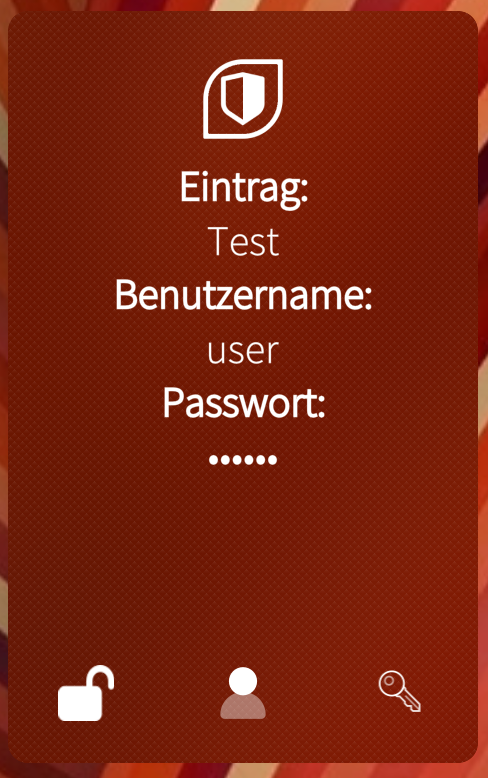
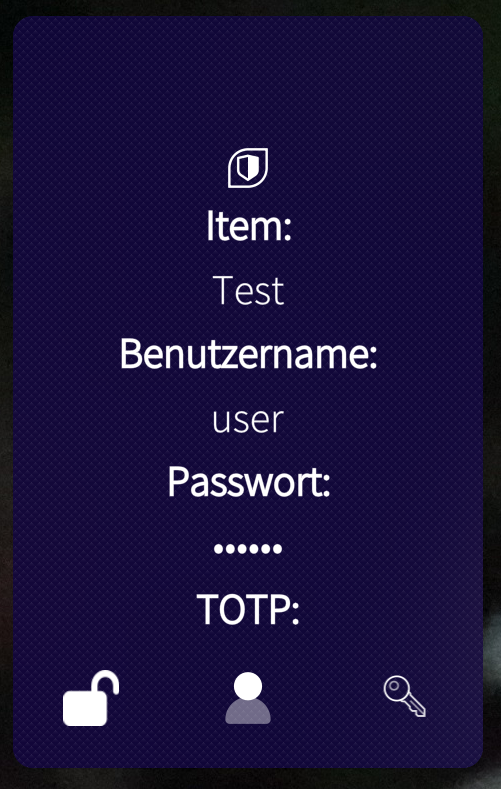
- TOTP: text always shows on the cover screen, even when an item doesn’t contain one
- order of items in vault is seemingly random (used to be alphabetical)
And I see the German localisation is missing some strings again. I would be glad to help with that in the coming days.
Hello,
Just migrated my stuff from Enpass to Bitwarden (BitSailor).
Noticed that BitSailor doesn’t show custom fields same way as official Bitwarden client, and even worse it will overwrite/delete them if saving item in Bitsailor. For example I have credit/debit card info stored there with pin code.
Good find! If you rely on custom fields, they display correctly up until version 0.5.4
For card details specifically, I’d recommend to create a “card” type item and not use custom fields of a “login” type one.
Hey there, thanks for the bug report, I’ll look into that next week (currently leaving for vacation).
3 Likes
I think I have used “card” type but that lacks also information like pin code.
Anyway it should be always possible to create “additional” fields if default template doesn’t provide field for info you need.
But most urgent fix is to add custom fields (back if they were working before)
1Password for example is very flexible in that sense.
The issue with custom fields has been fixed. Note that they still cannot be edited but the app now correctly sees them and doesn’t overwrite them on saving. I’ll tackle editing the custom fields next.
4 Likes
Well, I managed to do it today, you can now edit custom fields. In addition, the items are now loaded lazily and shouldn’t freeze the app for large collections.
4 Likes
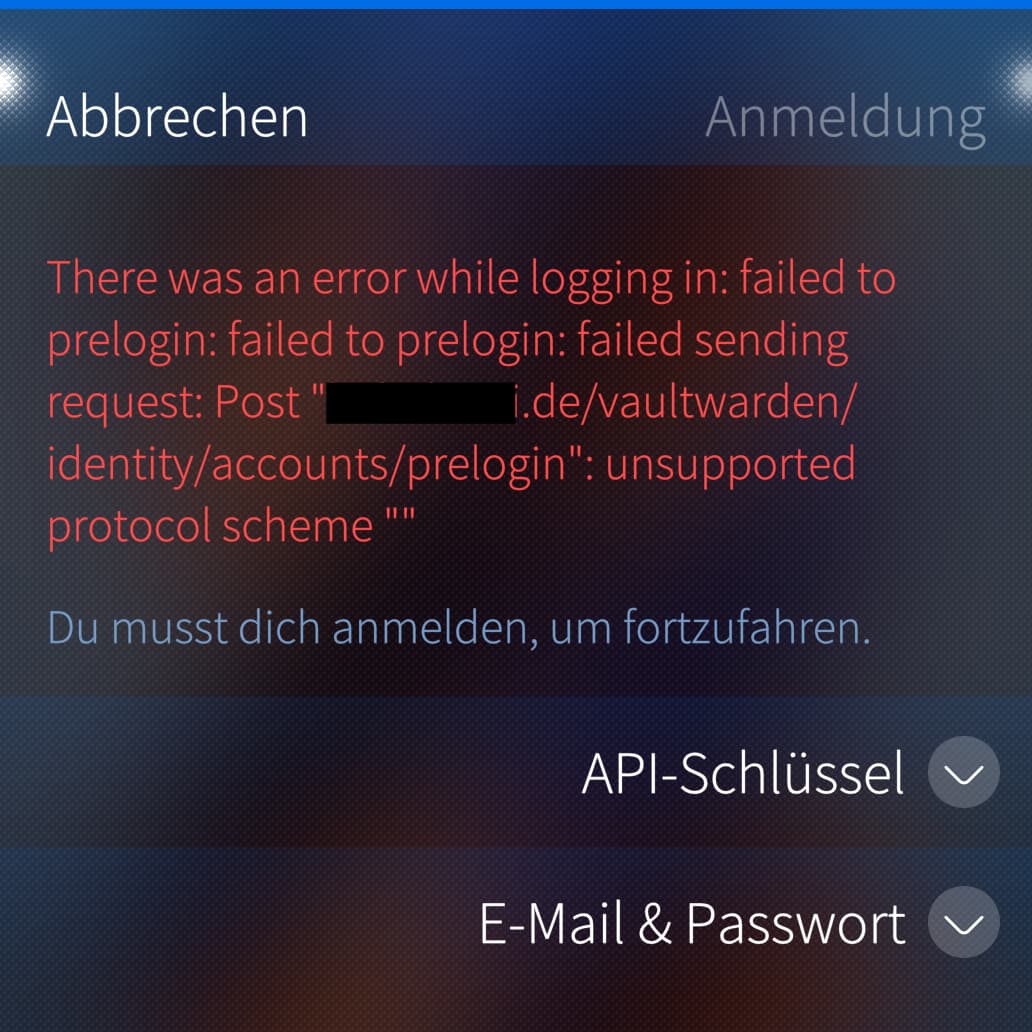
Hey there Thank you for BitSailor, I’d love to get native access to my self-hosted Vaultwarden but I can’t access it  I got my new Jolla Phone 2026 two days ago and tried setting it up but failed. I tried with my login credentials as well as with API key, neither did work. Any suggestion how to debug this further? Maybe I downloaded the wrong .rpm from OpenRepos? There are three different ones and I wasn’t sure which one to pick
1 Like