So I have about 100 authenticator codes in a Android device, both Google authenticator and Proton authenticator.
I installed both authenticators on Jolla, but either wont let import the codes from android phone. If it its Googles QR codes, the camera in Jolla is so bad that if it manages to read the QR code, the app then anyway says something “could not import”.
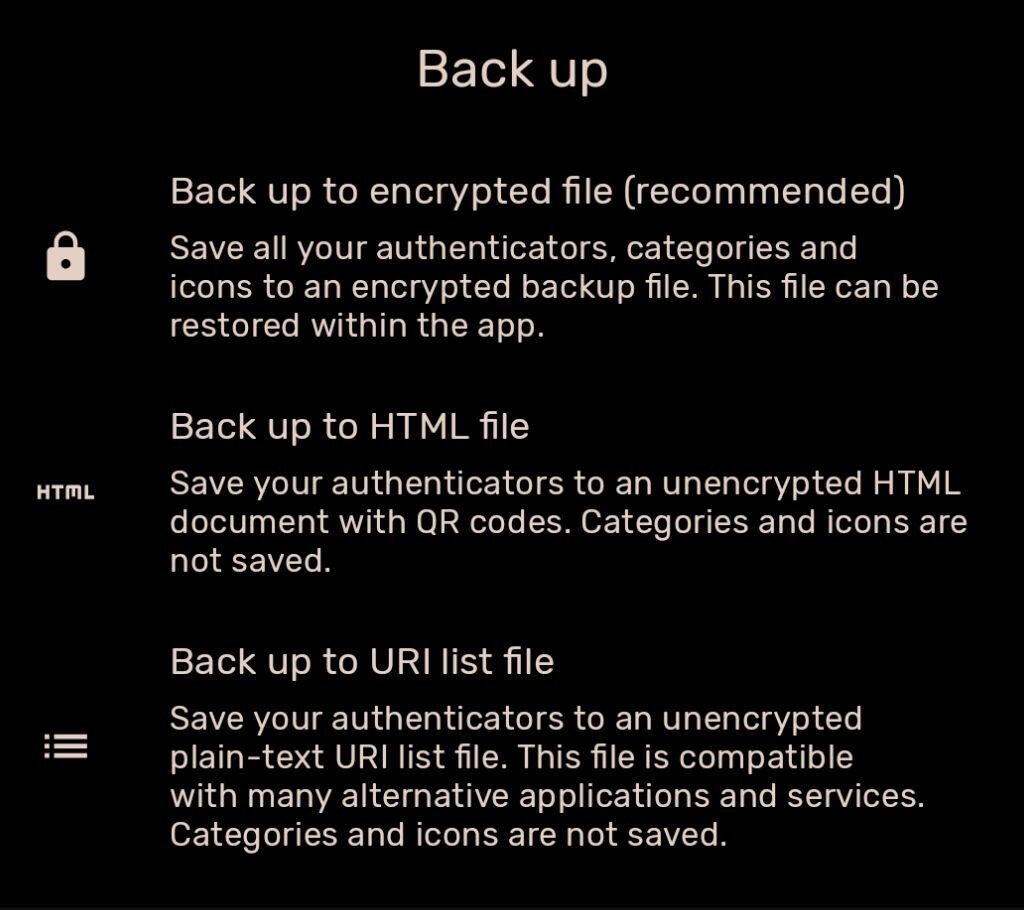
Then with the Proton authenticator it lets export the codes in JSON format, fine. But when trying to select the file in Proton authenticator on Jolla, the app wont let select the file from the Downloads folder.
So both authenticators are useless, and should I use some native Jolla authenticator? Yes if it could read the Proton Authenticator JSON for example. But no way I will start manually one by one adding 100 codes to Jollas native authenticators.
Is there any way to import from Google or Proton authenticator anything to any Jolla authenticator without manual one by one work? If no, I will be the 100th to put this phone in Tori.fi
Exactly that I have done, but the file is not selectable from the Proton authenticator. It is in the android_storage/Downloads the app sees the file, but its grey etc.
SailOTP and FoilAuth from OpenRepos (can be installed through Storeman) import tokens as QR codes. You still need to add them one by one, but scanning a QR code is much easier than typing manually.
You can rewrite the JSON into SQL Insert statements, put them into that db, and then use FoilAuth’s “import from SailOTP” feature to store them securely.
It sounds like the json-to-sql task is something an AI could do well, it you don’t know how yourself.
This is the DB schema:
sqlite3 4acd30ace19590efd508
6b021bb4b5bd.sqlite .schema

CREATE TABLE OTPStorage(title TEXT, secret TEXT, type TEXT DEFAULT 'TOPT', counter INTEGER DEFAULT 0, fav INTEGER DEFAULT 0,
sort INTEGER DEFAULT 0, len INTEGER default 6, diff INTEGER default 0, period INTEGER DEFAULT 30);
If you post an example snippet from the JSON file, I’m sure someone can hack together a script to do that.
This python script can be a start, though it does something else:
There is also this python method which generates QR Codes from a Proton Authenticator JSON:
When I started looking for degoogle alternatives quite some time ago, and long before I heard of the new Jolla phone, I stumbled on the open source application called Aegis Authenticator.
I am still in the A→JP migration process myself, and I don’t know if it would work as the import proxy towards native Jolla authenticatorm but at least it could serve as the intermediate single home (instead of two separate apps) for 2FA tokens. It is more secure than the Google Authenticator as the tokens stay encrypted at rest even after the application is started [1].
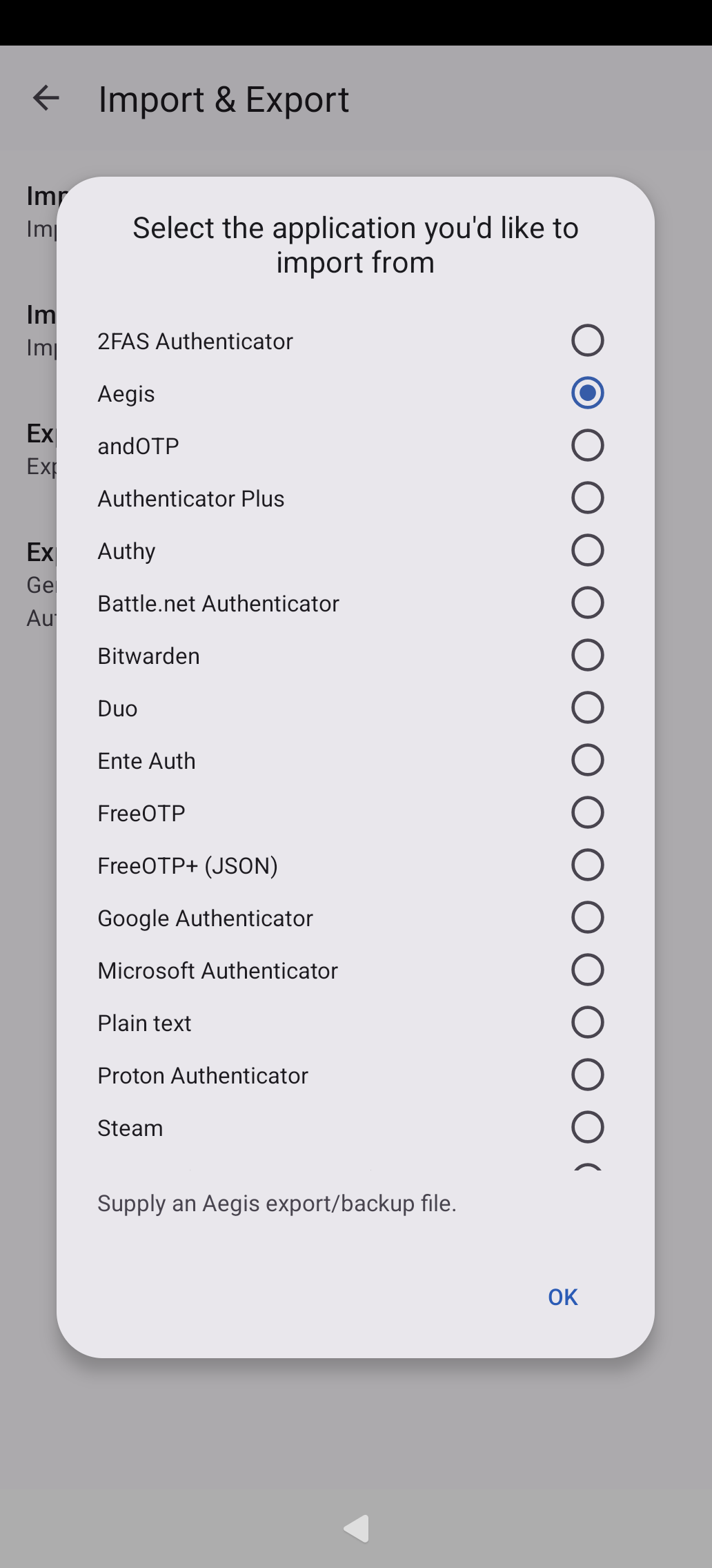
I can confirm that the F-droid Aegis Authenticator is able to import an Aegis export from android_storage , but I don’t have Google Authenticator or Proton, so I can’t confirm if theirs would work. If I had to guess, then if you can export as file, odds are good as the Aegis import seems to support both formats (see screenshot), app import requires rooted android to start with, if I have understood correctly.
Maybe worth a try?
When I migrated years ago, I used an open source tool from Github which can convert the Google Authenticator export QR code to regular QR codes and plaintext. I then scanned all these with SailOTP to import them.
Sadly I forgot the name of this tool. And with 100 codes this might be a bit cumbersome.
Looks like there’s already some alternatives mentioned, but I just used the native account sync in both and it worked to import everything at once. Though I do understand not wanting to login to a Google account.
Just for this Proton Authenticator. It sync did not work for me at start. Then I did logout after that I could not auth even other apps did work with internet. I did get DNS error “could not resolve”.
After that I restarted my phone and it did not work… after I set “connect trough wif to internet” it started to work.
So for now it seems like it do not resolve correctly with mobile network.