Congrats on the release! Lovely UI. Echoing the experience of others that settings don’t seem to stick, but browsing itself seems quite good at a quick glance (though my demands aren’t high on mobile - testing with Yle, Ars Technica, old reddit, etc.). Looking forward to seeing this improve 
1 Like
I just pushed Beta 2, it should fix a good chuck of the issues reported here.
Change log in the second post
5 Likes
well I have been testing the git version on my Xperia 10 II, and YT videos still dont work correctly it has most issue with videoplayback (seems like hardware decoding issue? I tried VDO.Ninja Codec Support Detector it doesnt work, did work on the gecko one). The brave Adblock doesnt seem to work properly. ‘Preferred color scheme’ thing is still not working.
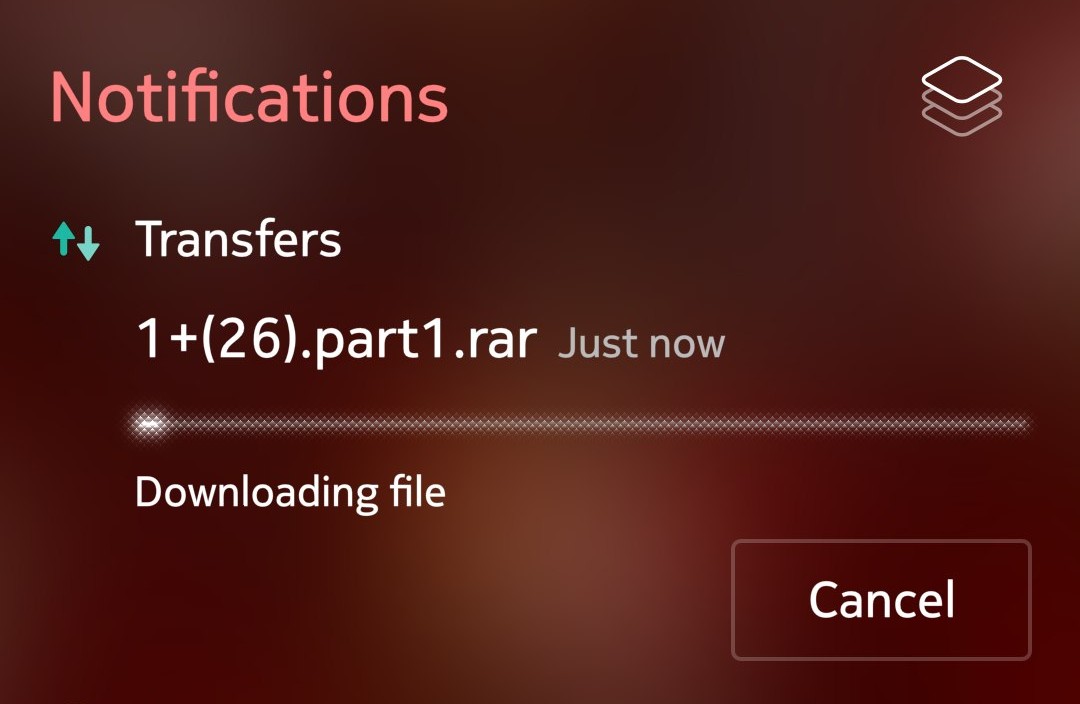
oh and the downloads page doesnt seem to work/open, also cancelling the download in the notification page doesn’t work
Very nice improvement of web browsing on SFOS, thanks a lot ! Search engine is fixed on the last openrepos version. I would like to report 2 issues : 1) pressing the return key when filling fields (login page for example) does not switch to the next field / validate form. 2) The keyboard do not appear when selecting a filling field of some web pages (in my case the login page of my Home Assistant server, so I cannot login). Another weird behaviour: on SFOS forum, the previous page button leads to the web page visited prior going to the forum instead of just going back one step.
Could you try the new version (beta3) ?
On what site does the color scheme is not being followed ? (Brave search is ok)
On what site do you still see ads ? (Reddit, YouTube, Twitch are ads free on my side)
For the other issues, a phone reboot should help.
I have pushed beta 3, the keyboard interaction should be stronger.
For the forum, I did reproduce the issue, but I have not looked in to it.
I did a quick test and with git build and it seems most the issues I reported do now more work.
now YT audio works which is great, the overall performance on YT isnt optimal and cant really watch HD videos. (I currently use the new Spider-man trailer to test how things perform). Even reddit overall performance isnt great, but at least they are usable now.
the color scheme thing seems to be working now, and the ambiance theme if you had your own custom (made by pic)..and it seems VDO.Ninja Codec Support Detector thing works now as well.
Adblock isnt still working…
On reddit you still see their promo ads, and best way to stress test is just check different porn sites (using ixxx) …for example xhamster site became blurry mess and then even froze whole phone  this almost happened with yahoo.com
The downloads page/button doesnt work yet (to see the download history), the one between history and the settings and the Desktop Site toggle doesnt seem to work either
….what else..oh the download cancellation doesn’t work, doesnt matter how many times you press “Cancel”
4 Likes
I did a quick test on my 10ii.
But when I tried to go on https://franceinfo.fr (first test), the app was looping itself and I’ve need to restart my phone 
A few sites give me the desktop version or block me/give me captcha. I listened to Ladybird presentation where he says he had to make the browser present it self as basically every browser to not get a worse version of sites. It may be worth changing the user agent or allowing us to change it to experiment a bit.
2 Likes
Hey,
I did watch the same video and it does help!
It’s only in the dev repo for now and should land in beta 4.
1 Like
This a nice browser alternative, many sites that do not work in the stock browser do render well in atlantic.
What wonders me is that the app permanently crashes when launched via the drawer (logo come up, then crashes). When started from the console, the app starts normally without acny crashes. Anyone else?
…and the lag is terrible on my X10III. Even though site rendering is OK.
I noticed big difference in b4! Nice job
I seem to struggle with the latest build. I have problems loading pages (they hang and do not complete). Tried with vg.no and db.no. Didn’t have problems loading these newspapers in earlier builds of the browser.
Same for me, lag is reduced considerably, nice progression!
No problem loading veg.no and db.no on my side.
Lag is a bit better but still not smooth scrolling.
I can load frontpage most of the time, but can often not click an article from the frontpage to read it.
Was vg.no
Well, vg doesn’t like me at all. I can’t get behind the payment nag. 
It’s a whole different site on desktop…
I tested latest version (git build), and I see ads on YT and some other sites (mainly xxx), it started around with beta 4 when YT started to show ads (forgot to report) but dont see ads on reddit like before, and some pages just still dont work or rendering issues or even now even crash (xxx sites, they are best site to stress test browsers/adblocks because they have so much crap).
oh and the download thing I mentioned before, you can at least now cancel the download which is nice, but you cant access the download history (it should open the “the OS settings → transfers” page)
other than that there has been nice progress, its much smoother overall. I tested with JP2 and Xperia 10 II (both running SFOS 5.2)
2 Likes
- I still have a lock on https://www.uio.no (the University where I work), and I cannot scroll. Clicking links work, so I can some how navigate a bit through faculties and departments.
- db.no - this frontage for this newspaper doesn’t load properly and seems to never get completed. Got completed in earlier builds.
I will continue to play with the build and see what other errors I can find.
3 Likes