Hello - I ask me if it’s possible to create a app like in android to get lightning edges if activate the screen. The apps from android doesn’t work. Maybe it’s exist? It could be also a new feature in the ambiente settings. Thanks for all tips.
1 Like
Do you have a picture or video? At least I have no idea what you are talking about 
2 Likes
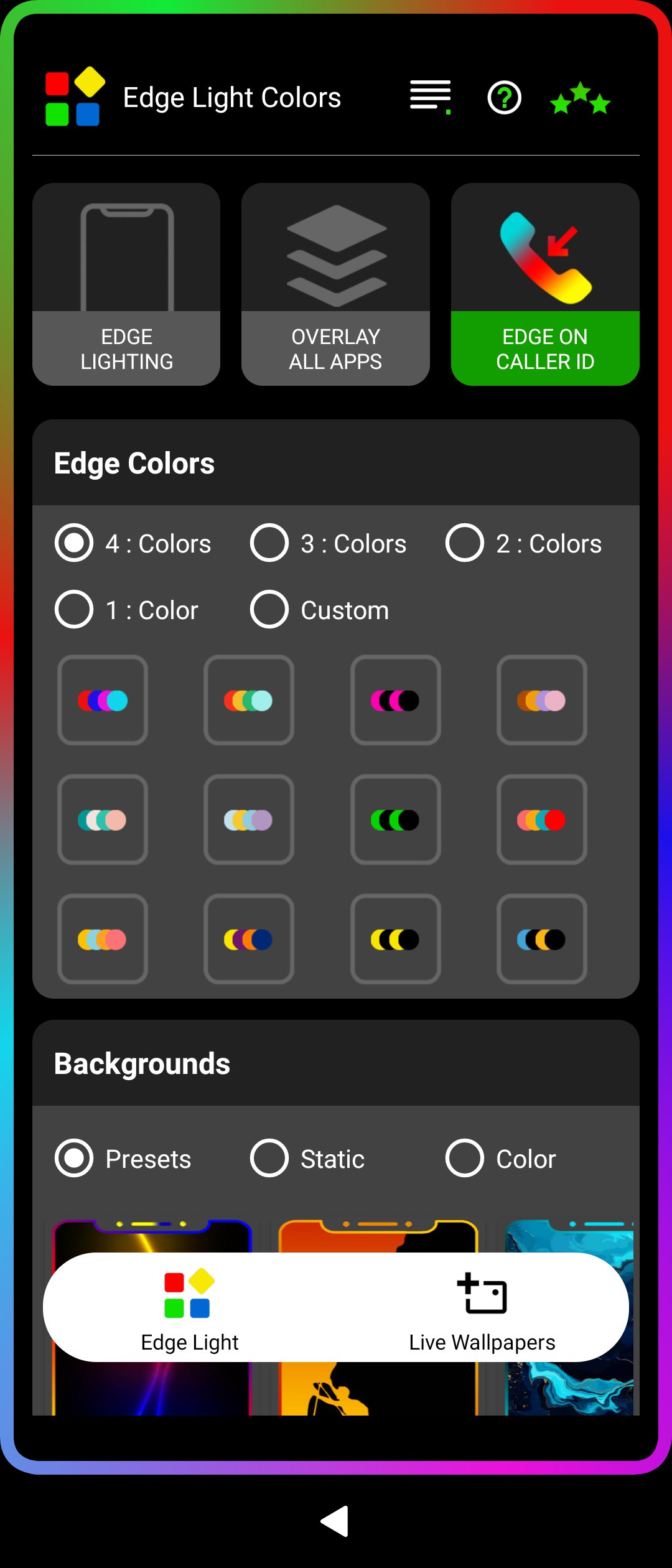
I should be possible to patch the vioicecall app to show a colored border while it’s in “incoming call” mode.
I’m not sure however why you want this - is it just eye candy? Or is there some functional use to this?
Yes, I just wanted it as an eye catcher and the colored edge should also be animated like a neon running light. I had already thought about the Battery Overlay 2 app, which would have to be rewritten. But animating it is certainly time-consuming because it has to stop when sleep mode starts. So not making any effort was just a fixed idea. Thank you
I’ve made a colour changing border that runs on sailfish but, I don’t have a SIM that fits my phone, so I cannot call to test.
Initially, I added the code to IncomingCallViewBase.qml in /usr/share/voicecall-ui-jolla/calling then realised I cannot make a call, doh!, the QML file I added this to, may not be the right place!
IF anyone fancies having a play, I’ll leave the code here. I can say, the effect is very resource hungry.
    // Fixed configuration values
    property real phase: 0.1
    property real margin: 10      // width value
    property real direction: 1.0  // forward
    property real modelCount: 300 // model value
    property real dotSize: 12     // dot value
    property real shape: 1.0      // shape value (1 = circle, 0 = square)
    property real speed: 0.01     // speed value

    // Timer drives animation
    Timer {
        interval: 16
        running: true
        repeat: true
        onTriggered: {
            phase += speed * direction
            if (phase > 1.0) phase -= 1.0
            if (phase < 0.0) phase += 1.0
        }
    }
    // Path animation
    PathView {
        id: pathView
        anchors.fill: parent
        model: modelCount
        pathItemCount: model
        delegate: Rectangle {
            id: dot
            width: dotSize
            height: width
            //radius: width * shape / 2 + width * (1 - shape) * 0 // interpolate
            color: Qt.hsva(((index / pathView.model + phase) % 1.0), 1.0, 1.0, 1.0)
        }
        path: Path {
            startX: margin; startY: margin
            PathLine { x: margin; y: parent.width - margin }
            PathLine { x: parent.height - margin; y: parent.width - margin }
            PathLine { x: parent.height - margin; y: margin }
            PathLine { x: margin; y: margin }
        }
    }
    FastBlur {
        anchors.fill: pathView
        source: pathView
        radius: 28
    }
}

5 Likes
Does anyone remember on Jolla1, there was a way to bring up the incoming calling screen, either by command line or a star hash code from keypad, or am I hallucinating?, obviously I could just call, but that means using someone else’s device and it’s not helpful for testing purposes I’ve been through CSDTool, nothing there that I can see, trawled through TJC; nothing there (search always was a bit poo on that forum).
Any comments appreciated.
Typical!, it seems I got muddled with invoking the alarm UI and the incoming call UI, as I’ve found a command to invoke the alarm UI from the SailfishOS Cheat Sheet
I wonder if this type of command can be adapted for invoking the incoming call UI?
1 Like
You could try mcetool --set-call-state=ringing
1 Like