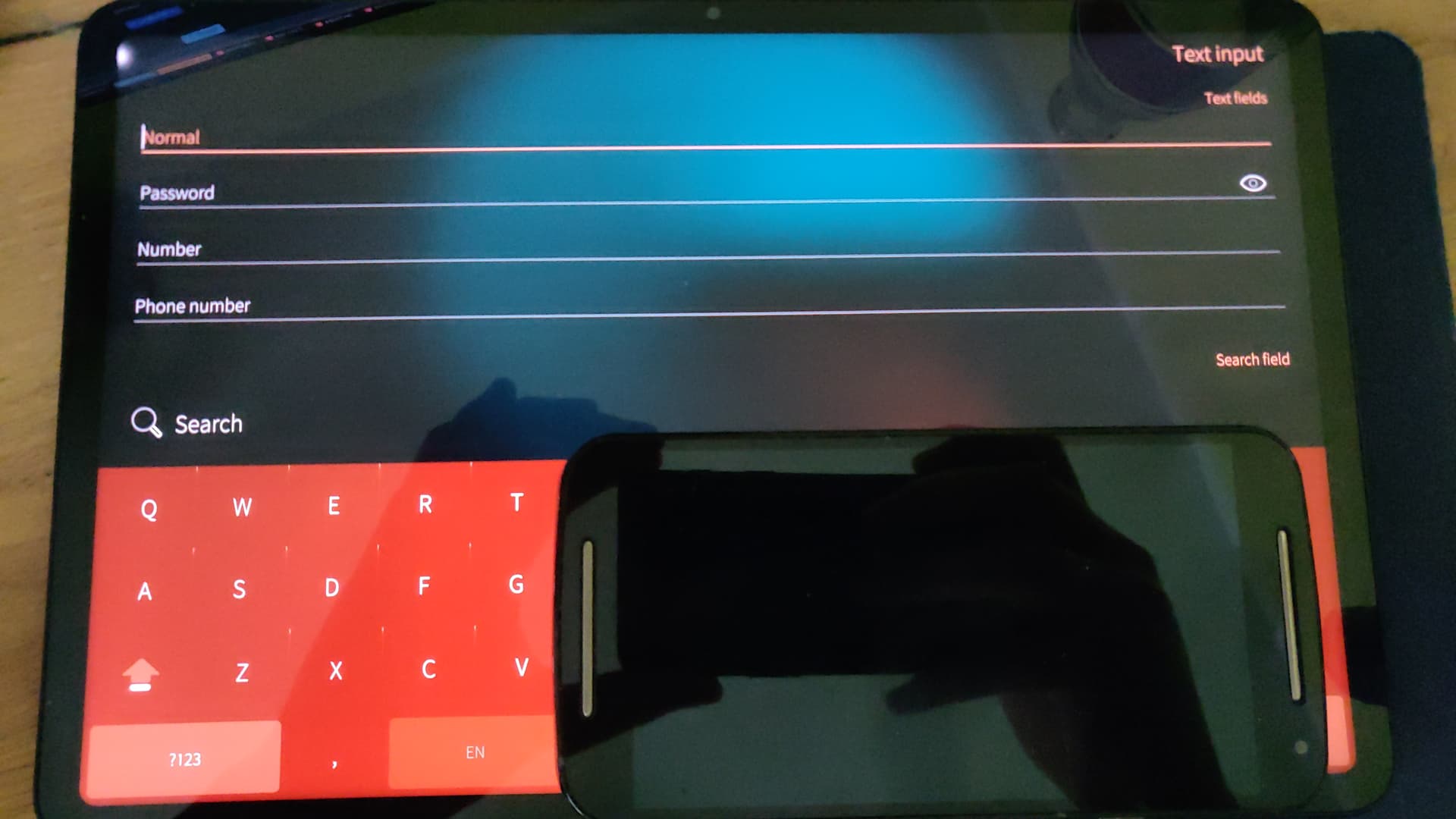
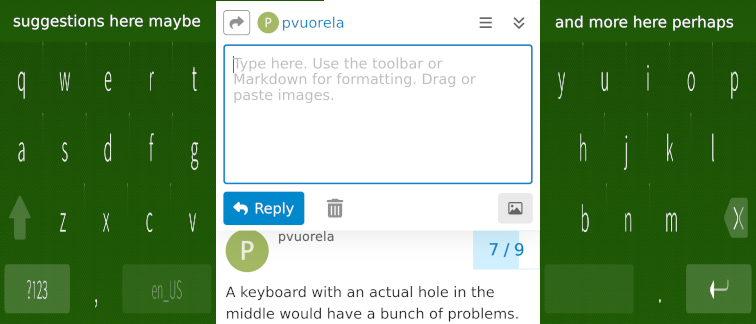
As the screens have got taller, especially with the Xperias, the current landscape keyboard takes an unnecessarily large portion of the display on such tall phones and even in split mode the keys ar so far apart that these days I generally prefer typing in portrait mode, even though back in the day of 16:9 phone displays I almost always turned my phone sideways for a better typing experience. I feel it would be a good time to consider a landscape keyboard that actually splits on the middle, perhaps exposing a portrait width view of the content on the screen, so in most cases it wouldn’t require further consideration on how to render the view.
I fervently hope one day I’ll be able to type on SFOS as if on Nokia E70.
A keyboard with an actual hole in the middle would have a bunch of problems. Now Silica handles resizing the view, and takes care of autoscrolling cursor to visible area so apps don’t need to usually do anything special. Content inside the virtual keyboard area is assumed not shown and might not have proper content.
With a hole there would likely leak some responsibility to the app side (which it probably does wrong). And often the text input field covers most of the horizontal area so it would need to be on top of the keyboard halves anyway.
What I would like is to adjust width and height of the split keyboard, it doesn’t have to have hole in the middle (as a dev i have no clue how anyone would even utilise it), because on 12” tablet, even split keyboard is difficult to type on. Each half is like a whole phone screen
So here the center region would be rendered as if it was in portrait orientation and the app doesn’t really need to do anything special. The outlier would be a landscape-only app, in which case we could maybe revert to the current split-keyboard design, or perhaps try a horizontally scrolling view, which behaviour wouldn’t probably need to differ much from vertical, other than the direction.

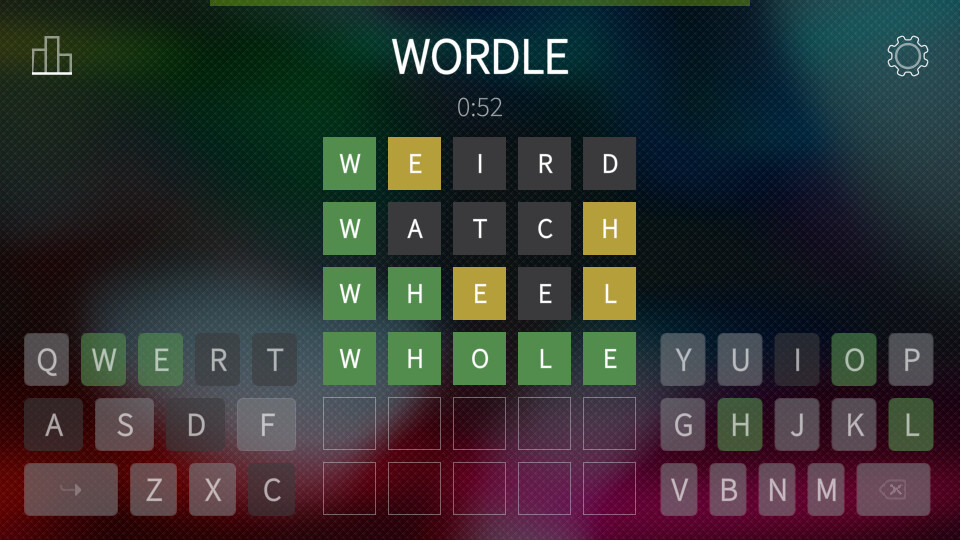
 (or a random glitch)