Sailfish OS has a builtin ability to create a WiFi hotspot. Having a way to generate a QR code from the credentials details would make it even easier to use.
One could navigate to it either from pull down menu or by swyping to another view.
Sailfish OS has a builtin ability to create a WiFi hotspot. Having a way to generate a QR code from the credentials details would make it even easier to use.
One could navigate to it either from pull down menu or by swyping to another view.
Good idea! Suggestion: Settings / System / Hotspot / Pulldown / Show QR code
or
Settings / System / Hotspot / show QR code below the settings there.
I wanted to ask about it and about the possibility of sharing the password WiFi with code QR Also, the ability to connect WiFi with code QR
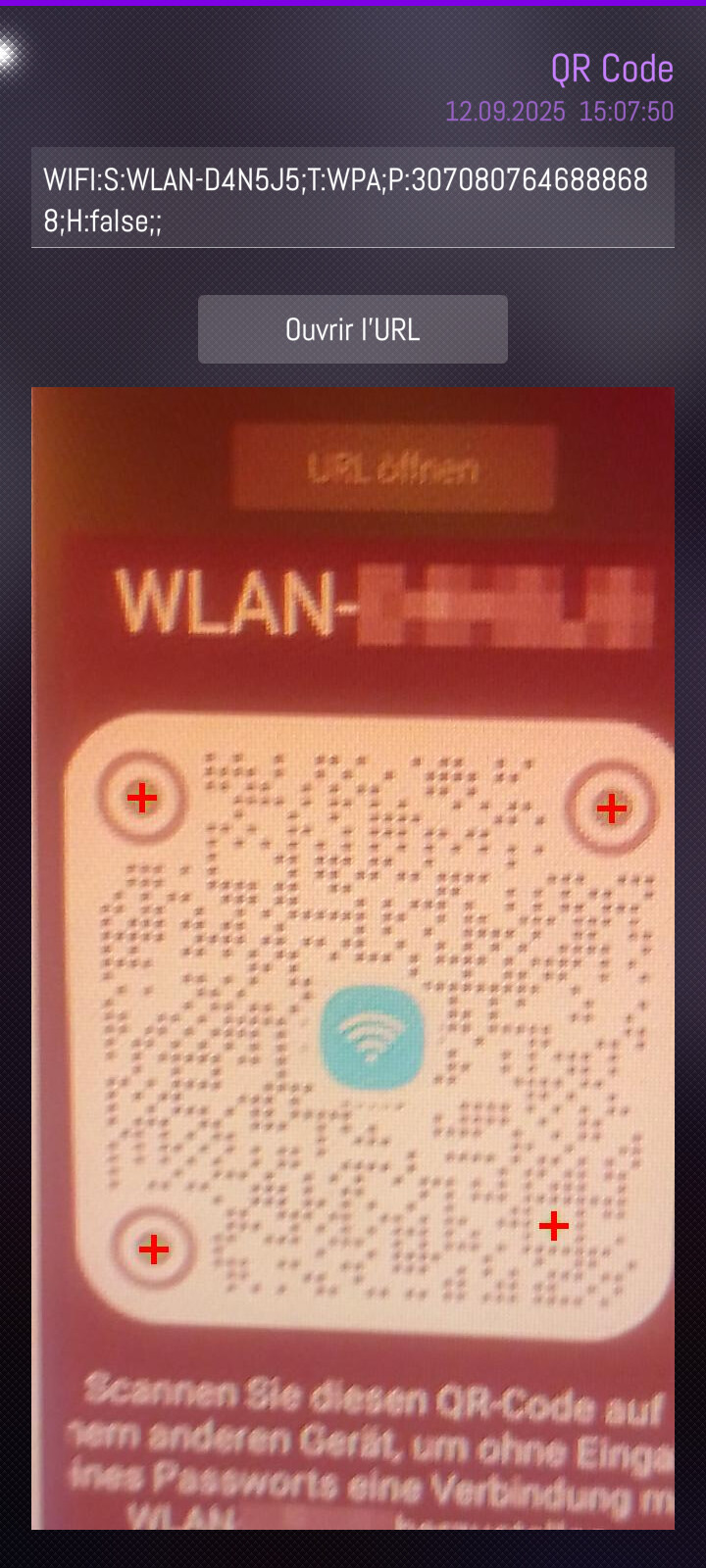
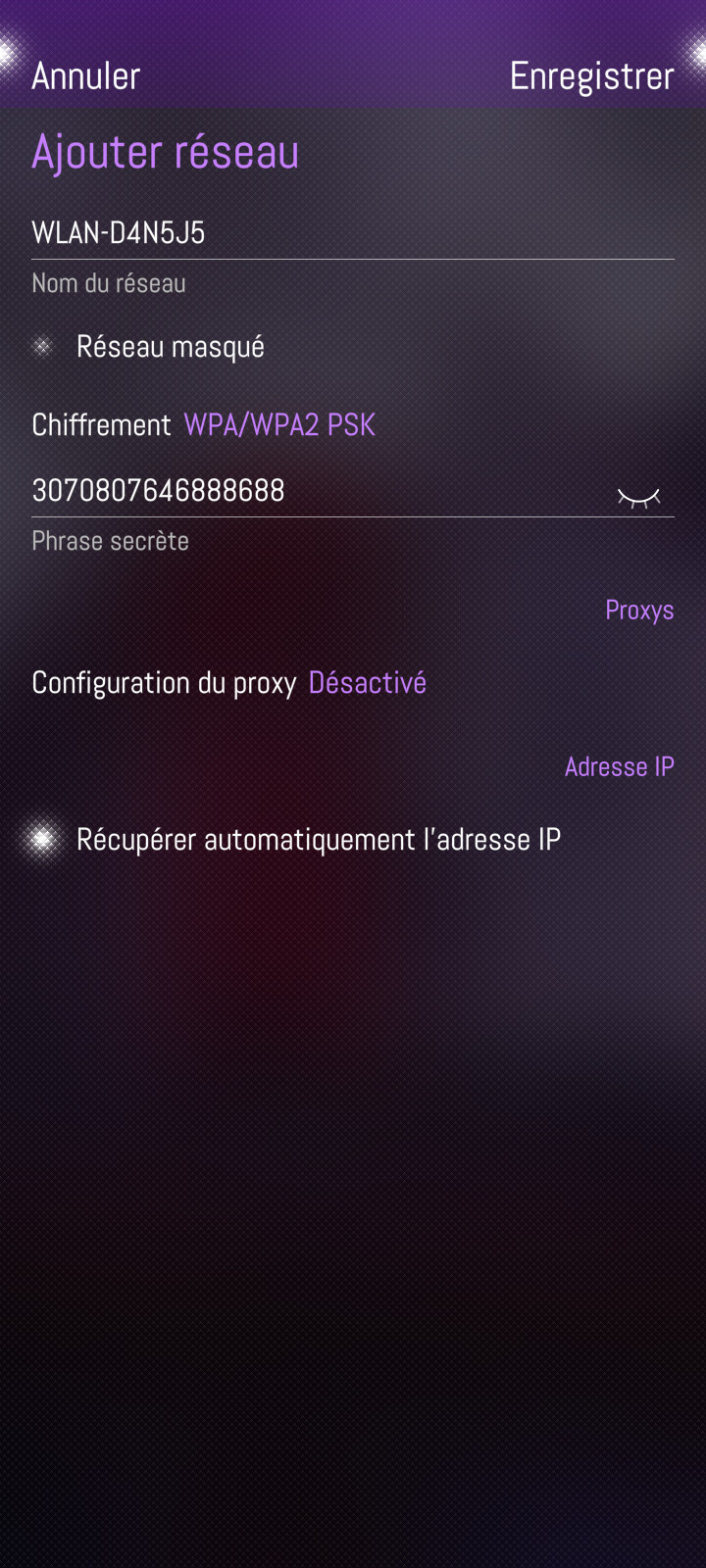
Both ways please! Meaning, SFOS can also read a wifi QR code and connect to it.
For the latter I have a patch somewhere - not for QR decoding, but a decoded QR code text can be understood by the Settings app.
An external app will have to do the decoding.
Maybe the other way around can also be done without adding a QR endoder/decoder to the Settings app: make it generate the correct string and send that via the Share API to an encoding app.
See also:
My patch is here, but I haven’t used or tested it in a while:
A suggestion to remember:
Jolla was talking about open-sourcing the Camera app IIRC, so maybe that can be added then.
Thanks for bringing this. I made double effort to find any dupe both using built in search and by using external search engine with scope limited to site:forum.sailfishos.org. TBH, I was surprised there seemed to be no dupes.
patch not work for me sailfishos 5.0.0.70
Updated now, pls try again.
I guess a possible design would be:
I just installed patch manager to be able to get your patch, but it is not listed on the web catalog. how should I install it?
Use the link, zelda!
The reason it’s not on the Web catalog is it needs a .desktop file to register the URL handler. A patch alone can’t do that.