REPRODUCIBILITY: 100 %
OS VERSION: 5.2.0.16 (Backup source OS 5.1.0.11)
HARDWARE: Jolla Phone (2026) (Backup source Jolla C2)
UI LANGUAGE: German
REGRESSION: Not sure
DESCRIPTION:
After migrating from C2 to JP26, using the SFOS Built in Backup function, the accounts have been restored on the C2 including some “generic” IMAP Accounts.
For these Accounts after migration the Password is requested on first use (expected).
After inserting the Password the Account is receiving Mail.
As soon as an E-Mail is sent, the Account shows that there is something wrong with the configuration
PRECONDITIONS:
Backup from C2 with named OS version with, in my case, 4 generic mail accounts and one Googel Mail account.
STEPS TO REPRODUCE:
Create Backup on C2 with named Version and Mail Accounts
Transfer Backup and restore on JP26
Log in to Mail. Wait to receive.
Create an new Mail and Sent.
EXPECTED RESULT:
E-Mail is Sent and in the Sent-Folder
ACTUAL RESULT:
E-Mail remains in Outgoing Mails (Postausgang) and is never Sent. Mail Account informs to renew the login information.
MODIFICATIONS:
ADDITIONAL INFORMATION:
Tried to log in again and change the SMTP SSL/TLS setting did not revive the sent functionality of the account.
No Problems if Account is created as new Account on the JP26.
But did you try to go into the detailed settings of that account and specify the password for outgoing mail server?
There are different pw boxes (so, in theory these could be different) and it just might be -hopefully- that the generic password question only updates the incoming mail server password?
i have restored backup to JP2026 SF5.2.0.16 from JP-1 SF1 without any problems.
since some SF version passwords are not included into backups and also not restored even they are in backup, so entering password for imap and smtp is required
after entering passwords, emails incoming, outgoing, storing in Sent folder…
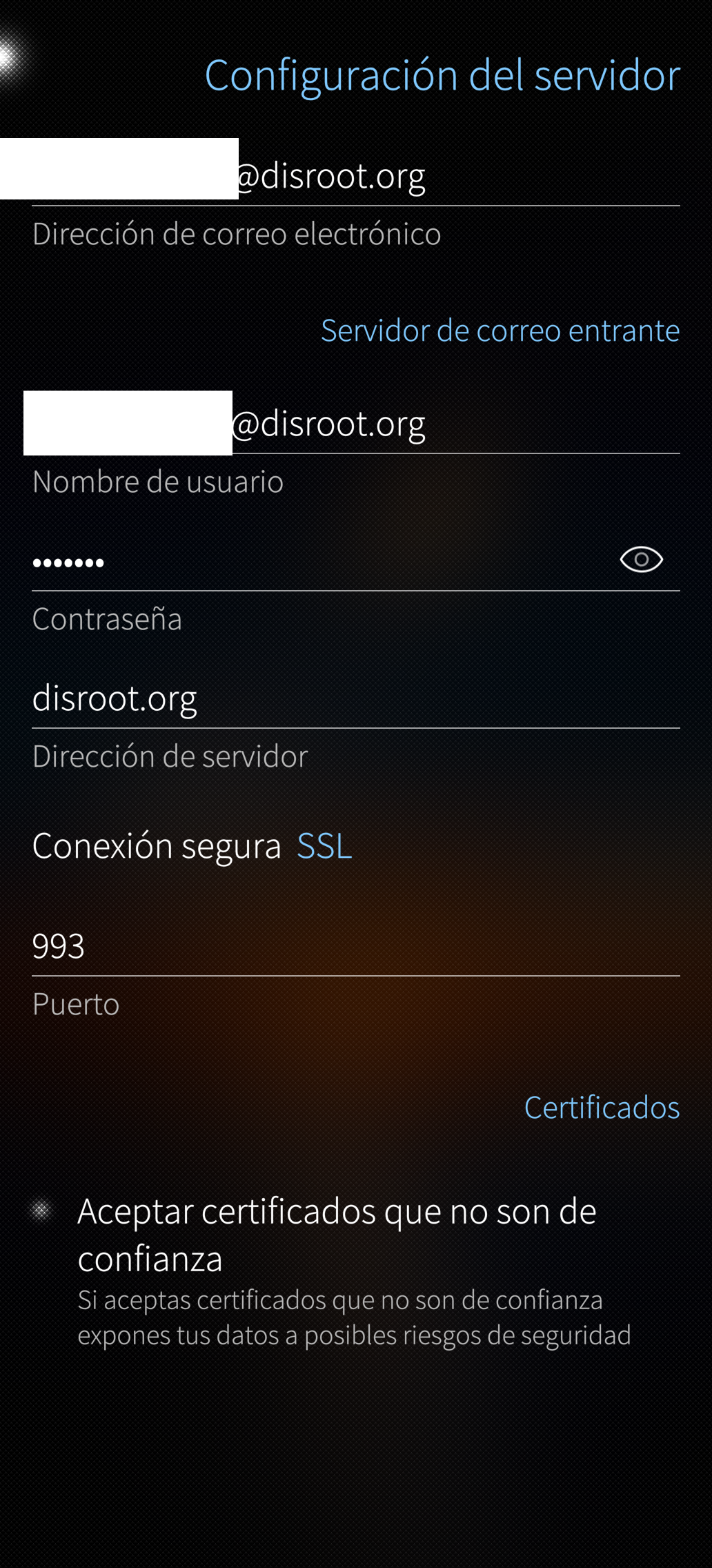
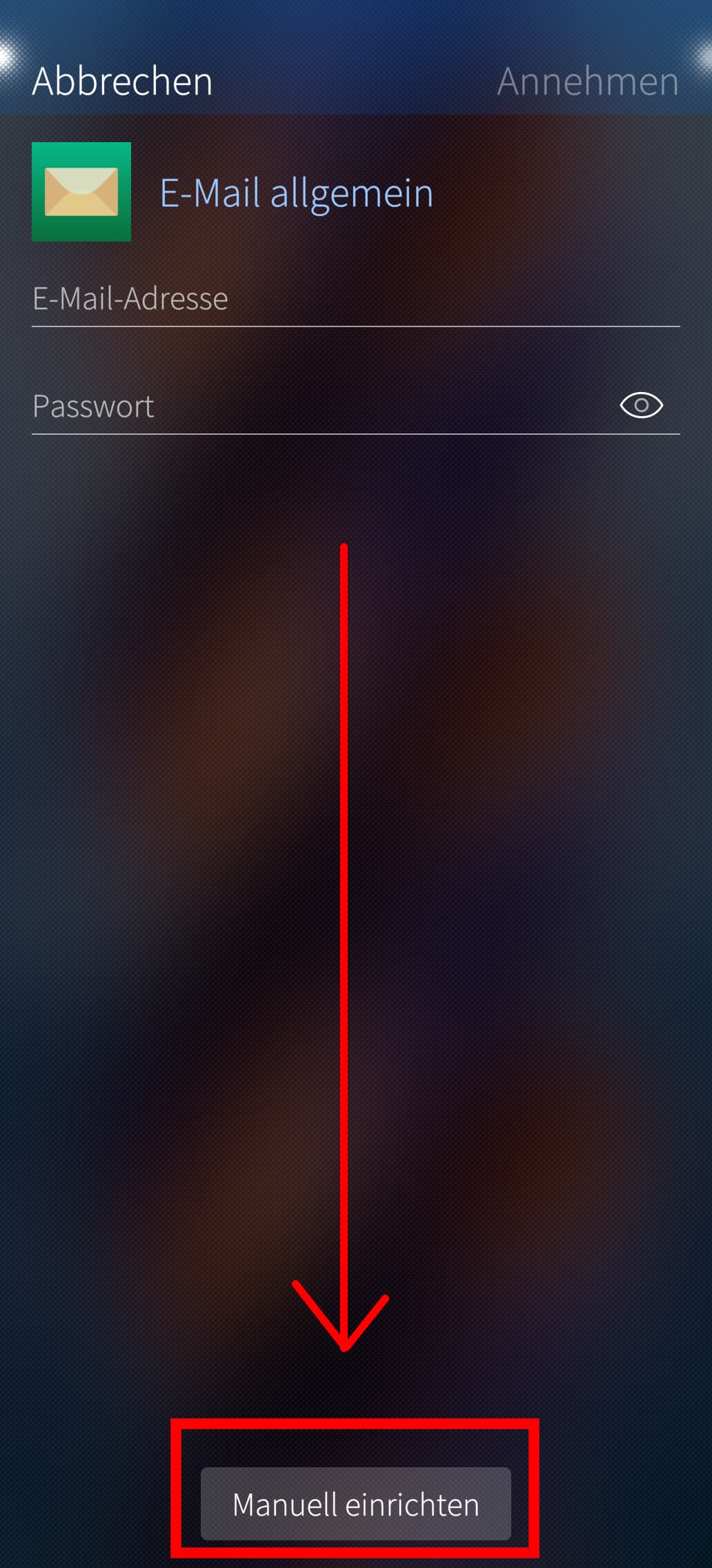
In my case, I have to say that I had set up my disroot account by swiping from right to left (Accept) after entering the email address and password. If I click on the ‘Manual settings’ button, it seems that I can enter all the outgoing server settings. Sorry, I didn’t realize that