To add to @direc85’s comment: @valldrac (from Molly) and I regularly have chats about Signal’s policy and protocols. So we don’t technically share a lot of code (currently), but we do share quite a bit of know-how. FWIW, Signal is moving a lot of their code-base to the shared Rust libraries which we all do share.
1 Like
That’s definitely possible. I should probably also have some benchmarks on the voice note drawing code and see how we can optimize it further.
1 Like
Especially for voicenotes it is not nessecary to draw the exact waveform. A slider woud make sense. Pointing to the Images a button for Preview oder full Image
I’ve recently started using Whisperfish, thank you for this great app.
One minor issue is that it keeps truncating longer text messages, so I can only read the rest once I’m back home on the desktop app.
I tried to check the status of this issue on GitLab but haven’t been able to find it.
I can’t imagine I’m the only one blessed with a girlfriend who likes to write such long texts! 
1 Like
I agree, but finding (low hanging) optimizations in the Rust code is way easier and less work than implementing a brand-new fallback UI element; in both cases here.
Regarding images: those are mostly handled by the operating system itself (apart from the blurhash, but that should be horribly fast by now, way faster than upstream Signal…). There it could however be possible to only use the blurhash, and make a simple UI element to actually load the image on-tap instead of on-scroll. @direc85 do you know whether we delay attachment image loading until the scroll is in-view?
This should actually be implemented: long texts get a “show more” way at the bottom. It’s quite tiny, and maybe you’ve missed it? If it’s not there: that’s an actual bug and may require a report (preferably with screenshot).
Yes, that’s exactly what I thought about. I am using Schildichat Next for Matrix on an Anndroid phone. There you can enable or disable the visibility of Images. Thank you very much…
1 Like
Sorry, I should have made it more clear I mean the page that opens after you press on “show more”.
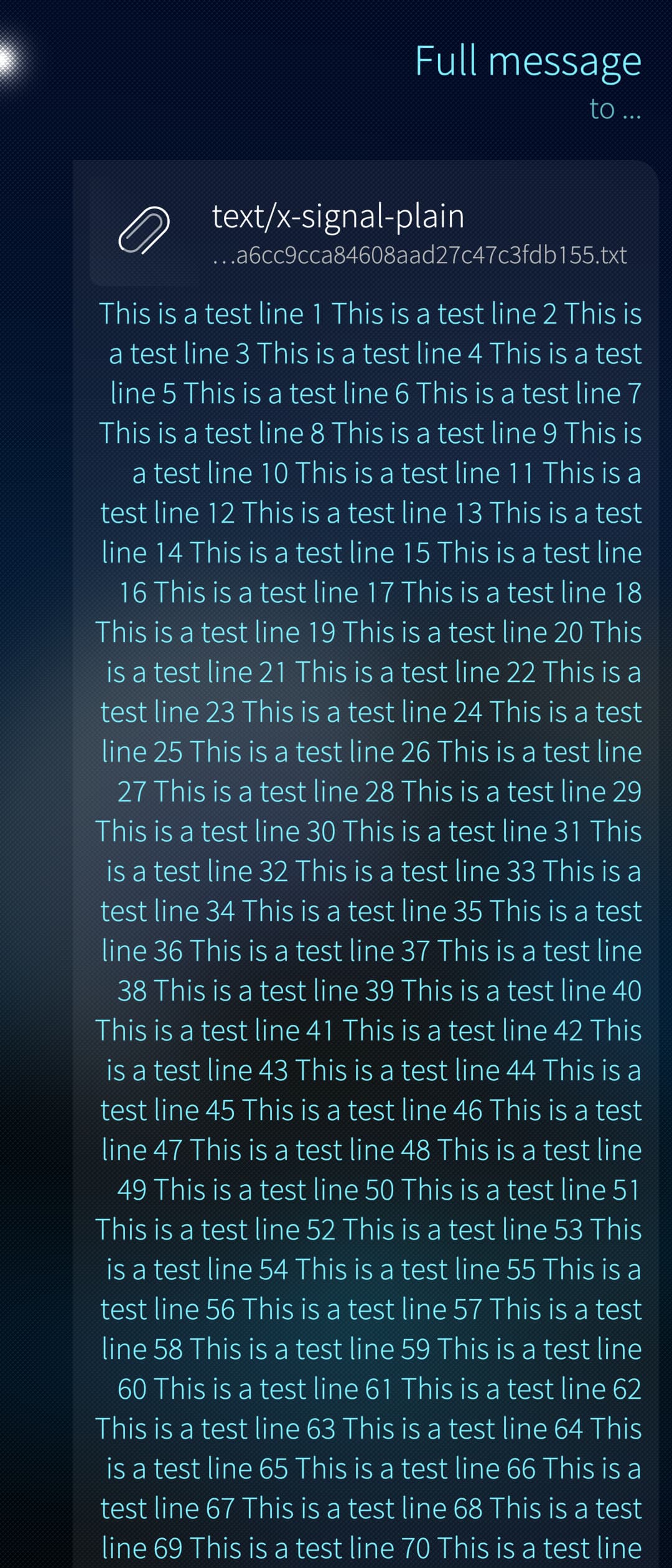
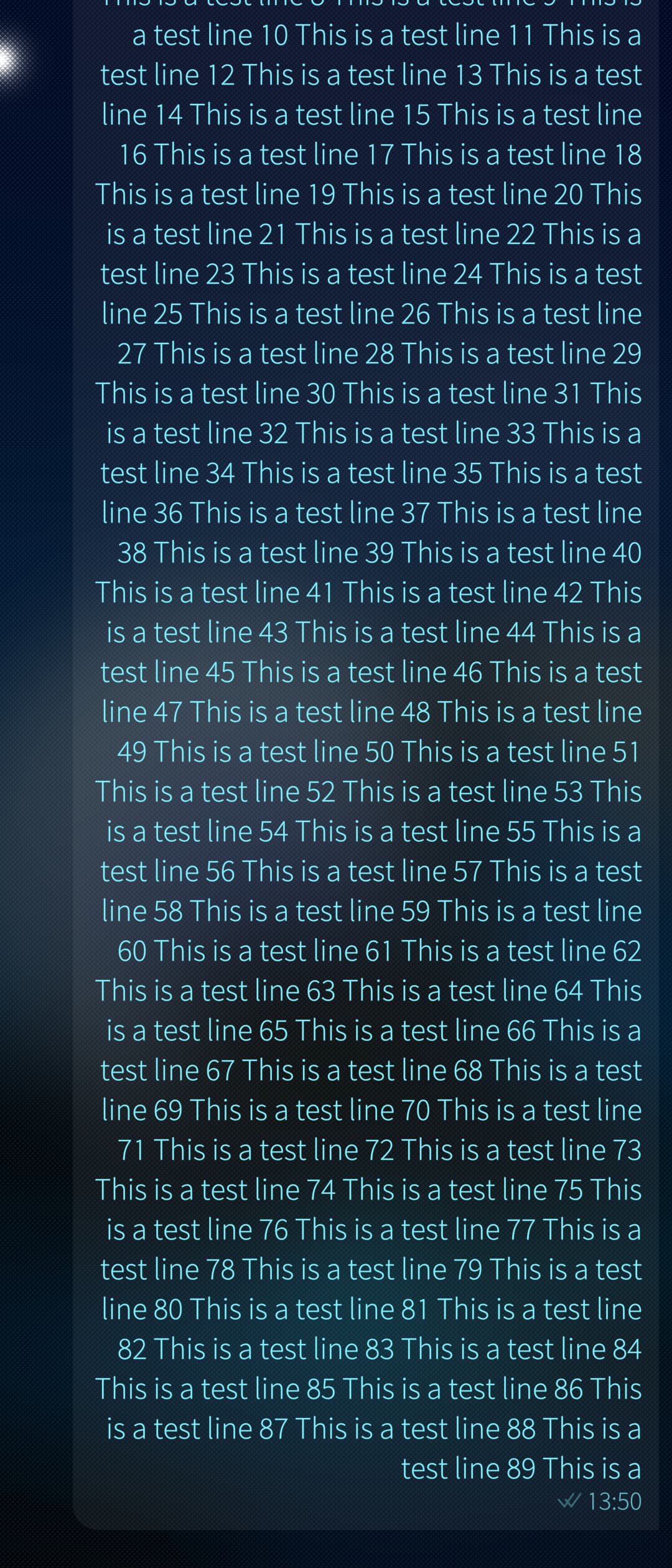
It should go on to 100 lines.
It also seems not to preserve the newline characters while the desktop and Android app both do.
1 Like
Yep, that’s a good catch. I think this is evidence that Very long message contents should be pulled from attachment (#455) · Issues · Whisperfish / Whisperfish - Signal on Sailfish OS · GitLab is not yet implemented (I just found that issue)
2 Likes
FYI: I just ran some numbers on the image generation for the voice notes, and it’s very much I/O-bound (I’m getting 300kFPS on my laptop, initial file load is 10ms from an admittedly super fast SSD). So possibly, the lag you experience mostly comes from wrongly reading the on the UI thread. I just had a tiny initial hick-up on my X10IV too, testing it out.
EDIT: just checked, we’re indeed loading it on the UI thread. I have some experimental code that should make it possible in the future to refactor this.
3 Likes
I don’t think it’s delayed per se, they are loaded asynchronously on QML side but it still happens on the main thread. I think that makes it possible for the chat bubble size to change after the initial rendering, which would make it render again, which is something we really want to avoid. I just today noticed something horrible about how many times we render things, so we really have plenty of material to trim down…
Yeah, that’s a known issue. Whisperfish has done that differently for a long time, it may always have been like that actually. Bad handling of newlines was something I wasn’t aware of, thanks for letting us know.
Yeah… Don’t we all? 
4 Likes
Should’ve said “Whisperfish is experimental code” 
2 Likes
How many folders does the export file function use? I know of ~/Downloads/Whisperfish and ~/Pictures/Whisperfish. Can you please add a note where the file has been saved when using export file? I receive attachments seldom and if I get one, I will have forgotten the folder path.
1 Like
I just refactored the waveform code a bit, such that the I/O now runs on a threadpool. It’s not ideal, since we could be using asynchronous I/O, but this is probably the easiest for now. Compiling it as we speak, but this should 100% take care of the jitter for voice note rendering.
5 Likes
Whisperfish tries to be helpful and categorize the files by types:
- images: ~/Pictures/Whisperfish
- audio files: ~/Music/Whisperfish
- video files: ~/Videos/Whisperfish
- other types: ~/Downloads/Whisperfish
Currently the folders are not configurable to keep things simple. However, it’s on my list to make a successful export pop up a notification for example, some feedback is essential…
7 Likes
By any chance, did you have a look at the importer for old message? Or is left on some TODO list with some undertermined timeframe?
No updates there, I’m afraid!
We should get a new release out soon. There are quite a few new things “almost merged” and “almost done”…
6 Likes
Hey, folks. First of all, thank you for such an outstanding app!
Now, since I’m using it on the Xperia 10 II, the OOM killer is shutting down Whisperfish’s background connection more often than I would like.
Is there a chance to permanently store the Background mode (I’m assuming it’s a systemd service of some sort) in RAM (is something like that even possible)?
If it is, it could be quite useful for other 10 II users, and could be implemented with other apps.
A different way to keep the OOM killer chill: set up a swap partition on (a industrial or endurance, for obvious reasons) SD card.
(Note: you’d need to keep the ram swap at a higher priority for performance reasons).
4 Likes
11 posts were split to a new topic: Reason to use Android instead of native apps
A post was merged into an existing topic: Reason to use Android instead of native apps