That did the trick. Thanks!
Thanks for your explanation.
Got it.
I set node as dependency for the app
Indeed. May I ask how you achieved that? Can’t find a reference anywhere in your RPM except in the python backend, but not inside the rpm/*.spec file.
For set the region I use this - so app should use the locale used on the device.
OK. Why is it hardcoded here then?
I want to toot the horn for this app.
It works really well if you have a recent version of yt-dlp installed (probably more recent than whatever you can get from our stores). Here are instructions on how to do that. With YT-DLP it does not rely on any invidious or peertube instance, get’s search results and media straight from YT.
1 Like
Many thanks for the link to this clear instruction.
I managed to install yt-dlp. However, the sailtube app has only a spinning circle when searching for files. In addition, the app crashes when I paste a Youtube link copied from the stock browser.
I must have done something wrong, but incompetent to figure out what I was doing wrong.
Any ideas?
Thanks
Edit:
I seem to able update yt-dlp:
[defaultuser@RainerZufall ~]$ yt-dlp -U
Latest version: stable@2026.03.03 from yt-dlp/yt
-dlp
yt-dlp is up to date (stable@2026.03.03 from yt-
dlp/yt-dlp)
[defaultuser@RainerZufall ~]$
But it cannot convert a YT video the browser can handle:
[defaultuser@RainerZufall ~]$ yt-dlp https://m.y
outube.com/shorts/cPNtHzAMEt
[generic] Extracting URL: https://m.youtube.com/
shorts/cPNtHzAMEt
[generic] cPNtHzAMEt: Downloading webpage
[redirect] Following redirect to https://consent
.youtube.com/m?continue=https%3A%2F%2Fwww.youtub
e.com%2Fshorts%2FcPNtHzAMEt%3Fapp%3Ddesktop%26cb
rd%3D1&gl=PT&m=0&pc=yt&cm=2&hl=en&src=1
[youtube:consent] Extracting URL: https://consen
t.youtube.com/m?continue=https%3A%2F%2Fwww.youtu
be.com%2Fshorts%2FcPNtHzAMEt%3Fapp%…=yt&cm=2&h
l=en&src=1
[generic] Extracting URL: https://www.youtube.co
m/shorts/cPNtHzAMEt?app=desktop&cbrd=1
[generic] cPNtHzAMEt?app=desktop&cbrd=1: Downloa
ding webpage
ERROR: [generic] Unable to download webpage: HTT
P Error 404: Not Found (caused by <HTTPError 404
: Not Found>)
[defaultuser@RainerZufall ~]$
So the problem is with yt-dlp and not Sailtube??
Really confusing for me poor n00b …
I’m also getting a 404 Not Found error on that link, even in a browser. Try a different video.
You don’t need to use yt-dlp on the command line if you use SailTube, just choose YT-DLP from the dropdown (I wish I could make that the default).
edit: oops, I forgot to name @Kuba77 's app in my article. This is now fixed.
1 Like
That was my starting point:
When I search in Sailtube
I get an endless spinning circle

That is why I checked yt-dlp in shell, assuming when it fails already there, it is expected that Sailtube will not work…
Edit:
After a while, Sailtube crashes
I haven’t much time lately so on my smartphone I didn’t update yt-dlp to latest version, it has 2026.02.21 and playing videos in SailTube usually works with it and searching videos over yt-dlp too. I will try the latest version of yt-dlp. Invidious instance stopped work so searching videos and channel over Invidious also. I don’t have replacement for searching channel because yt-dlp doesn’t have this function.
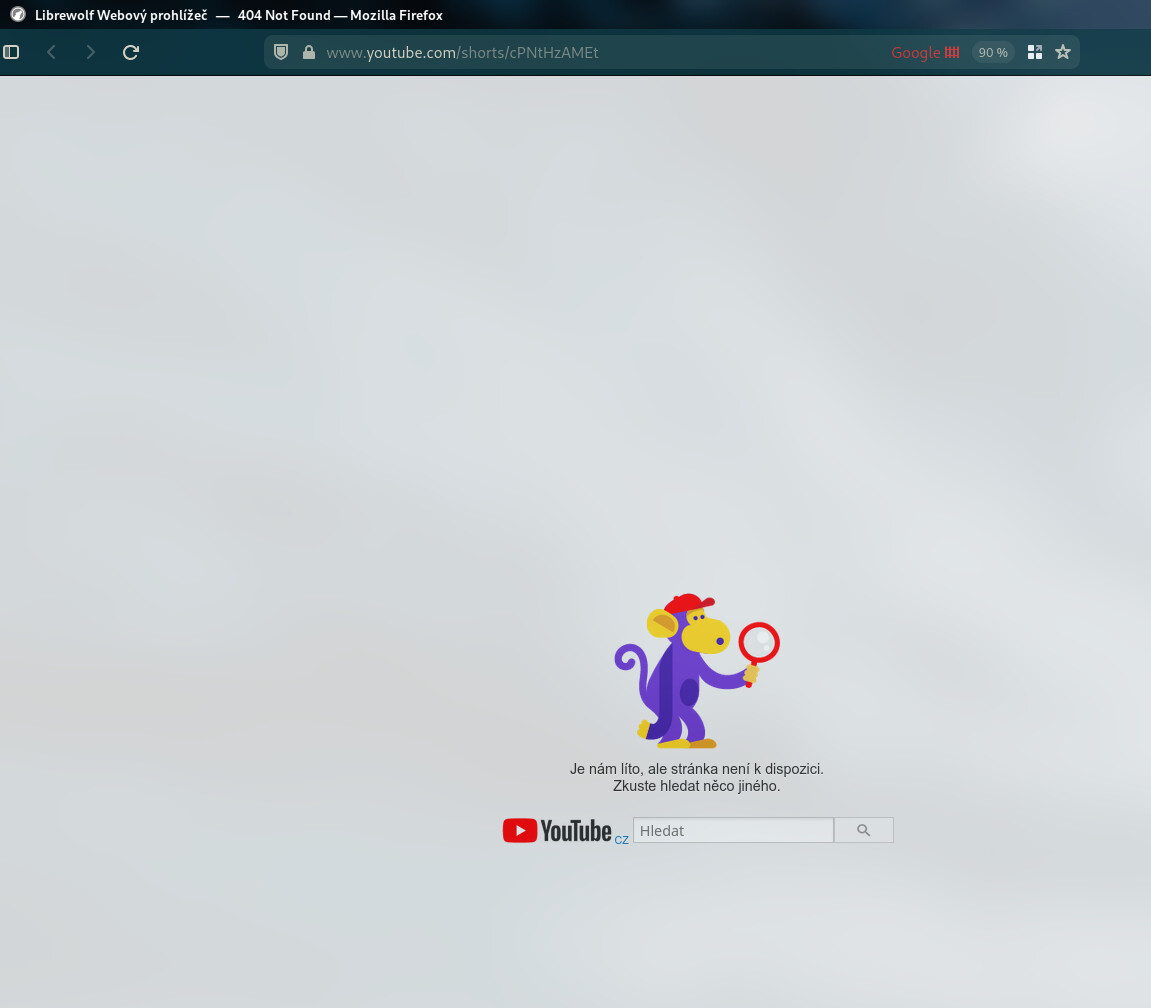
@MeeGo-Junky Where do you have the yt-dlp located (the binary and _internal folder)? The video from your error log https://m.youtube.com/shorts/cPNtHzAMEt for me doesn’t work nowhere including Youtube website.
1 Like
It apperas the URL got somehow truncated.
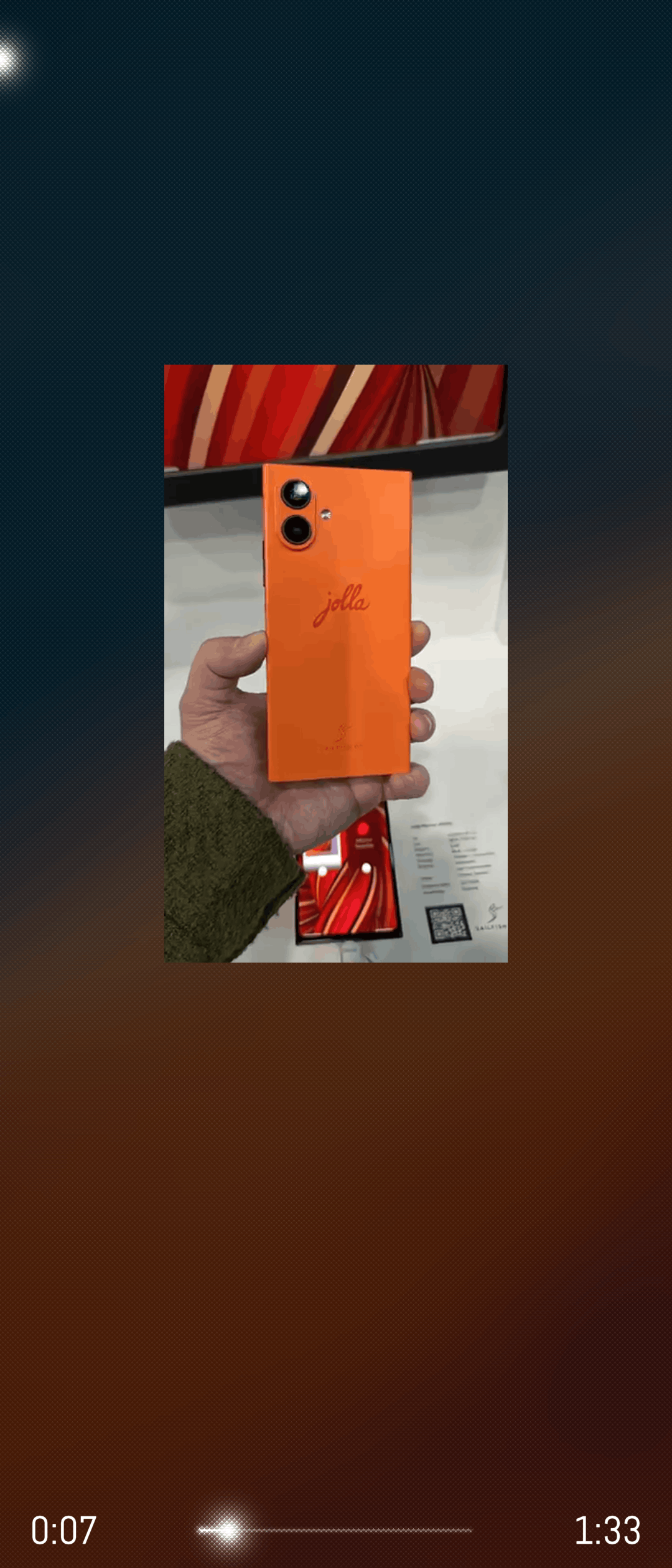
This one: https://m.youtube.com/shorts/cPNtHzAMEt0
A video from the J2 presented at MWC a few days ago, plays well in SFOS browser, but not in Sailtube.
My yt-dlp and the folder _internal are located in
/home/defaultuser/.local/bin
I have nightly build of yt-dlp installed as recommended in Sailfish OS - Install yt-dlp - dt.iki.fi
Many thanks
No. You had the wrong URL. The corrected URL plays fine in SailTube:
Maybe you also need node.js as outlined in this thread, idk. I’ll add that to my article too.
I uploaded on Github new version. Changes:
- searching over Invidious works again (in both tabs, searching video and channel) by parsing webpage instead of using API because Invidious instances usually have API disabled or work only in browser and in app I get error 403 (I asked ChatGPT and answer was maybe because old Qt 5.6 with old OpenSSL handshake so request from app the server consider as bot)
- videoplayer is vertically centered on page because of Shorts videos and Shorts videos are now using full width
- at Search video tab it remembers choosed service
3 Likes
Thank you for this! With yt-dlp, it’s good enough for when you need to listen to music from YouTube without blocking the native browser.
Was using microTube previously for this. Maybe it’s possible to merge the UIs? Just a crazy idea…
Glad to hear. About UI, I can make some UI changes but I don’t want to fully copy UI from microtube.
1 Like
An easier to implement suggestion: only associate with YouTube domains such as youtube.com, youtu.be, etc.
With yt-dlp, links from more video-hosting sites can be opened, and it’s impossible to cover them all. But i would rather start SailTube separately, and paste a copied link into it, than have SailTube pop up alongside the native browser each time i try to open a random URL from another app.
1 Like
To manually implement the above suggestion, after logging in as root with devel-su in the Terminal app, edit /usr/share/applications/harbour-sailtube-open-url.desktop, prefix the line starting with MimeType with # to comment it out, then add this line:
MimeType=x-url-handler/youtube.com;x-url-handler/www.youtube.com;x-url-handler/youtu.be
Restarting Home screen might help, not sure about it, as I’ve first edited harbour-sailtube.desktop and got things a bit messy…