Do you autostart android ?
I had with prev versions the issue that android would cause native apps to not have connection now and then and obly reboot would help.
I do not use autostart aas
1 Like
I had it on autostart, turned it off rebooted same issue. devel-su ping 8.8.8.8 works fine in the terminal, devel-su ping www.google.com shows bad address, not sure but linux sub system dns resolution might be failing, still works with android apps.
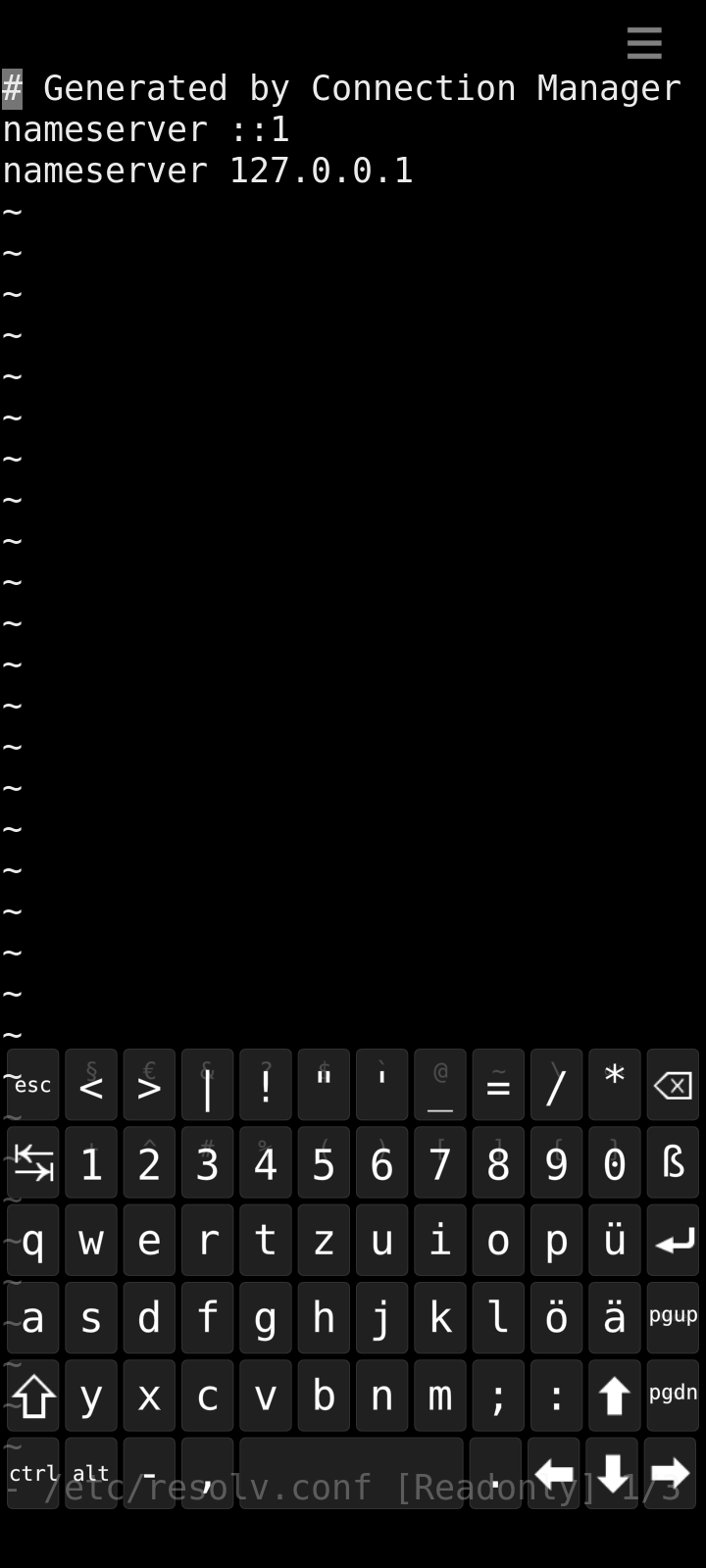
/etc/resolv.con shows
nameserver 127.0.0.1
nameserver 127.28.172.1
Is that correct?
1 Like
Xperia 10 V, here. The updating process didn’t work at first : the phone restarted and still displayed 5.0.68. I tried a few times and gave up.
Two days later, after reading that it went well for other people here I tried again and it worked.
Thanks for the update.
2 Likes
Thank you!  The problem was solved. And with the software update a few other small problems. Now it recognizes SIM cards correctly, for example.
2 Likes
short update to my previous post: after 12h, AppSupport on the Xperia 10ii still works fine. On the Xperia 10iii it stopped and entered the start-stop loop so i had to reboot the Xperia 10 iii. AppSupport on the Xperia 10iii was running nicely for about eight hours until it stopped
Sorry for double posting, but audio recording (built in microphone) with Android apps is broken since last update. Xperia 10.
Android apps are Oscilloscope and Audio Spectrum Analyzer from F-Droid. They both get no signal and display flatline.
SFOS Audio Recorder works fine, the bug only affects Android Appsupport.
Please what can I do to fix it?
Many thanks for any hint!
1 Like
With jolla-camera only the front camera is available. When I try to select the back camera nothing happens. With Whatsapp the back camera can be used normally so the device seems to function. Do you have any recommendations to solve the issue? Not sure if this happened when updated or was that also with 5.0.0.70. The device is Jolla C2 with 5.0.0.71.
If unsure if hardware of the phone is working correctly you should check in builtin app CSD.
My C2 camera can swap cameras.
I think I encountered something similar once, and dconf reset -f /apps/jolla-camera fixed it (found that from some forum thread then, now picked it up from my bash history so no reference available)
5 Likes
Are there any news regarding the update for xa2 series?
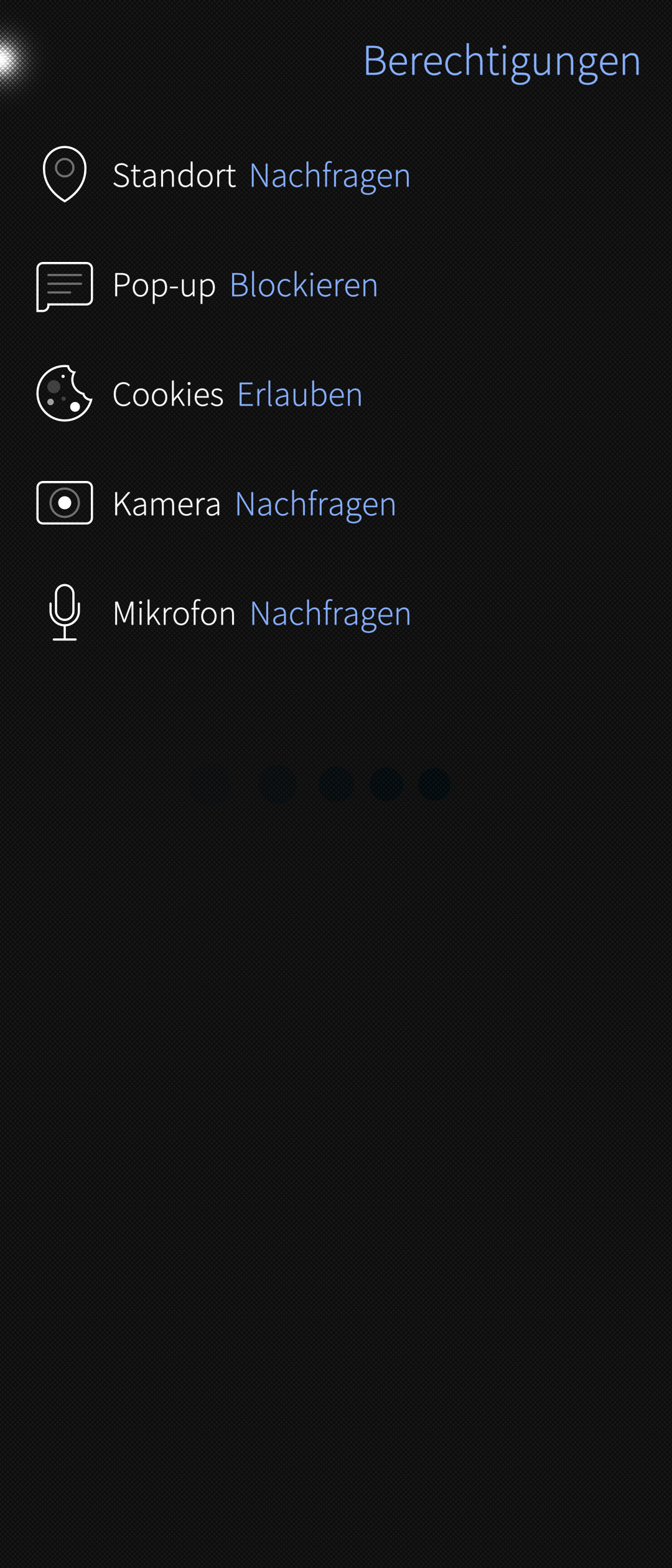
The new organized Android App support settings are nice, but it would be nice to add more restricting options. Maybe be able to have an own contact directory for Android and be able to select it. Or also restrict the usage of camera, gps, microphone, as some Apps don’t need them to function. So you could unlock them if needed and relock them when you don’t use them I unterstood @attah s complain, but if just temporarily, then you wouldn’t break anything, but just taking away the rights for the moment
2 Likes
We are working on a fix for the stuck in recovery mode issue, and try to get it out as soon as possible. But as it can happen also on other devices than XA2 (there was one report for Jolla C2, and also Xperia 10 uses the same recovery boot approach), we need a bit more time for testing and ensuring the fixes don’t introduce other problems.
14 Likes
I had the same issue yesterday, also on an Xperia 10 III. Service restart did not help, only solution was a reboot.
This leads me to the question who on earth had requested the changes Jolla included in that release regarding AAS auto-start. Didn’t it work without that fix? Was there something broken? All I know - now there is.
For the user of an alternative operating system it is one of the most embarrassing situations if you are asked something and need to reboot your phone to be able to run some app.
1 Like
Thank you I adjusted the DNS .conf but no cigar, SFOS apps, update, Jolla Store etc do not connect, android apps mostly work, though it does have some issues connecting to WIFI, or is very slow to initially connect.
When I check with CSD the Back camera test opens front camera so based on that it seems to be hardware related. In oppose when I use Advanced camera from Chum everything looks fine. Whatsapp Camera seems to work but not 100% reliability.
I tested that command and unfortunately it did not solve my issue.
@rla88 The camera dconf reset command should be
dconf reset -f /apps/jolla-camera/
with the / at the end so it resets all keys under that dir.
If that doesn’t help, you could try removing the gstreamer registry cache
rm ~/.cache/gstreamer-1.0/registry.aarch64.bin
13 Likes
With adding / at the end of the command the camera is again working. Thanks a lot.
2 Likes
Do you have this AAS problems on Jolla C2 or on Sony device @JoOppen ? On the C2 5.0.0.71 brought better AAS support than 5.0.0.70, so i wonder where your problems are coming from….