@htheb This is the following Icon I use to “paste” data.
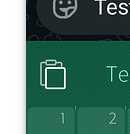
This icon is not present by default when I place my cursor to type text. It only appears if I type at least one letter.
@htheb This is the following Icon I use to “paste” data.
This icon is not present by default when I place my cursor to type text. It only appears if I type at least one letter.
@fulg09 Will be fixed in the next update
The download is available via OpenRepos.net or the OpenRepos app Storeman
Tested, works like a charm. Thank you very much !
Thanks for the updates!
It seems like the suggested fix solved the emoji problem, it is being rendered properly now.
Now I have an issue about keyboard layout:
I really miss that feature of the built in Sailfish keyboard that has dedicated “Ö“ “Ü“ and “ ´ “ keys which is a lot more convenient than using the traditional long keypress that everything uses except the Sailfish keyboard, including this keyboard aswell. The “ ´ “ key is to make vowels long in Hungarian so when I press that key all of the vowels became bold and gain that accent over them so typing “Ű“ for example is done by pressing the “ ´ “ key then pressing the “Ü“ key. The same is true for I → Í, A → Á and so on.
Now because of the nature of the Hungarian language relying on text prediction is completely wrong as words has different forms depending on the context and sentence so simply typing out the words without accents then picking the right word from the keyboard suggestions will never work properly.
I should also mention that long pressing the keys has a lot of completely unnecessary accented letters that the Hungarian language don’t have and because of them I have to travel with my finger across the screen since the right letters are usually far away from the starting point. For example the letter “O“ has options like Ò, Ô, Õ and Ø that are all useless for Hungarian but they are all more reachable than Ö, Ő or Ó that would actually be used.
But again having a dead key would be significantly faster than using the long press method, because the latter is slow.
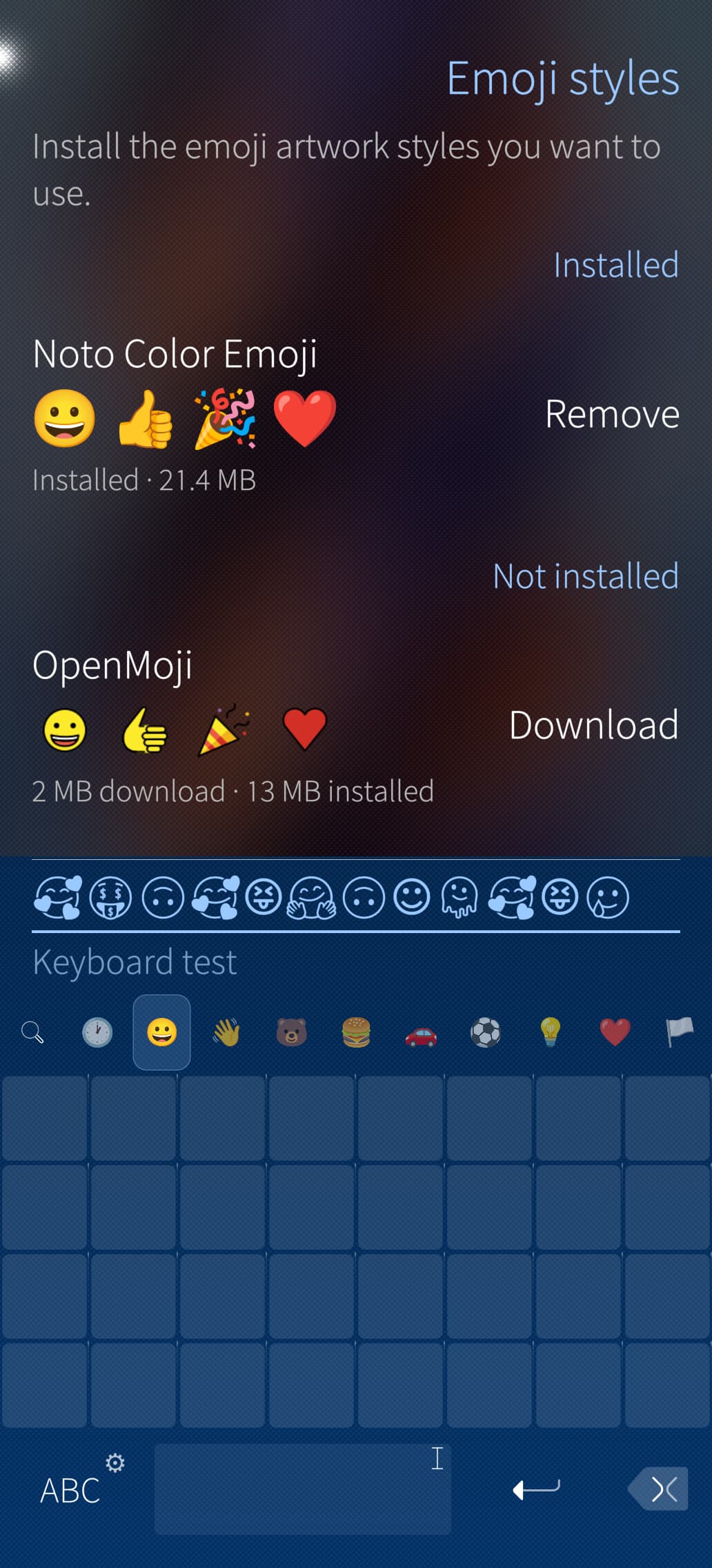
@naokysatoh you need to download the emojis and enable it in the settings
@htheb Could you implement the keyboard edit feature? I’m tired of editing files after every update 
Did you tried restarting the keyboard or phone?
Go to FUTO settings → Emoji, and select the used emoji style.
The new features work really well 
As for the emoji: maybe set the downloaded pack as active right away, unless another pack has already been chosen?
@naokysatoh As stated before: you also need to SELECT it in FUTO Settings > Emoji

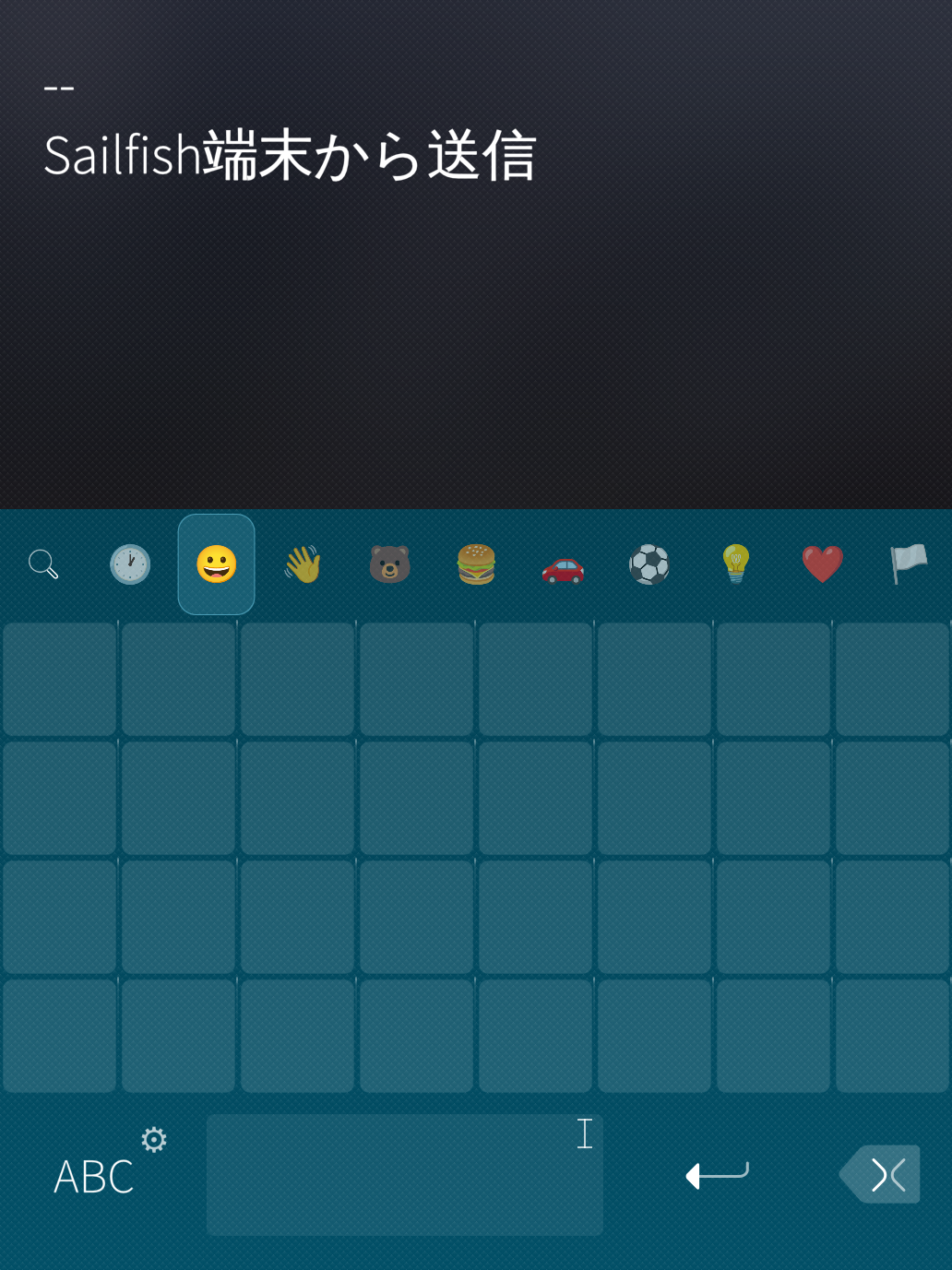
Oh I see. The default SFOS style cannot be seen but I now see them after switching another style. Thanks
I’ll check why the Sailfish OS style cannot be seen, (if it’s not a missing emoji)
The download is available via OpenRepos.net or the OpenRepos app Storeman
Thank you for this enormous amount of work; it’s incredible.
@Htheb Amazing, thank you. But where can i select my custom layout? And how do i edit the shifted long press alternatives? For me the shift lry on the preview your keyboard mode in the editor doesn’t work. Thanks for your work 
Hi @HtheB! Thank you so much for adding the layout edit feature, it’s great! However, since I switched to my edited layout, the shift key doesn’t work anymore.
Additionally, I can’t access emojis by long pressing the enter key in the edited layout.