Does WA have friends?  I thought there was only competitors.
2 Likes
Figure of speech. WA, Signal and so on…
@Seven.of.nine, @richdb, got my Jolla Phone 2026 a few days ago. Since Delta Chat is my main chat app on other platforms, I need a SFOS-native client myself to be able to daily-drive SFOS.
It’s only been a few days, but I got this together so far: GitHub - muhnschein/postivene: A native SailfishOS client for Delta Chat 💬 · GitHub
It is a functioning, yet bare-bones native Delta Chat client for SFOS. Still a lot of bugs and missing features, but I am actively working on this and improving it every day. So, to be clear, I give no guarantees as to the quality, safety, and availability of this app.
If you want to test it, though, you can download an RPM here (no OpenRepos/Chum work yet): https://github.com/muhnschein/postivene/actions/runs/33279263951/artifacts/9722548549
Caveat: It’s entirely vibe-coded by Claude Opus 5. People who take issue with that should seek out other clients  . That being said, like the official reference apps on other platforms, this builds entirely on deltachat-rpc-server, which is developed and maintained by the official Delta Chat team. All security and privacy relevant bits live there. This app is essentially a (soon-to-be) pretty SFOS wrapper around the official guts.
6 Likes
Perhaps you could push it to Openrepos.net (Storeman), so others including me could test it but Github it ok for the moment.
Can’t this simply be built outside SFOS build env? As a static binary/library?
2 Likes
It does work with an account already set for ArcaneChat TUI. Account must be manually copied:
cp -ir /home/defaultuser/.config/DeltaChat/accounts /home/defaultuser/.local/share/postivene/postivene
Is there any chance to unified this directories? It helps ArcaneChat TUI users to migrate.
1 Like
@muhnschein I see quite a progress here.
QR scanning works but it looks like a support for auto focus is needed. I was able to scan from JP2 on X10II with a support of good light and manual tinkering but not other way round.
The second issue is that a successful scanning should be announced more clearly. Maybe additional message?
Good work.
1 Like
Dang, I’m feeling watched now  You’re quite right - and thank you! Auto-focus is fixed in the very latest build, Claude is fixing the workflow on successful scanning as we speak. Should take the user straight to a new chat with the new contact.
Lots left to do, but I’ve been daily driving this thing for a few days now
While we’re at it - sorry for not responding to you yet! As you can tell I fell into a bit of a rabbit hole.
I’m hoping for shipping this via Harbour eventually, so I’ll stick with the officially sanctioned work directories. I hope that users that a) feel comfortable installing this very early stage app and b) previously used a TUI app for the same use case will be able to migrate their data themselves. 
I understand that, but bear in mind that this directory is default path of official DeltaChat app. It wasn’t a choice; it was inherited :).
I really need to get on the go train and follow your lead But then, I just assumed you’d do it
I put some more work in since we last wrote. Postivene now has an onboarding flow if no profiles are configured yet. As part of that, you can add your Jolla Phone 2026 as a second device. You can also import a backup from another Delta Chat client. That could be your migration route from ArcaneChat TUI, without the terminal work.

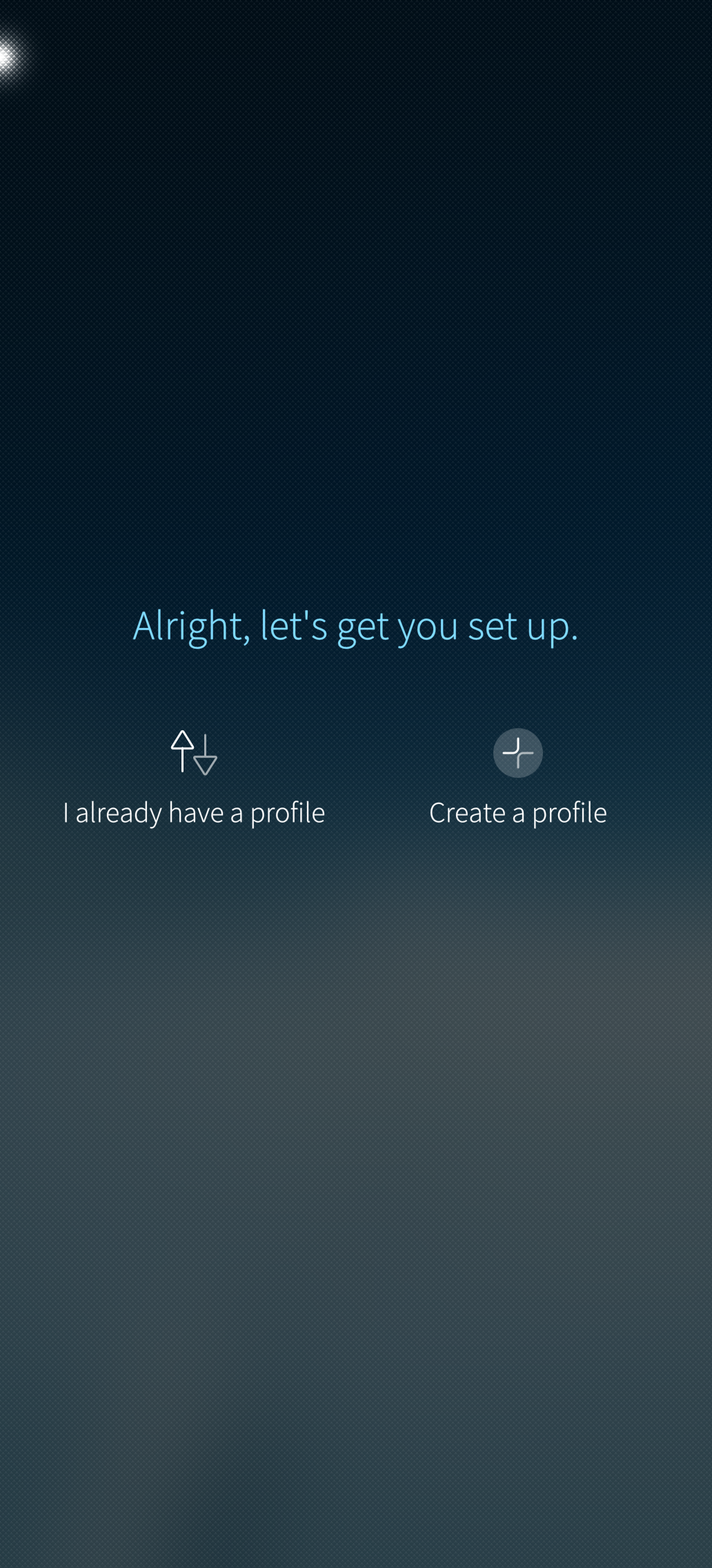
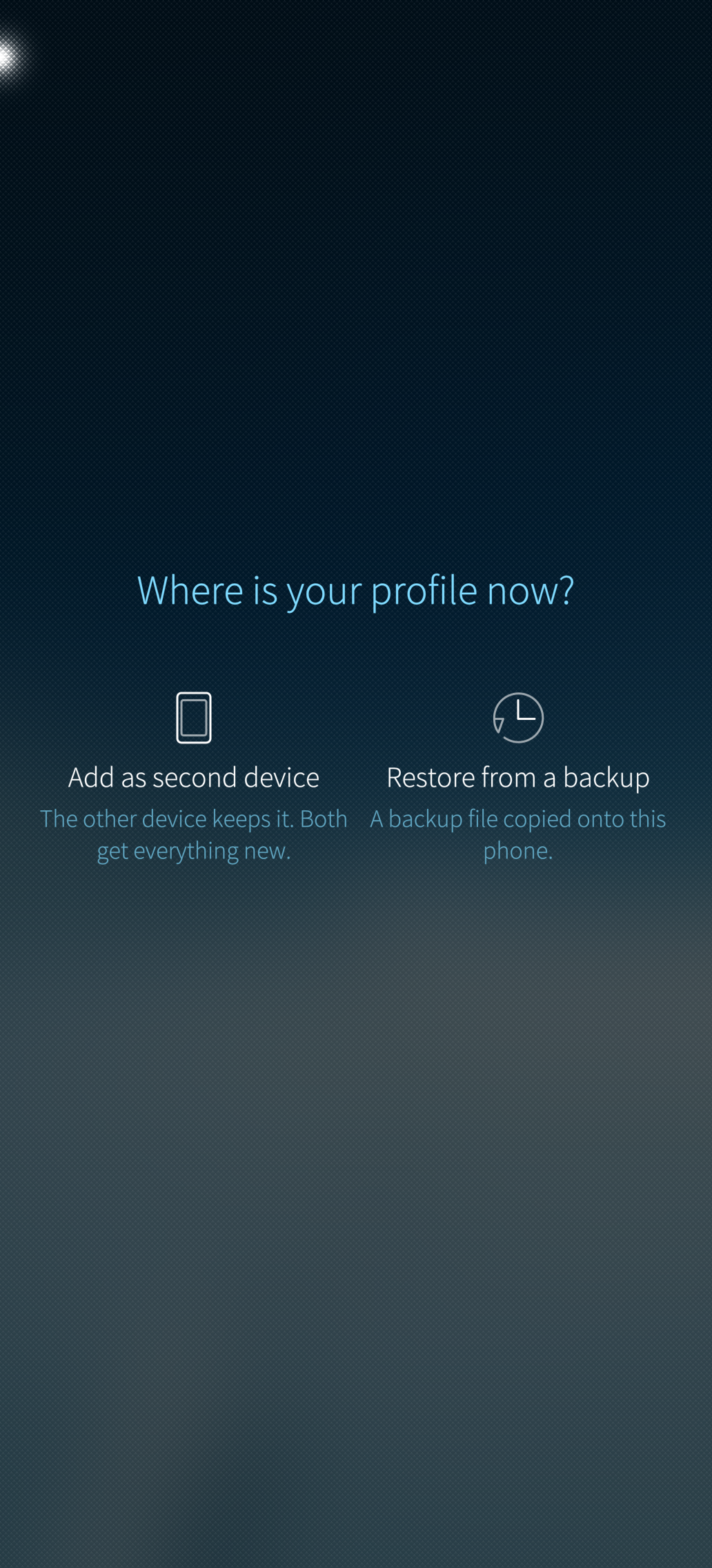
No formal release yet - you will still have to check here for the latest RPM build for the main branch. Still no OpenRepos/Chum planned.
Lots more where that came from. Will share more news in a dedicated thread once I feel like this is in good enough shape to share with a wider audience.
4 Likes
Yeah, I know. I’ve been keeping in touch and picking a new version of Postivene once a week :). I did not want to interrupt this flow. I am impressed what you have done already.
Postivene is indeed a funny name. I’m happy to test but I look forward if you could make it to appearance into StoreMan. This would allow more people to test it. Please provide also an option for donation.
Nice!! As soon I get my Jolla Phone (september) I going to test it. Great work!
Release!
Now I need to sleep 
Good night 
1 Like