Hi everybody,
So, here we are, after a lot of work, I think we have a decently usable beta version.
It resembles to the app I’d love to use to take photos.
@mad_dev is alas out of reach, I hope for a nice travel or a nice job…
In the mean time, the app is still LLM only.
I follow the process closely and direct the build logic, I watch for stupid ideas and bad workarounds.
As before, I still made it proofread by other models and sessions.
Many fields are involved : for sure more bugs will emerge. Just signal and ask, in case.
So, in RAWfish-ir 0.3.9 beta, here is what’s new since 0.2.4:
Before you update: the first start of a new version resets the app’s settings to their defaults. Your previous settings and calibration files are not deleted: they are moved to ~/.config/com.rawfish/rawfish-ir/backup-…. Your photos and your Settings page choices stay as they are.
Focus
- One focus mode. The camera focuses by itself (auto) until you take over: touch the screen to focus on a point, or press a volume key to adjust by hand. The FOCUS button then shows the distance (very approximative or sometimes fancy); touch it to give the focus back to auto.
- The focus marker is a circle that magnifies the point 2x, peaking included, so you can check sharpness without the loupe. It covers the real focus zone. Touch it to remove it.
- Sharper manual photos: after a touch, the lens stays exactly where the camera focused. It used to be moved slightly away from it sometimes.
- In 16:9, a touch now focuses where your finger is. It used to be off near the edges.
- Manual focus reaches each camera’s closest distance, about 7 cm on the main camera of the JP2. The focus calibration has a new 8 cm point.
- A photo taken while autofocus is still searching waits for it, at most 1 s, instead of coming out soft.
- Double-tap in the viewfinder red framed loupe to close it. (unpinch to open the loupe)
- 18 mm (wide) camera: touch focus is off, because its autofocus was unreliable (also is, on my JP2, in Jolla Camera, btw). Use auto or the volume keys, which now move faster in the near range.
Exposure and flash
- Hold tap to get a separate light measurement (little sun symbol).
- Removing the exposure point (the sun) brings back the exposure you had before it.
- In manual, the number over the sun shows how many stops you are from a correct exposure.
- The flash is fixed and fires again in jpg and snap. With the flash on, everything switches to automatic and comes back when you turn it off.
- Front and wide cameras: manual ISO up to 16000 and shutter up to 0.5 s.
Image quality
- 50 MP photos keep much more detail: processing is now tuned to how the JP2 really produces them.
- Merging 2 or 4 frames: it now builds on the sharpest frame, and 4 frames helps again at night.
- Merged photos now follow the zoom.
- Default size is 12.5 MP, and each camera remembers its own size.
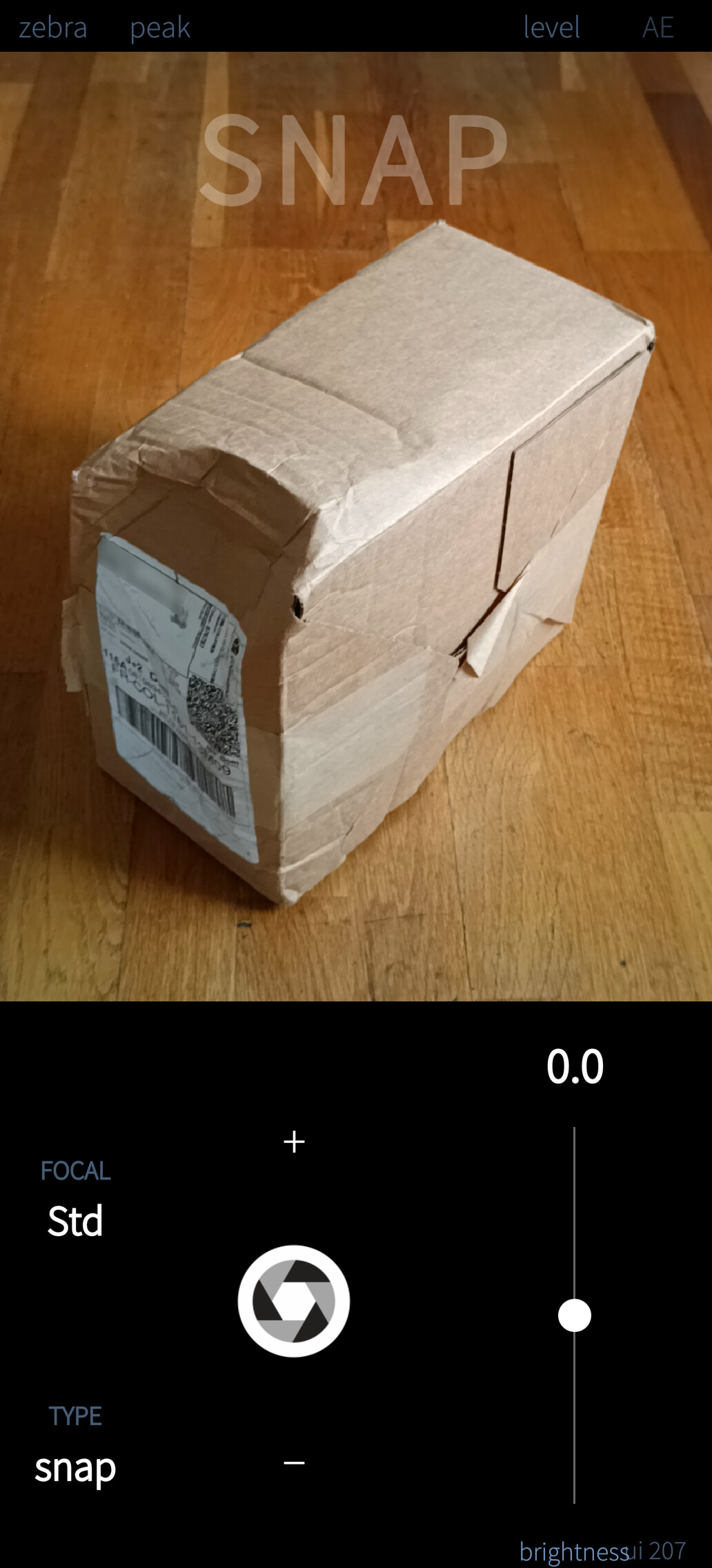
- snap is now a light 3 MP photo made by RAWfish-ir, and switching TYPE no longer restarts the camera, it is quick and direct.
- Brackets in jpg work again; they are taken by the camera’s own JPEG.
- The front camera’s viewfinder no longer lags.
- The viewfinder uses the camera’s hqnoise reduction and sharpening (which is very bad in low light but the “least worse” in the state of things).
Zebra, histogram and DNG previews
- The zebra in RAW follows the RAW file itself, not the viewfinder:
- full stripes: highlights lost for good;
- light stripes: only one colour clipped, which a RAW developer has chances to recover.
- DNG previews in the gallery burn the highlights much less.
White balance
- A measured white is kept per camera.
- Measuring the white also works on cameras without RAW.
- The white balance menu column setting goes back to auto at each start.
Gallery
- Brackets are now shown in the order they were taken.
- A picture zoomed in and back out no longer blocks swiping.
Feel and reliability
- A short vibration when the photo is taken, and when you press TYPE. You can adjust or turn them off in
rawfish-ir.conf. Thanks to @IvanV for the idea. - Faster reactions to touches and keys, and a lighter viewfinder.
- Fixed: the app sometimes refused to start again after being closed very early.
- The lens-shading assistant now names the camera and switches to one that gives RAW.
- Menu reorganised; the log is much shorter, with a “detailed log” option in Settings.
- Package files now carry a build number, so you can keep several versions side by side.
Known issues
- At high ISO the viewfinder can show a fine “maze” pattern. Photos are not affected.
- Xperia XA2: Working but few tested.
- Xperia 10ii and iii: Half-working. Nothing new. I need to get and test on the devices.
Packages, sources, docs, centralized through this post.
.
.
Some features in images:
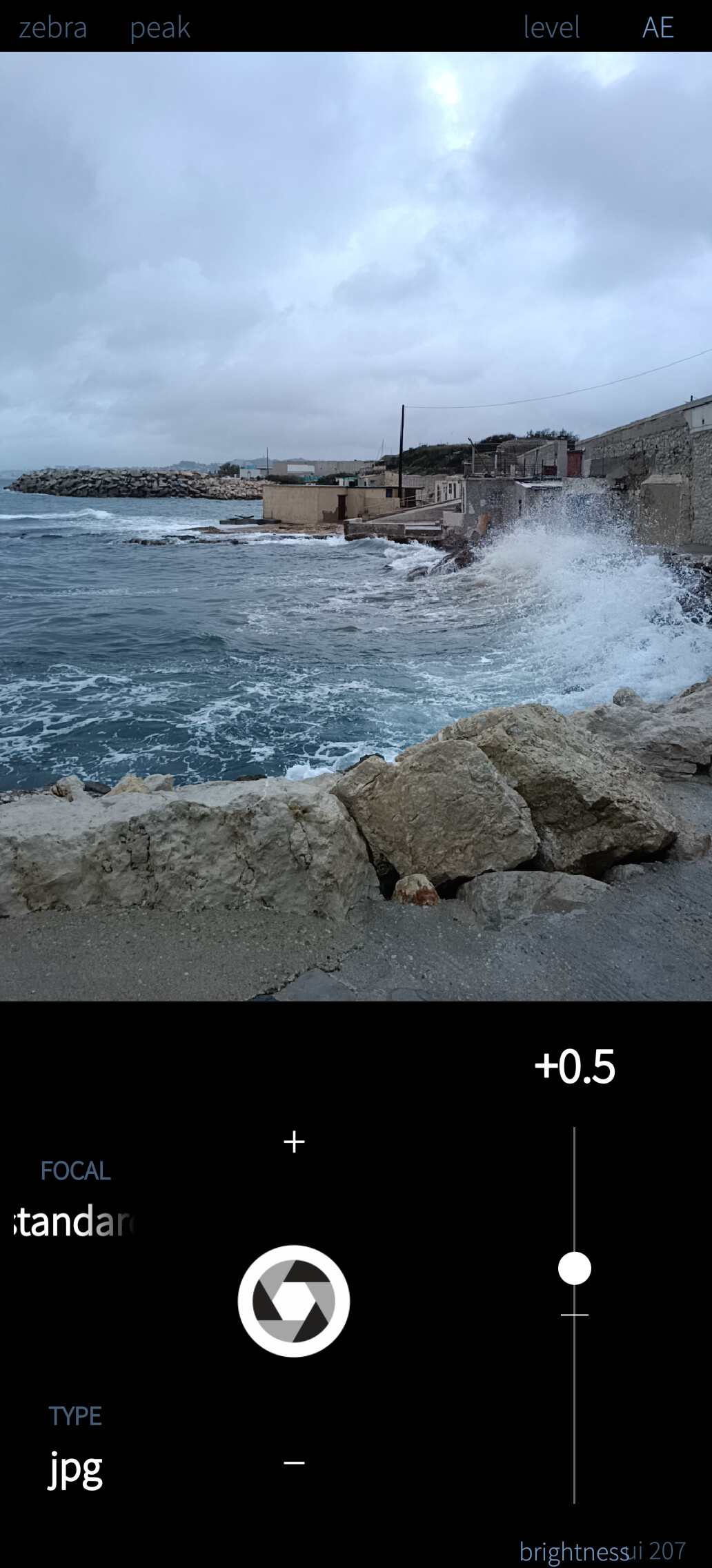
Simple mode, for lazy days:
.
.
“Snap” mode, for lightweight utility pics:
.
.
Magnified “tap to focus” circle:

.
.
Night (DNG, Darktable, many adjustments):
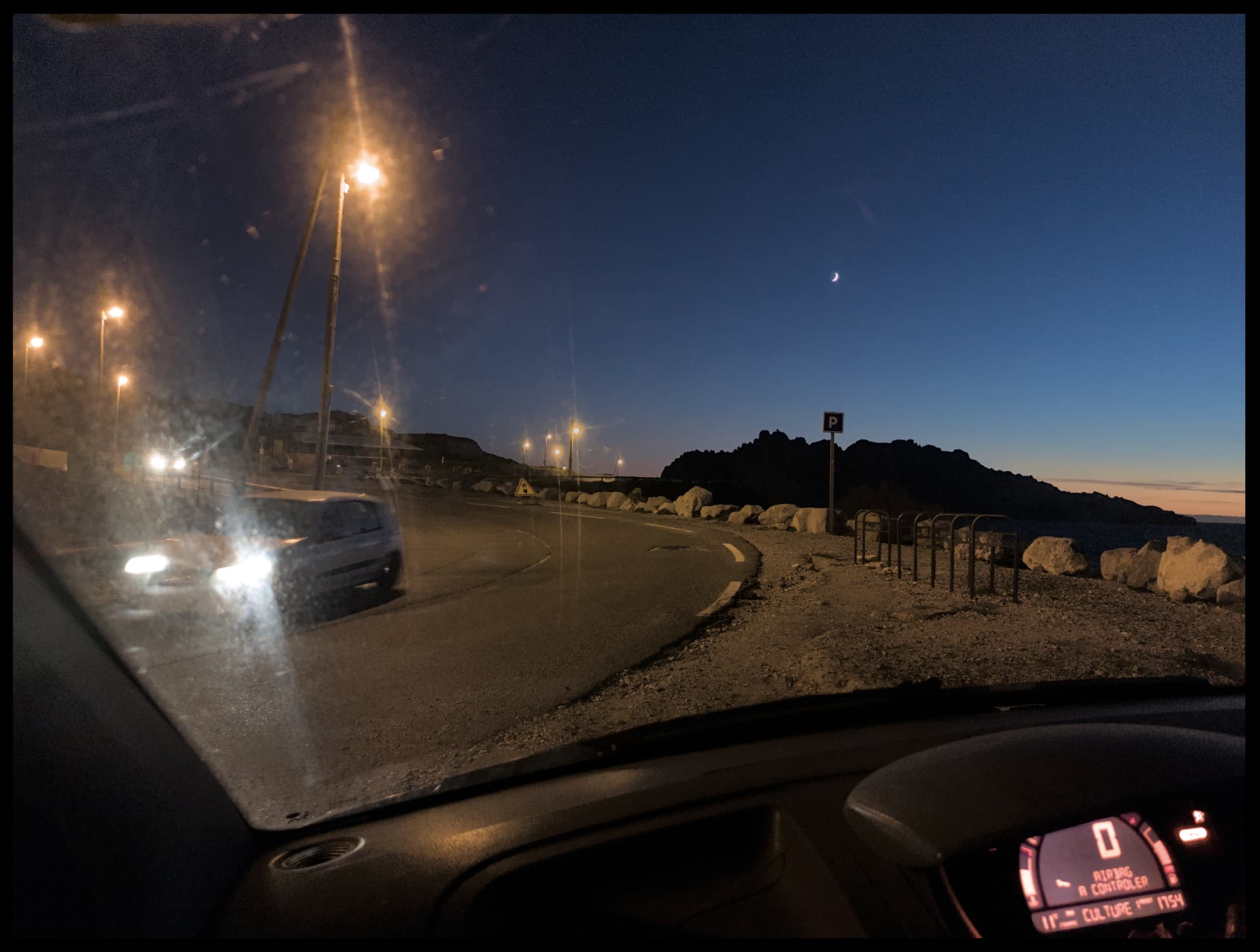
Here is the JPG version, taken by the same shot (almost simultaneously):
Quality 95, Denoise: 4 frames, colour 0, Moire 0, Sharpen: 2)
