Thank you for this information about Cloud Messaging. I was close to bursting a vein when that hellspawn of an app kept claiming that the QR code is already used. Finally got past that bit of the setup.
1 Like
I have to revise this statement of mine in the meantime: It worked and still works for me without Play Services for “simpler” applications like 2 factor authentication for certain mail providers.
It doesn’t work for a VPN connection establishment for a specific VPN infrastructure product. The account created for that in MS Authenticator doesn’t work.
MS Authenticator is deleting your passwords and moving them where you can only get to them using Microsoft software:
It depends a little on the M365 settings by the administrator too.
They can set up the system in a way, that only MS Authenticator is useable.
I use FoilAuth with TOTP for ours and that is working nicely and flawlessly. There is no bigger security drawback to use TOTP / alternative authenticator, so maybe ask your admin if s/he can activate that.
1 Like
Even with Cloud Messaging enabled, I’m not able to get the MS Authenticator to register to my work account. Is it still working for you? (CA 2, SFOS 5.1)
If you really need the MS Authenticator, that will be a big problem. But there are some open source alternatives for Android, which usually work flawlessly like Aegis, which you find on F-Droid and the Playstore as well.
Hai @rgsidler you’re right and I’m always striving to use free and open alternatives, but unfortunately, in this case, my company’s policies are forcing me to us MS Authenticator  !
!
1 Like
Hm, I’d say it worked on 5.0.x but without notifications. Now with 5.1.0.8 I needed to log in again, but it didn’t work.
BTW I know your problem as my company uses WireGuard and firces us tu use their AuthPoint app - which refuses the start complaining about missing google services. Need to find a solution when finally switching to J2 in the summer.
Edit: Works again…
I am very sorry to read that 
I have MS authenticator working with the 5.1, Xperia 10 III. I had it working even in the 5.0 (the release where AAS got android 13). I only use the notification popups where you need to write the number. I use Foilauth for those one time codes, but MS auth shows those codes also correctly.
What kind of experiences are you facing? I remember I had problems setting up the “passwordless sign-in request”. I played with all possible settings and at one point it started to work. If I remember problem was the screen pin for android side, can’t really remember how it got fixed in the end.
Hi @CLMA31 , I need to add a new (workplace) account to the MS Authenticator. To this end I’m logging into my microsoft account (mysignin) and adding a new method (only Authenticator is possible) I’m getting a QR code. Back to my CA2 I’m able to scan the QR code and the app is trying to activate the account but then an error message appears: Unable to add account (and some hints about push notification for the app must be enabled - which I had enabled, though). I tried it now at least 6 times, modified permissions and various microG settings (even used an old Google account to register) and I’m giving up now..
Hmm, maybe I have to follow this post about push notifications? Ow to get push notifications?
My problem has been the screenlock. I can’t really remember how I got past it. I tried with another account and couldn’t figure it out easily. Have to look more when I get the Jolla phone and I need to re-do this
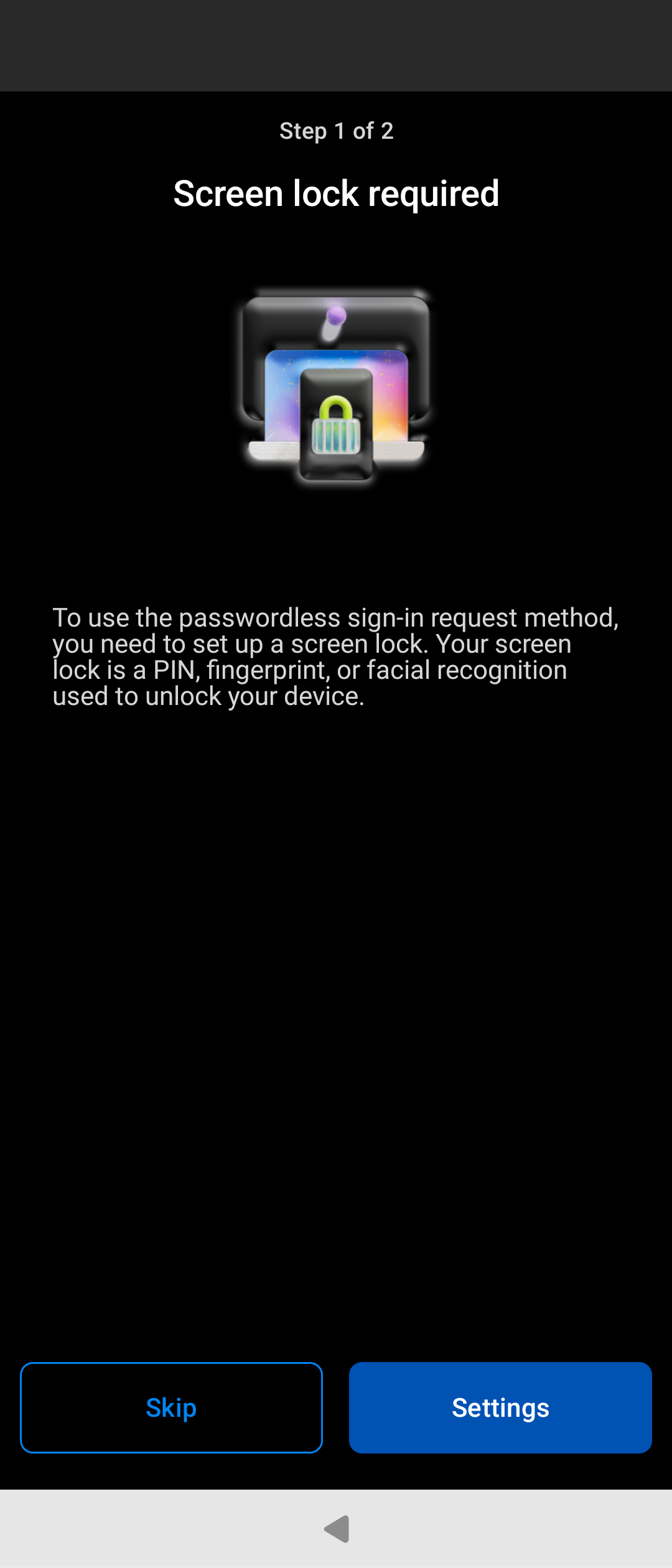
Could it have been this workaround?
I’m 100% sure I didn’t do that workaround, but that probably would solve it. I think it quite randomly just started working one day.