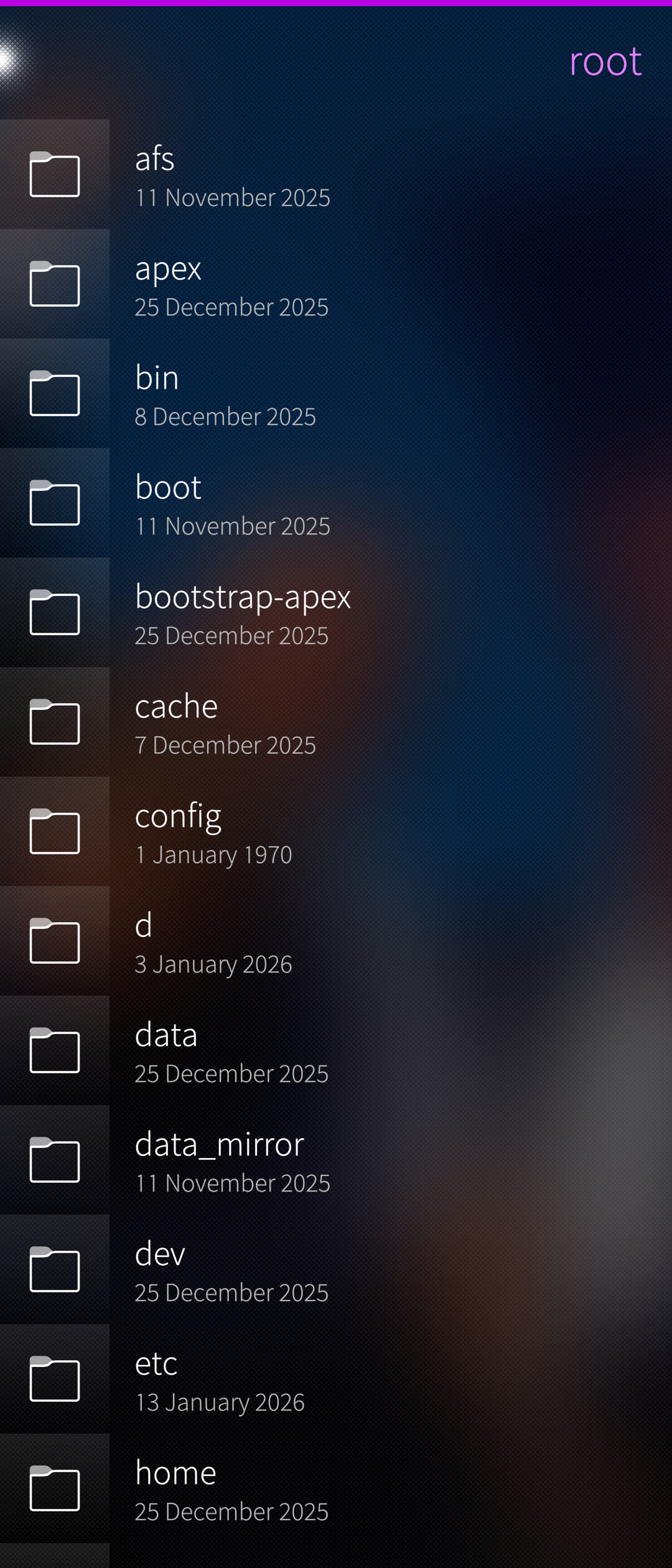
The permissions could also be done by creating an sailjail app profile file and packaging that.
This way any exceptions would be only for one file in the package and there’s nothing Sailfish OS itself needs to change. Also it would make it work on older SFOS releases which do not ship such a new permission file.
Jolla could even craft an example of this profile, including only things they consider permissible (heh). Like for example keeping critical areas of the file system still inaccessible or read-only while opening up others.
(EDIT: For example, it is absolutely fine, to NOT permit the File Browser to edit its own sailjail profile file. It should be obvious why )
Maybe the solution would be that file browser becomes a Jolla app and not yours anymore?
Thats Jolla forks your File Browser say, and make it their own official app.
If its an offical Jolla app, i guess the restrictions can be lighter, since they manage it so the security risk is not the same than a developper’s app…
I doubt they would want to do that with their limited resources. However, when karip originally authored File Browser back in 2013, there were quite a few contributions from Jolla people. So I think the easiest way for them would be to contribute if they want something changed, and maybe to review my updates beyond simple store reviews if necessary.
On another hand right now file browser already gives access to the main things.
Isnt it a little dangerous to give a file browser thay can break apps (by removing files) within the jolla store?
Isn’t it the task for a filebrowser to remove files? Do you break your system on your computer on regular times? I want a filebrowser that works so the question and the suggested solutions are helpful.
No, that’s the problem - it doesn’t with the current Sailjail configuration, and that’s very confusing for users.
No? I think that was answered nicely before. Plus, if someone wants to ruin their day, they can also use the minimal integrated file browser in the settings app to so. But what if you want to inspect the settings of an app or delete its cache, for example? Then you need a proper file manager like the File Browser app that allows you to see all files, including dotfiles.
Just to clarify, the harbour-file-browser version that has sailjail disabled (from openrepos/ichtyosaurus afaics) is still executed as defaultuser and does NOT supersede regular Linux file ownership/permissions.
In other words, yes, you can browse/view most files, and you can modify/delete/create more files under /home/defaultuser than with the sailjailed version, but you cannot modify/delete/create system or privileged files.
IMHO this is perfectly acceptable - because I’m a long-time Linux user and know how to drive without a safety belt - but I understand that one would not like to make this the default for users coming from proprietary operating systems.
I forget, what are the sailjail restrictions for the normal version? Maybe they could be loosened just a bit, without risking newbies bricking their install.
Just install from openrepos or run from cli without sailjail, there is no chance jolla will allow this in jolla store allowing noobs to brick their phones because app is popular, coffee and energy drinks are popular, then there is outrage a kid drank 20 and offed himself, gotta treat dumb endusers appropriately (not to mention MDM they offer, giving a rooting app in jolla store would be retarded)
You could check, you know…
It is most importantly (to some) about files in the home directory outside of the well-known freedesktop Capitalized directories. I’m not so sure a bespoke permission for that is a good idea.
I also don’t agree with the narrative that it is about newbies bricking their installs (not all apps are file browsers…). A misplaced manual deliberate action is not really top of mind for jailing - it is meant for malicious third parties, hijacked apps and whatnot.
But a sailjailed browser is what you get from storage menu in settings, good luck bricking your device with it, same with the jolla store happy version of fb app
Edit: maybe a weird read-only sailjail would make sense so ppl can read /etc etc, then again they could access some plaintext passwords like wifi or something, but seriously why would anyone need access to that without root in the first place? Because app is popular?
Edit2: yeah the ‘official’ file browser already exists through settings->storage->choose main storage->pulldown menu for file manager, really not sure a rooted app in harbour makes any sense, or why it would grant extra permissions vs that
Yeah it’s not, it’s enough to create a symlink to / in any of the folders and you have full access from the jolla’s file manager (wonder how mdm deals with that)
I didn’t and funnily enough copy/paste also works, so just insert sd card with symlink and you can copy it to main memory, how did russians approve such mdm kek
It isn’t? I’m pretty sure the default version from Jolla store is. But the thing with the symlinks is true. Even so, this won’t give me write access to the root folder and is much less of an issue than certain individuals want to make it seem.
 )
)