Which browser did you use? I noticed that Chromium-based Vivaldi has some internal colour management, but not the native SFOS browser, which shows no difference between sRGB and P3.
I used the native browser.
I wonder if I could somehow film the difference.
Previous post updated
1 Like
I would say Sailfish OS on the Jolla Phone (2026) still largely remains in “alpha” state, and you’re implying that this (or other issues regarding the screen) problem appeared because the screen itself is faulty, and it is faulty because it’s cheap? That doesn’t help improve the situation any. Regarding OP’s issue, it definitely looks more like an issue which stems from Sailfish OS.
1 Like
I take that as a report that you experience it too 
As I said, I’m happy to be corrected in case you have evidence proving otherwise.
What I have come to learn is that the panel is actually quite capable of producing colour, on a wider gamut than sRGB. It’s just not managed.
1 Like
Can you please stop taking over topics with pure speculation presented as absolute fact and incessantly arguing with everyone over nothing? I’m sure part of it is just the machine translation doing a bad job translating between English and Turkish and making everyone sound like they’re trying to one-up you in arguments that didn’t exist before the machine translation created them, but you made seventeen posts in this topic about an issue only people who have a Jolla Phone can reasonably discuss, and you don’t even have one yet. Jesus.
19 Likes
Well, from the info and logs OP provided it would make sense that it is a Sailfish OS issue. But I do agree that devs and the staff may know better.
As for the “One person experiences it while another person doesn’t”, I never had some of the issues/bugs that are common experience here in the forum. So what does that mean then? That those bugs are fake? Or that those people have faulty hardware?
You don’t need to stress about them. Mobile Linux is, in my view, bleeding edge, and it takes time, effort and money to mature, something that desktop Linux had, but mobile Linux never had. Hardware faults will be fixed/remedied, I am sure about that. Maybe not today, not tomorrow, but it will get better. And I personally wouldn’t say it’s all bad, though, but mileage may vary.
2 Likes
You know you can filter by user?
Personally, I think the biggest problem started early on in the thread, when it was said that black doesn’t look black. Because OP’s issue and “black is not black” are most likely two different issues. Which, depending on the circumstances, can be resolved in software. And as far as I know, Jolla only uses one panel for their phones. So it’s either software issues, or somehow panel manufacturer sent out a lot of defected ones. Which the latter is less likely, let’s be honest
3 Likes
I think what they are saying is that the mexico filter and problems seen with that problem are unrelated to this specific bug report. The mexico filter and related problems might be hardware problem. But as that is completely different topic than what this bug triea to address it should be handled in another bug report, not in this one.
Currently I think you are talking about the mexico filter and about other ones that relate to that. Others are talking about completely another bug, which probably is software related and that bug was the main topic of this thread. So from now on, let’s move the discussion related to the mexico filter and related topics to another thread handling it
4 Likes
Look. Even if the topic says “Display”, there are also multiple other words in the topic. Not everything that includes word “Display” is related to this topic.
As multiple people have been telling you, you are talking about completely different things, observable by e.g. the fact that issues you refer to have nothing to do with the reproduction steps very knowledgeably provided by the original poster.
As an other user mentioned, one can filter by user, but that just hides the problem from one forum user. I believe the correct action here is to flag your posts not related to the original bug report as off-topic.
1 Like
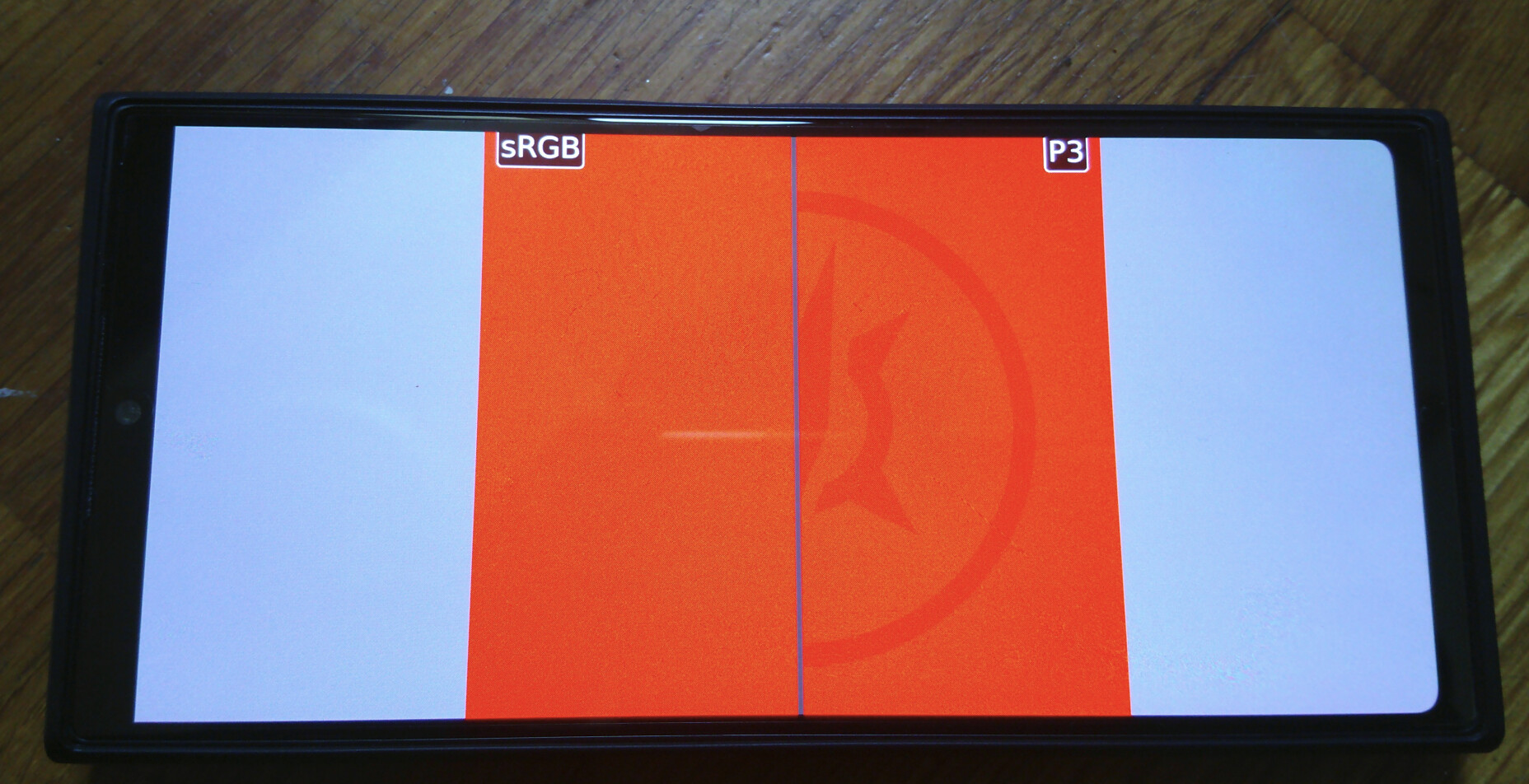
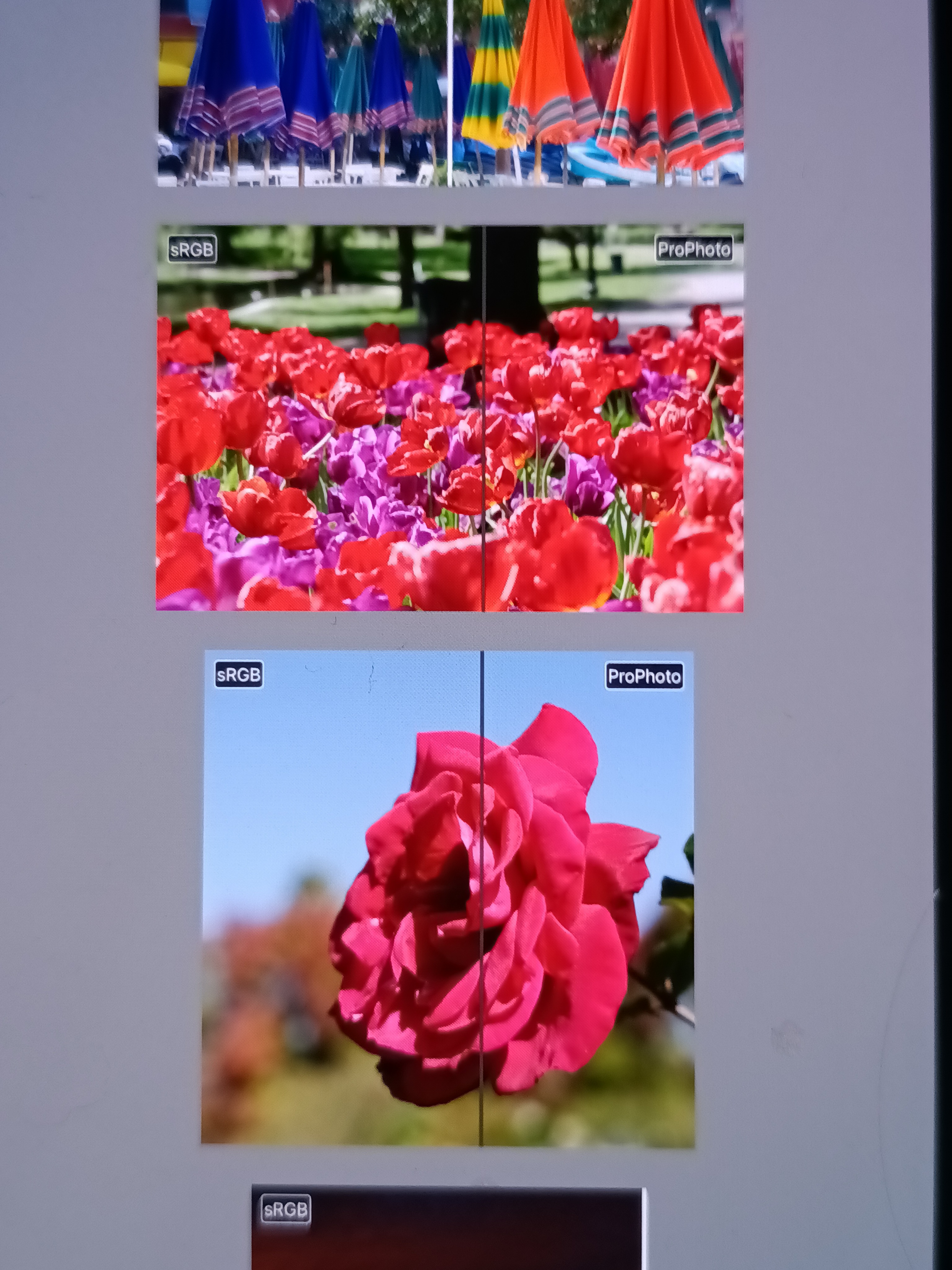
Here is the first picture of the test site on my JP2, native browser.
The easyest to reproduce with a XA2 camera.
8 Likes
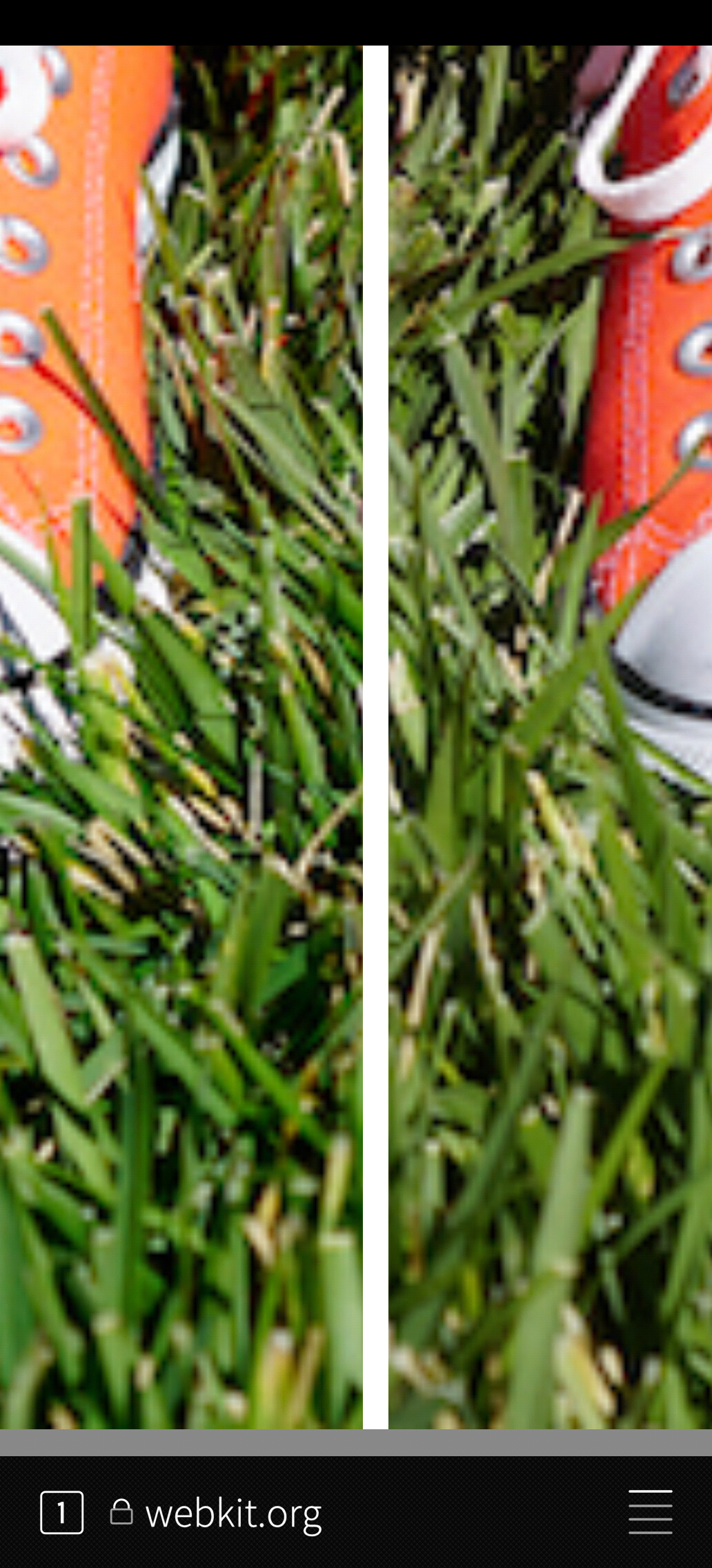
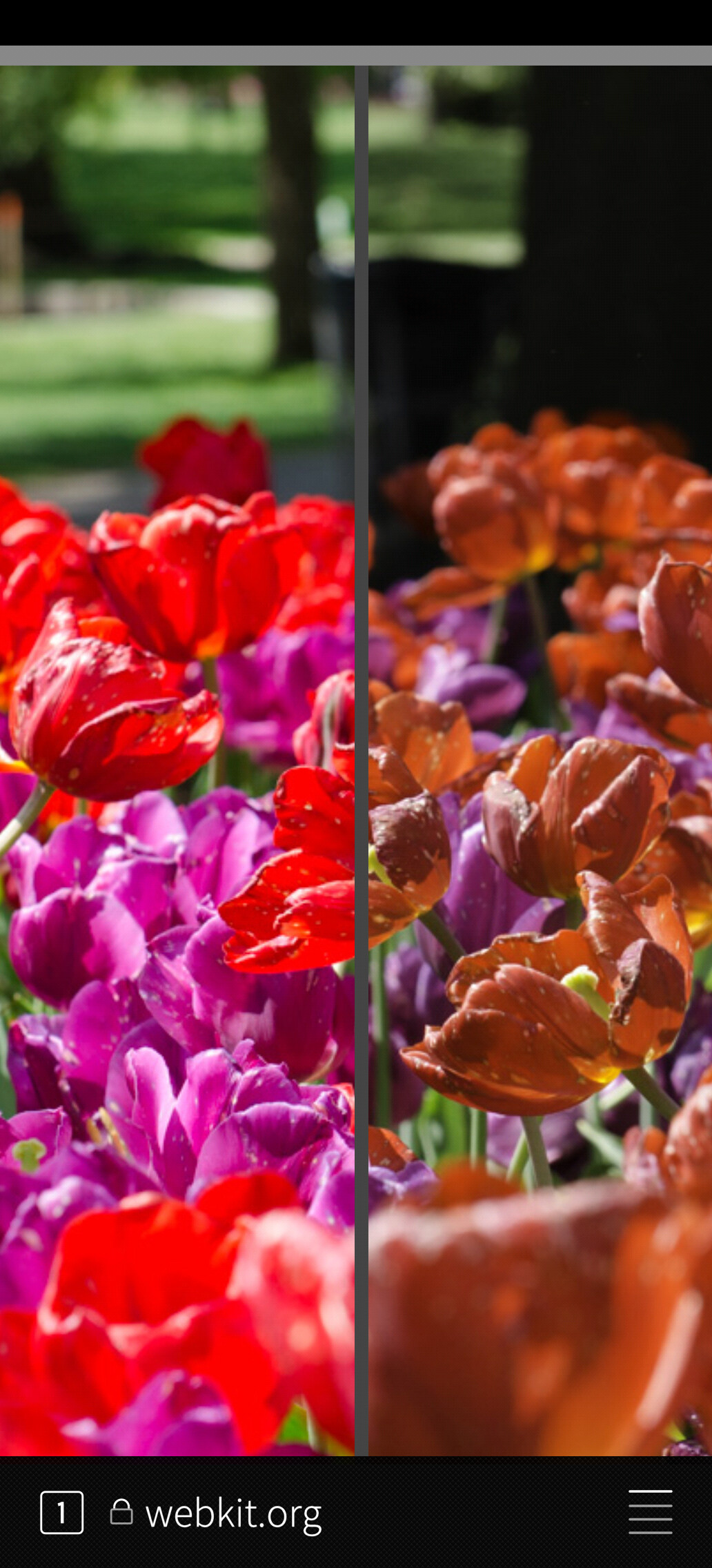
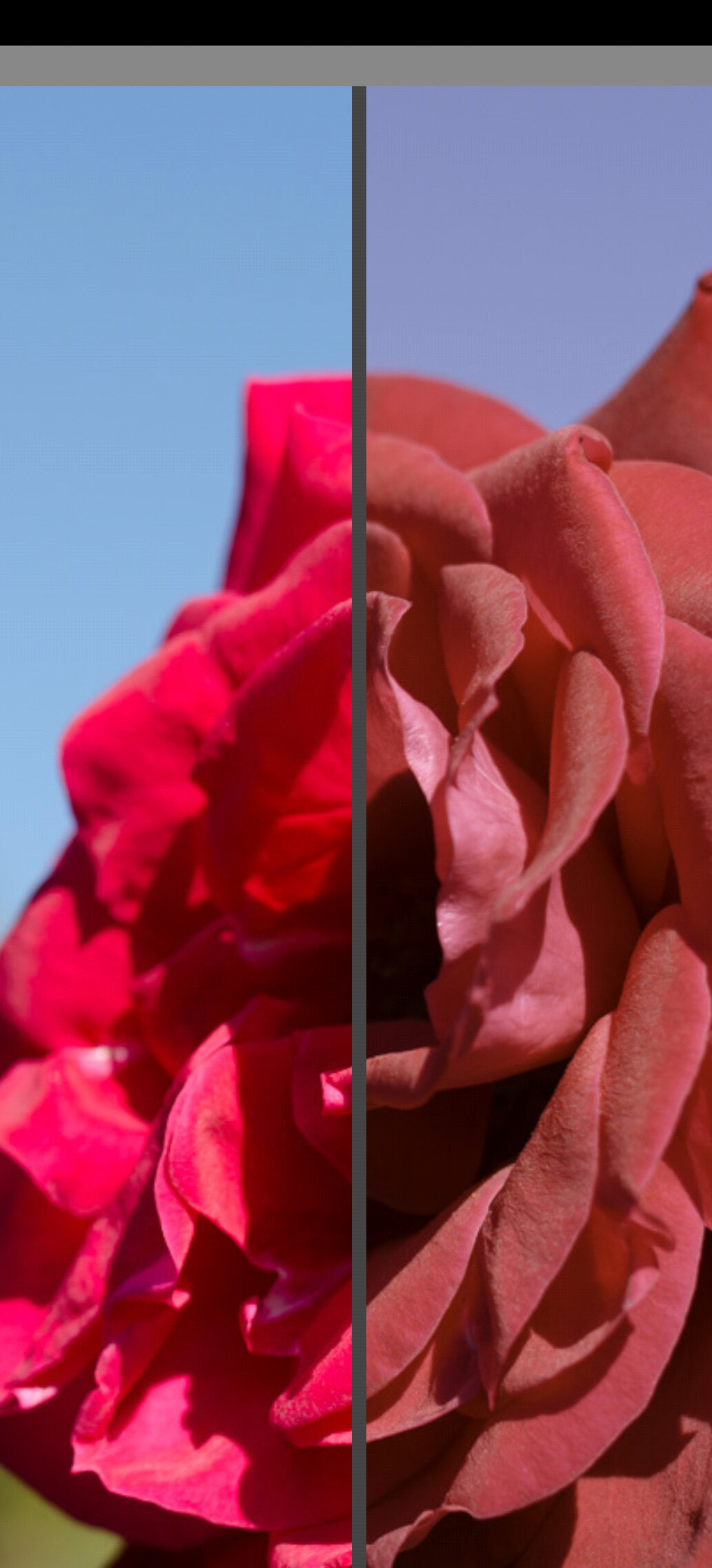
Actually, screenshots are also working:
Green is slightly more green on the left, to be looked cauciously:
Differences in the reds:
Edit:
Note: Screenshots are not valid per se, as they are “before the screen”
They are just valid to +/- illustrate what can be seen naked eyes.
4 Likes
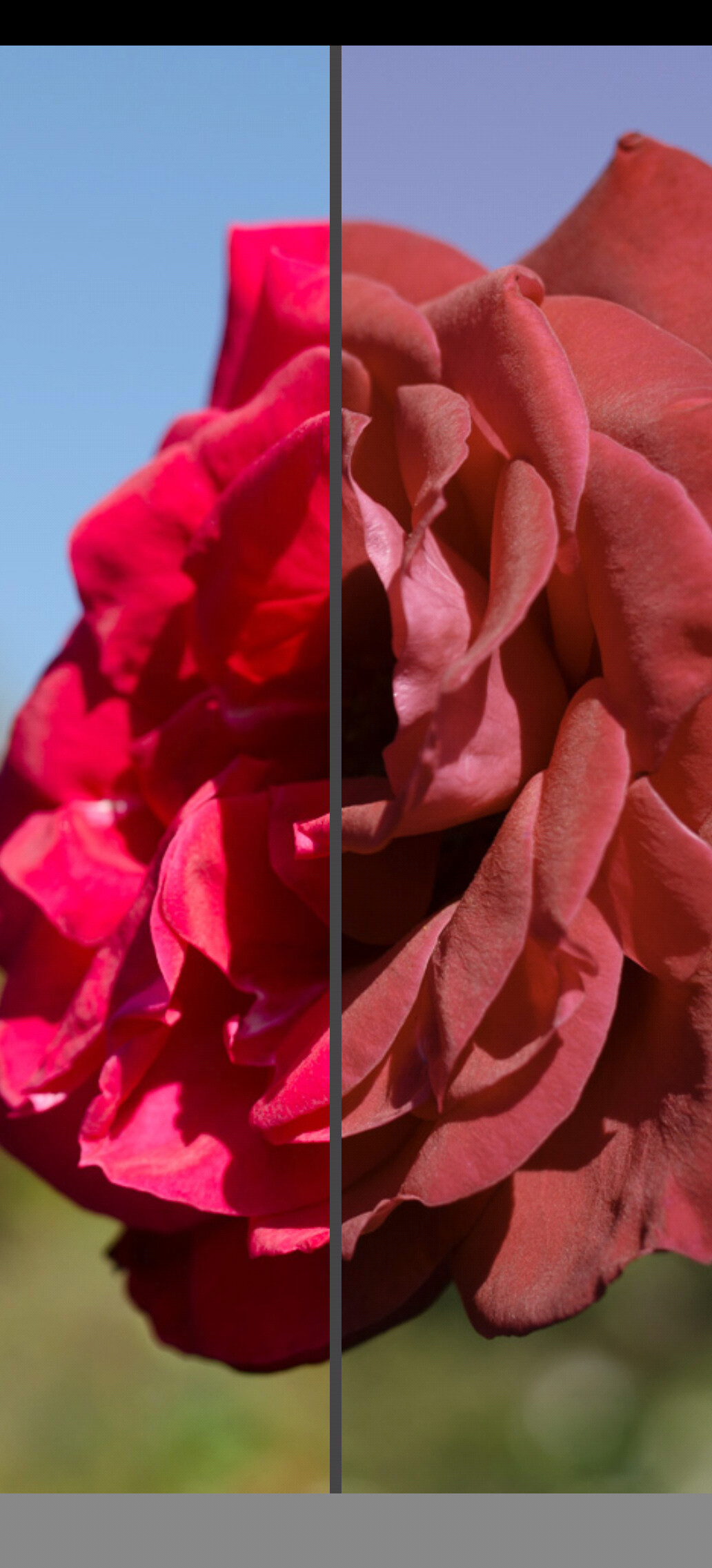
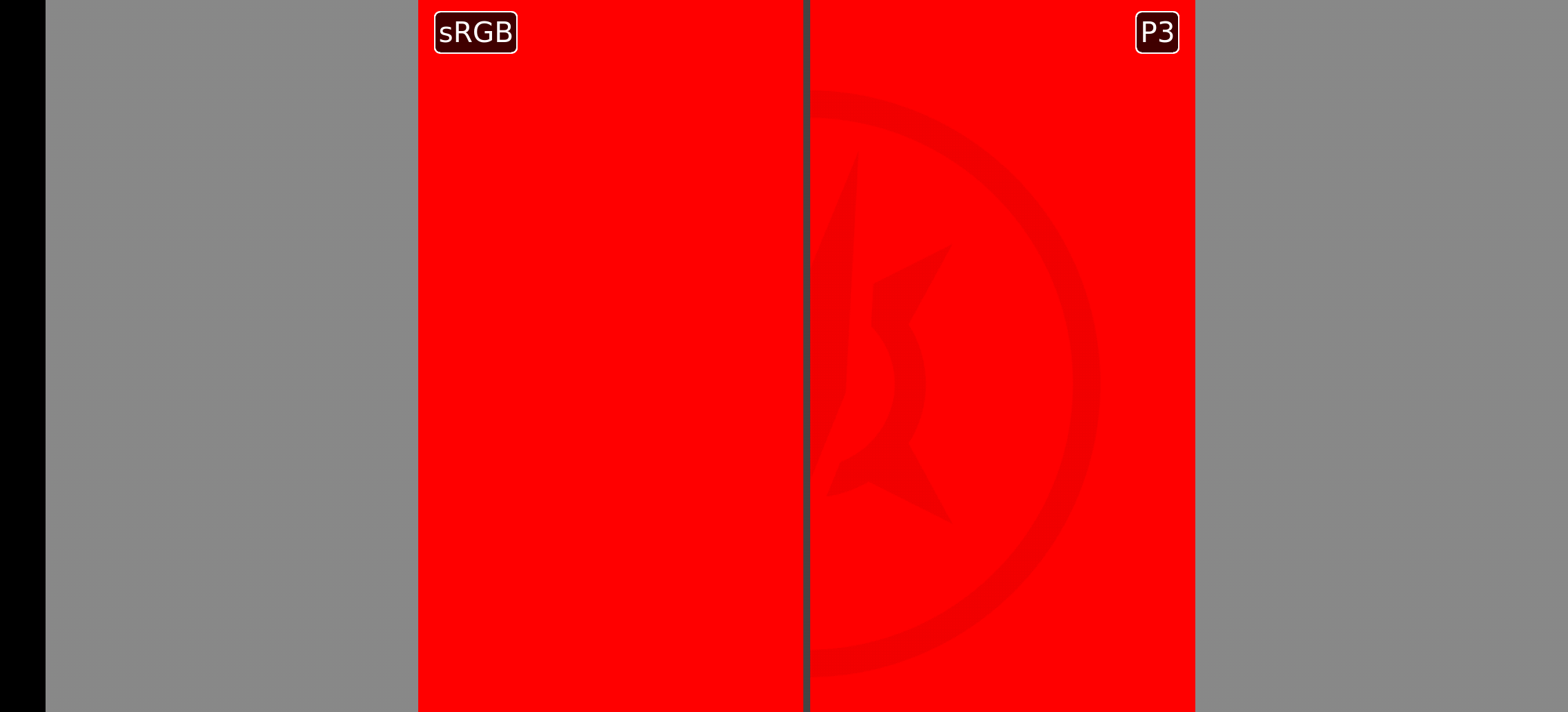
Here’s how they look like on a colour managed IPhone. That ProPhoto is the clearest symptom, because ProPhoto has the widest colour space of the three.
Since the gamut is wider, the same rose would have a smaller value in ProPhoto scale, than in sRGB. And when no colour management performed like in JP2, ProPhoto ends up bland, while IPhone “knows its limits” and scales it the best it can.
2 Likes
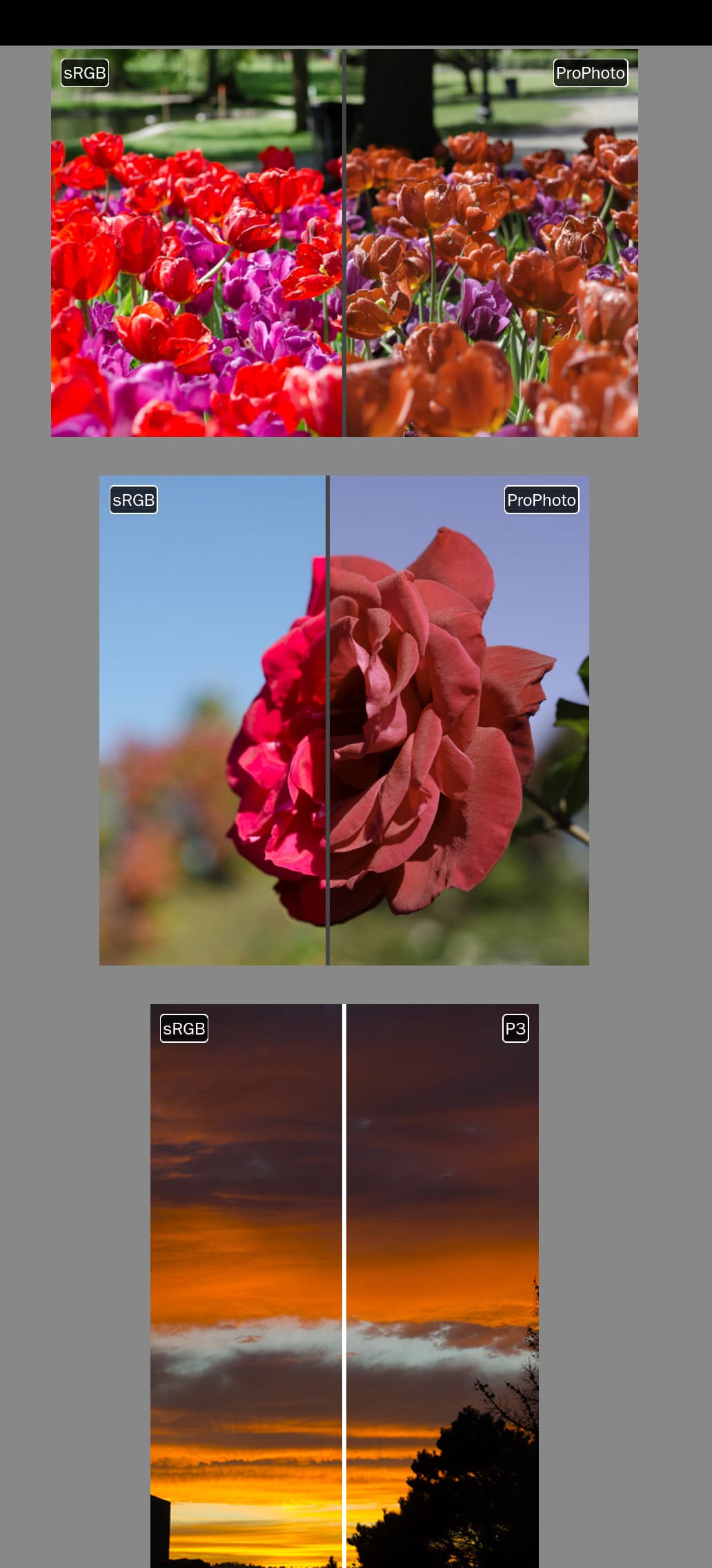
Sorry for the spam, but I found a way to fix the thing and make P3 work in the native browser.
Here’s the instructions:
-
In Sailfish Browser, about:config:
gfx.color_management.mode → 1 -
Download a Display P3 profile from Display P3 | Three Component Color Encoding Registry
-
gfx.color_management.display_profile → full path to the .icc file
-
Close and reopen the browser
Test at SVG test image — before step 1 the Adobe’98, Custom ICC and Gamma 1.0 columns are visibly wrong; after, all bands are smooth. After step 3 everything renders noticeably less saturated, i.e. correctly for the panel.
This obviously works only in browser and might be worthy of another bug report. But the results are clear as seen in this screenshot:
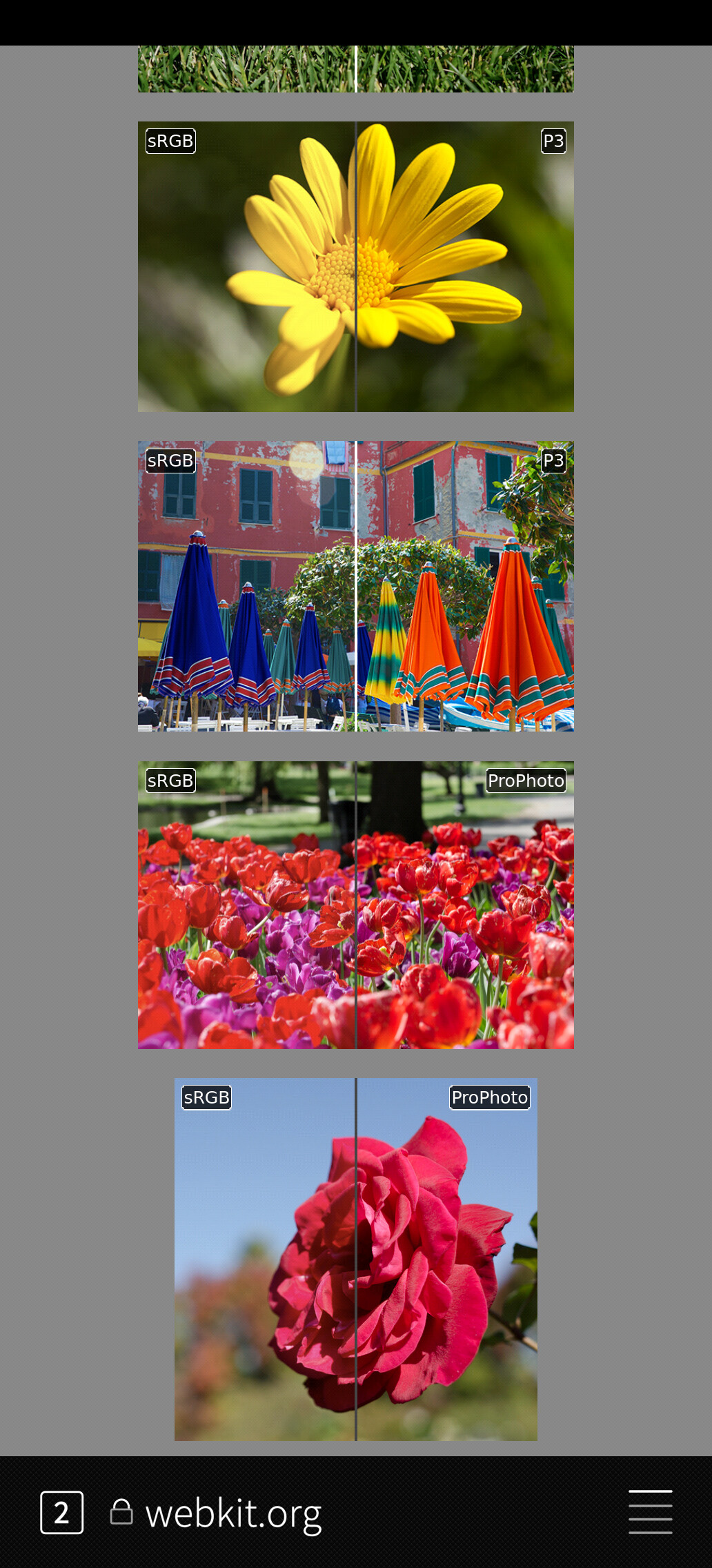
24 Likes
Great detective work! 
2 Likes
Yep, definitely amazing detective work and very valuable! As I don’t know anything about the matter, do you think browser would also show them correctly if this would be fixed in system level?
If not, then I think this would be quite easy PR to commit for the browser repo?
2 Likes
gfx.color_management.mode = 1 should be applied in any case
And selecting .icc profile would result in converting twice, so it shouldn’t be enabled when there is a system-level correction.
How come the post appears hidden because of flagging?