Dear All
I have some questions that I hope you all can help me with. I did my due diligence with the search function but to no avail.
How can I remove a notification (singular)?
Swiping left / right doesn’t help, it just goes back to my home screen. Long click gives me the option to remove all notifications, what if I solely want to remove one?
How can I select multiple images / documents / etc. from the file manager(s)?
How can I set a different lock and home screen pictures?
How can I search for installed apps? As in from the app drawer, being able to type and live filter the displayed apps would be great.
Is there any way to have the minimized apps also show the app icon? This would be extremely helpful when many apps are open at the same time, especially Android Apps as it renders the window itself, making it hard to determine what the minimized app really is.
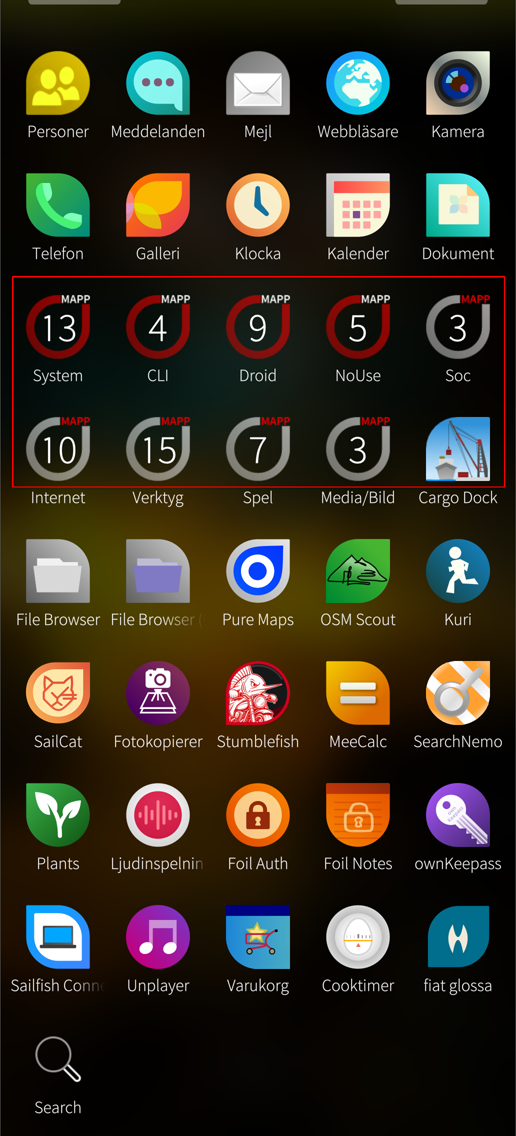
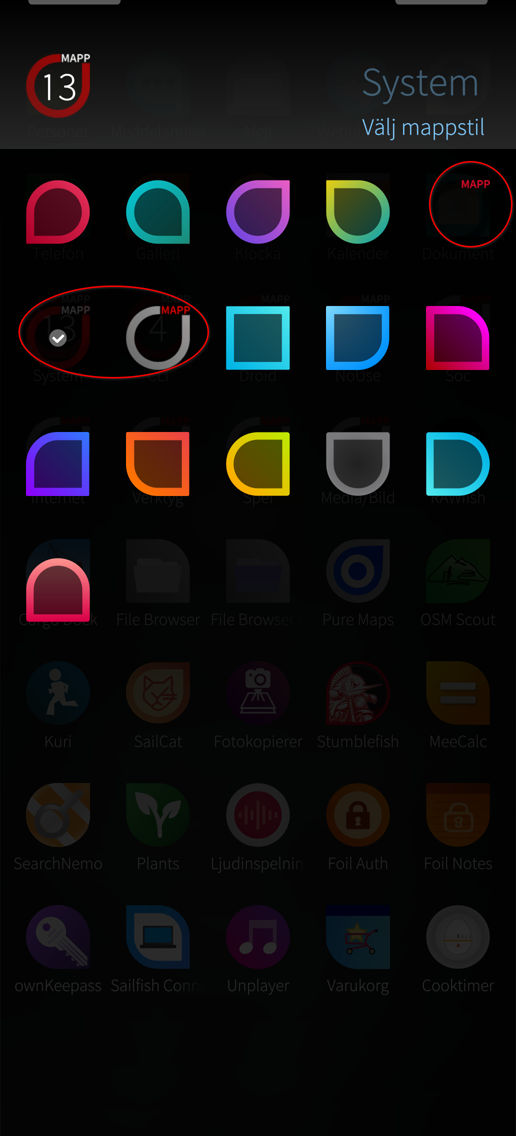
Is there any way on how to get folders with custom icons? I am fine with some modding tweaking.
Your intuition is very good - it is long-press and swipe.
Depends on the file manger or app in question. For gallery you just enter select mode with the pulley menu and select however many images you want.
That doesn’t necessarily mean you can share multiple files after that - not all share functions take multiple files.
Forget about it.
There is no built in functionality for this. Some app probably exists.
This has been asked before - search and you shall find.
Strangely longtime users does not have this issue/preference.
Of course there is. You can modify any icon (by hand) if you wish. But they are not persistent through system upgrade, so to make it a bit quicker, I made a RPM to replace my wanted icons.
No I didnt, but thx for youre assuming… Then you can gave the better answer; -) then in the end, to edit the background (not seperately but at least at all) ambience is the answer
Trying to summarize the results, thank you all once again.
How can I remove a notification (singular)?
”long-press and swipe”
Ah, now it feels intuitive, not sure why it didn’t occur to me. Maybe something for the tutorial to add?
How can I select multiple images / documents / etc. from the file manager(s)? Limited support depending on the app / picker
How can I set a different lock and home screen pictures? Not a feature yet
I have figured out how to crop the images first, so the result when setting a ambience is as expected.
How can I search for installed apps? As in from the app drawer, being able to type and live filter the displayed apps would be great.
&&
Is there any way to have the minimized apps also show the app icon? @carepack will pm you. thanks!
Is there any way on how to get folders with custom icons? I am fine with some modding tweaking. Yes possible, they are loaded from a folder and can be replaced / edited @eson it may seem simple for you, but I first have to figure out how to ssh to the device and what format these icons have. but good to know it is possible, as i don’t like the default set. they aren’t very easily to tell apart imho.
Goto Settings -> Developer Mode -> Enable Developer Mode and then enable Remote Access (or what ever it is in English/your chosen UI language). After that you not only have ability to SSH to your phone, but also the Terminal app on your phone.

 . OP takes what fis to them