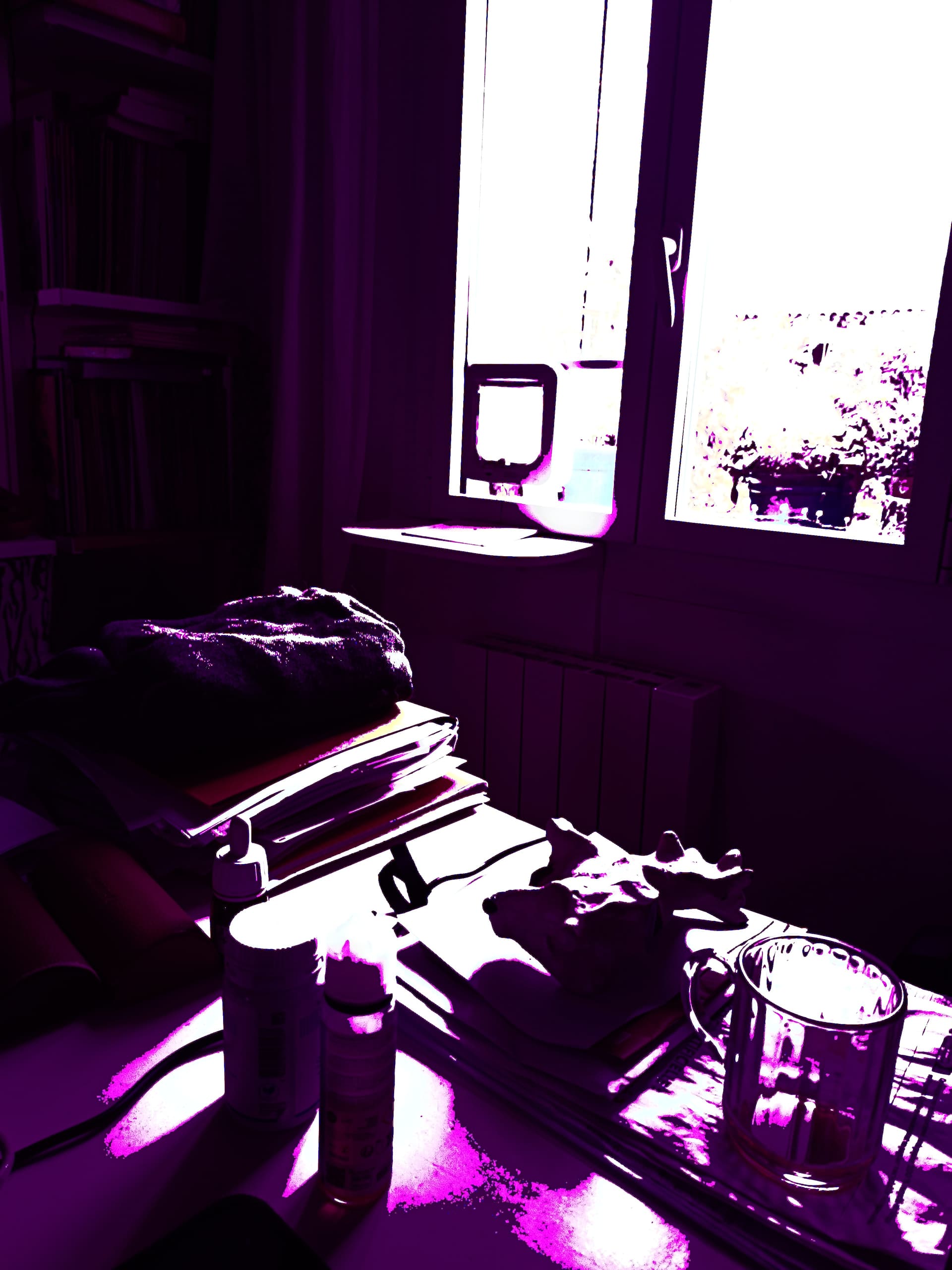
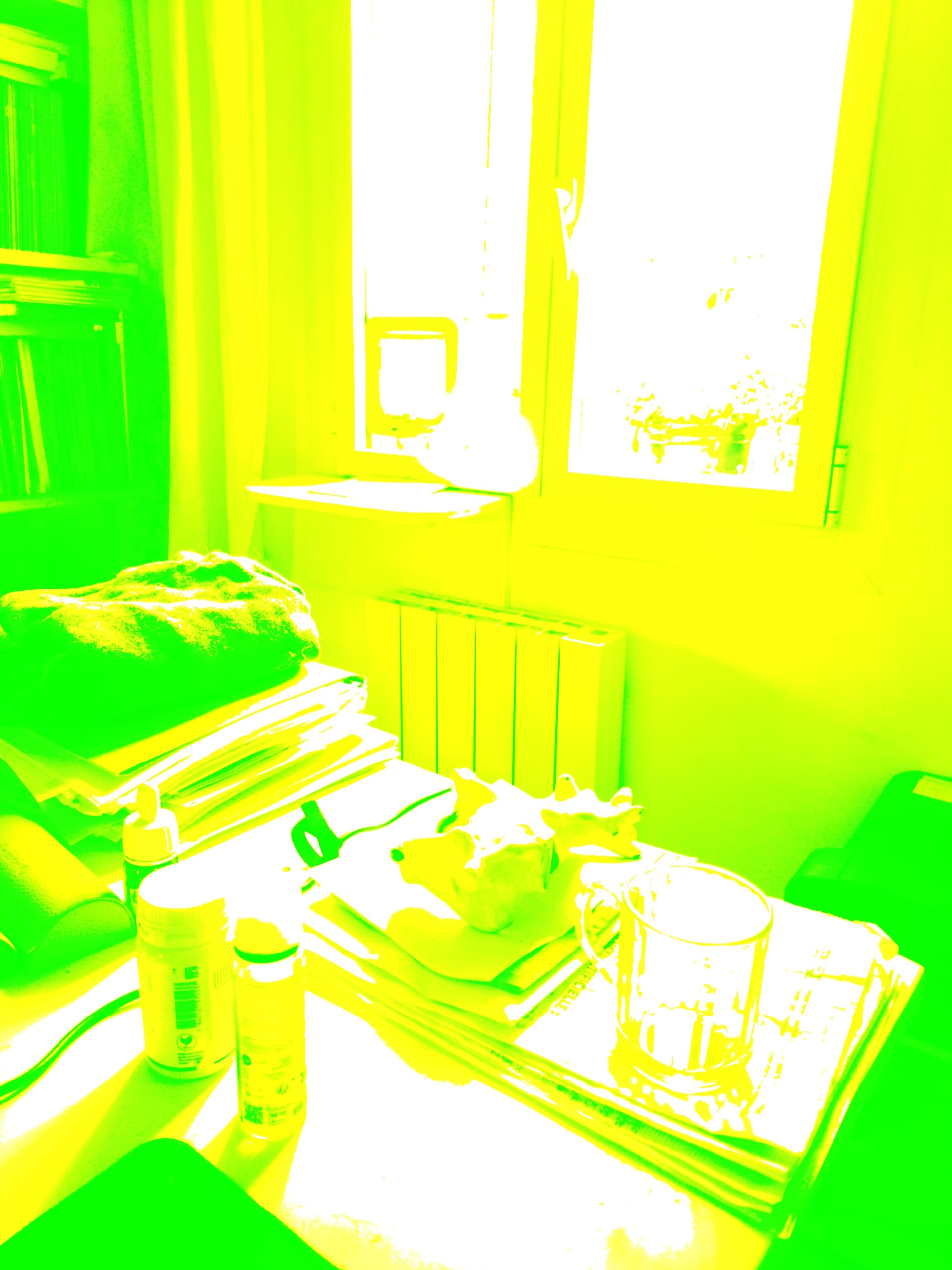
This was largely way over my head
My misunderstanding was that those really looked like the very same images, just differently processed, to me. But if I understood you correctly, those were different shots, via command line by yourself. That means you know how reality looked like if I got it right.
Reality might not be noisy but it can have noise like patterns or structures. With the leaves it is easier to have an idea how it should look like but with the colour patches if that were rough paper in between the patches it would closer to the low noise image than if it were a completely flat and featureless matte foil. That was my initial question.
Anyhow, I do get your aim with this images. Personally I would say that the 2nd last towards the right looks the best to me (best compromise of noise and sharpness) but I take it, it is rather “expensive” to make. If the aim is staying within one frame, I’d say the 3rd from the left looks best.
It would be cool though if there were the option for both in the advanced settings
this is where having a concept such as “modes” could come in handy: a landscape mode could have a much higher allowance for computing whereas a “sport” mode could optimize for minimal computing time at the expense of quality.
Yes, that would be interesting, thanks. Added to the todo list.
For now, I think the denoising sweet spot / good trade-off is found.
What changed, mainly, is
The HAL JPEGs (like in Jolla Cam) are replaced by our own JPEGs from the YUV stream, including denoising and sharpness.
Better results, still quick and light to process.
DNG+JPG from the same take, at once.
Useful, as we never know if we’ll want do develop a pic further.
Can be activated in the settings page.
Histogram and zebra tested and improved.
JPG zebra can be set to channel or luma (in rawfish-ir.conf)
And many small bugs fixed, tests and improvements.
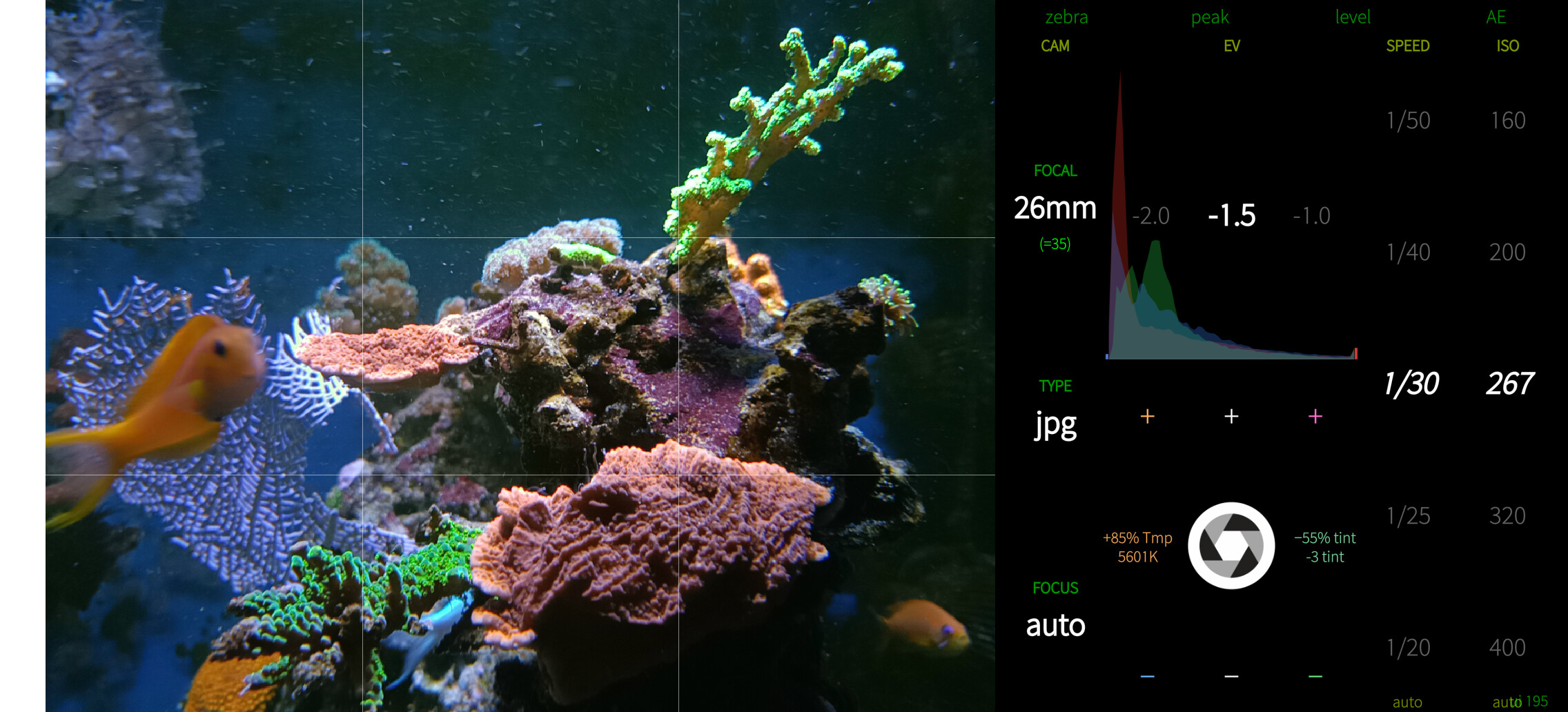
can not set auto custom white balance by holding area next to the shutter button, blue circle is drawing but then it say Can not measure, previously it worked even in my blue aqarium enviroment, now does not work even in daylight.
actualy i have to pull menu and set wb to 0 after manual adjustment what is not much comfy
little tweak:
when adjusting manually the ± is hidden for tint, it is under shutter button, so ony ‘5% magenta is visible’
also would be great to see actual value under text on next line while tapping +/- buttons
eg:
+5% magenta
+31 tint
+5 warm
8000k
just to see that values are changing and how far i am to the zero tint or target temperature
also change of text color would be nice, actually temp is only orange regardless if i am obove or bellow to the zero adjustment. So positive temp orange like now, white for zero and blue for negative. For the magenta tint negative text color to greenish
btw where did go settings for denoising from the menu? Well i preffer to have it allways off and denoise rarely on PC when needed
anyway cool progress, RAWfish making Jolla phone powerfull mobile camera. Many thanks!!
Yes yes yes, absolutely right.
Many thanks for the good remarks.
Regarding wb… new features, new bugs, I guess. Gonna fix that.
I admit I don’t always think to re-test everything after each change.
Easier: you just can double-tap on the temperature and tint to respectively reset them to Auto.
Yes, noise and sharpness options were there for testing.
The actual setting is the best noise/sharpen I could get, while staying simple, without using multiple frames. It is Imho the look Rf should deliver for good JPGs.
However, these settings can be modified in /home/defaultuser/.config/com.rawfish/rawfish-ir/rawfish-ir.conf: jpgNoiseColourFilter and jpgSharpen.
(you can also play with the unused jpgFrames (nb of frames for denoising, beware with movements) and jpgMoireFilter (to avoid some rare cases as the colors in the zipper in tests of the earlier post, at the expense of perhaps losing small real colors) )
Wondering: Would it be of any interest to have a “snap” mode?
By using the lightweight HAL JPG at, perhaps a lower resolution like 5 or 8MP.
This would be for utility photos like a parcel, a number, etc. 1 to 2 MB.
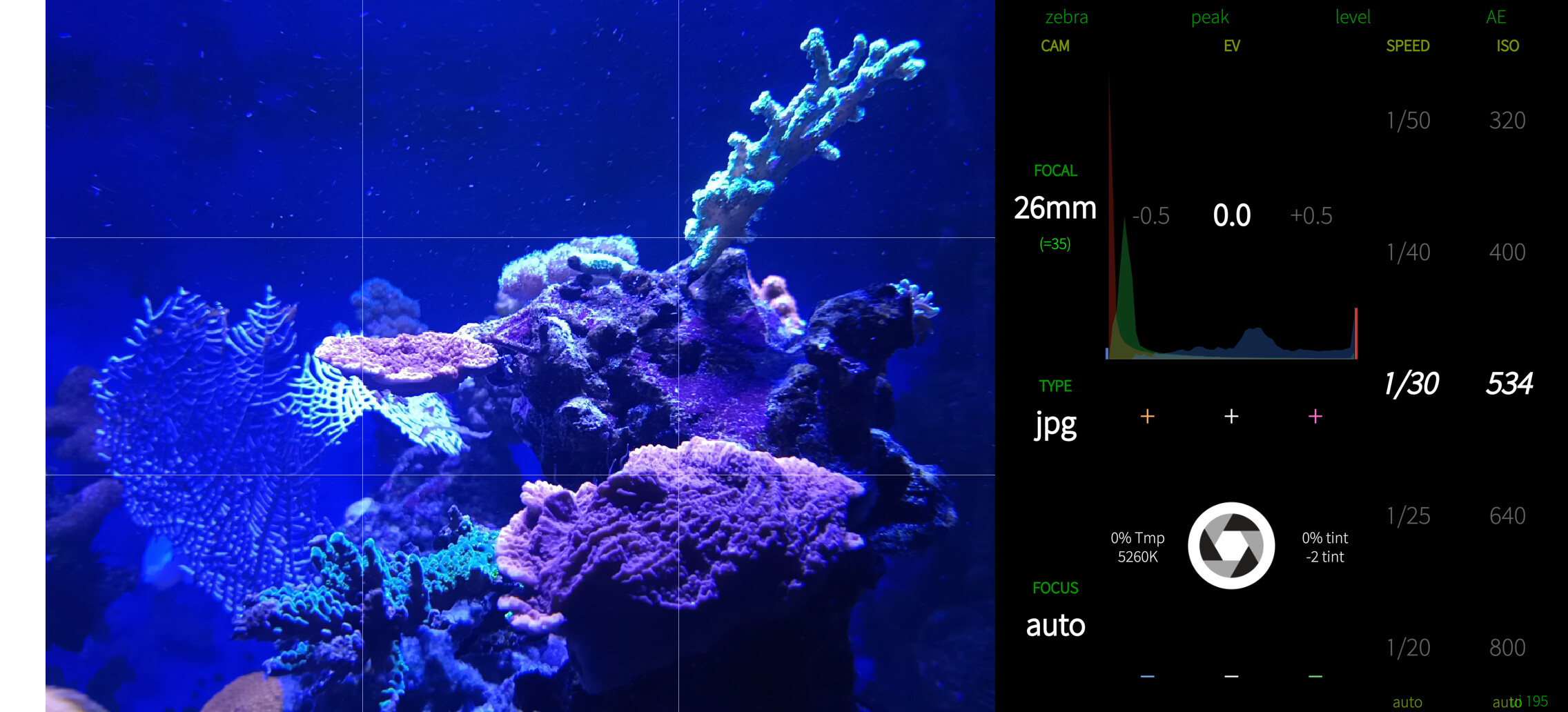
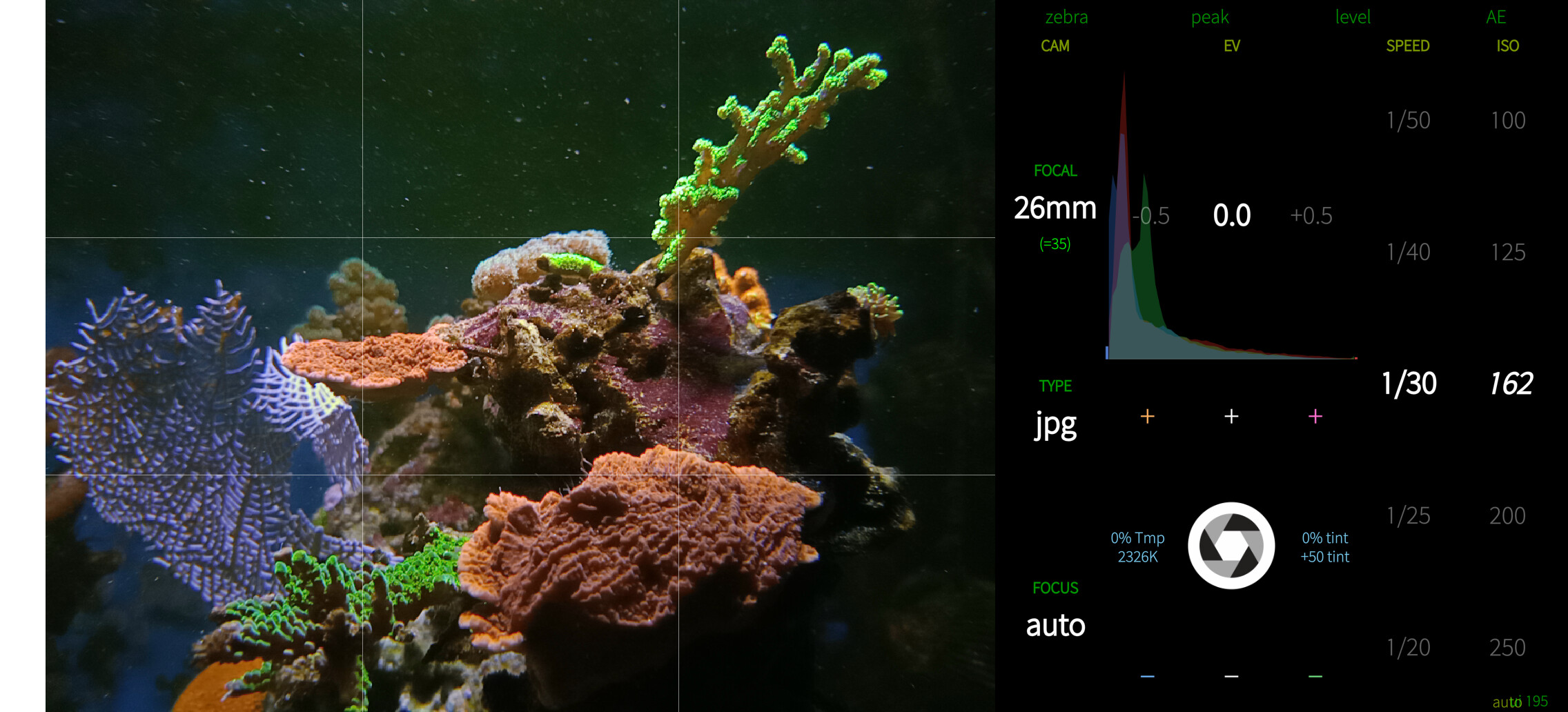
getting auto-computed white balance is bit tricky in this light environment, because app complains that it is too bright or too dark - actually there is not much white spots on the rocks or corals, some fishes are partially white but they wont stop and wait at same place i have to target partially on white coral-sand-bed at bottom and shaded rock and then it works fine.
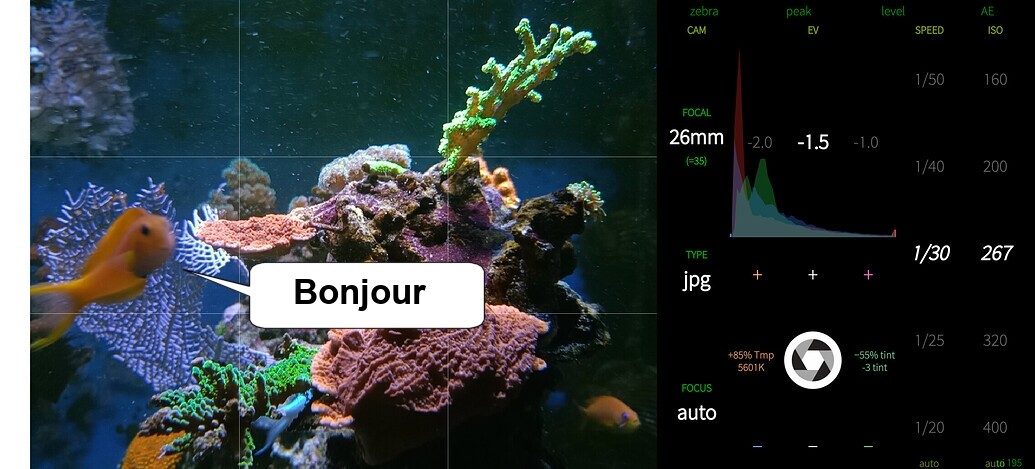
the manual setting of temp / tint is super cool, all friends with coral reefs and iphones are jealous of my JP2026 tanks to RAWfish
Nice to hear!
If your reference white zone is too small, you can also use the loupe to make your wb:
Unpinch until the white zone is big enough to fit into the circle, and voila.
(works the same for focus and exposure)