REPRODUCIBILITY: unknown
OS VERSION: 5.2.0.16
HARDWARE: Jolla Phone 2026
UI LANGUAGE: Slovenian
REGRESSION: unknown
DESCRIPTION:
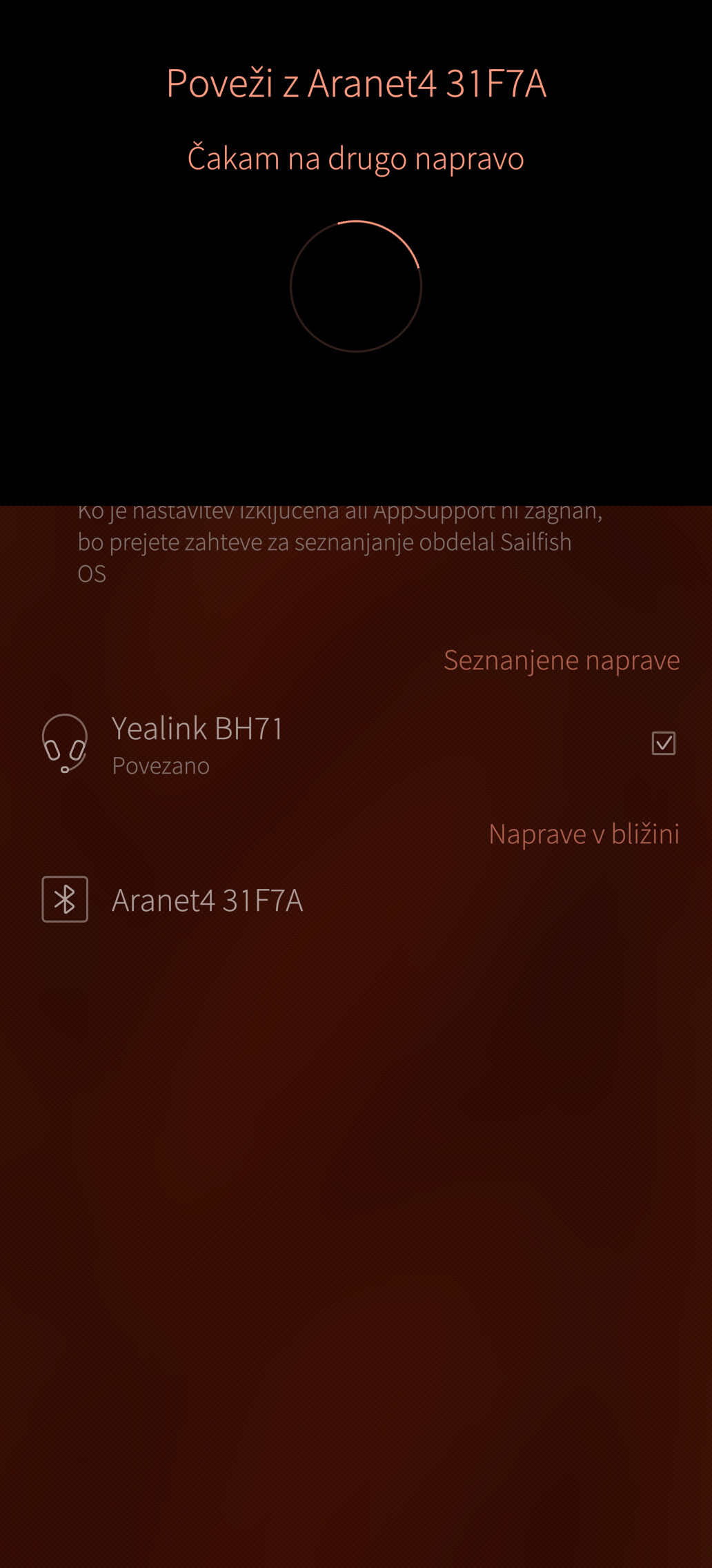
One of my Aranet CO₂ sensors wanted to be re-paired (to AppSupport), and after I entered the pairing PIN, phone got stuck on the pairing popup – there was no way to do anything with the phone in this condition (locking and unlocking the screen just got me back to the pairing popup); I was able to answer a call with my bluetooth headset (I waited about half hour just to see if anything would time out). In the end I held the power button, which instead of showing the shutdown/reboot menu immediately started a shut down.Also, not sure if this is related, but my Yealink BH71 bluetooth headset wouldn’t connect after powering the phone back on – I had to remove and re-pair it (tapping it in the Bluetooth settings gave a “Connection failed. Try to remove and re-add.” message almost immediately).
PRECONDITIONS:
UnknownSTEPS TO REPRODUCE:
- Unknown – no idea what triggered re-pairing of the sensor, and no idea why the popup got stuck