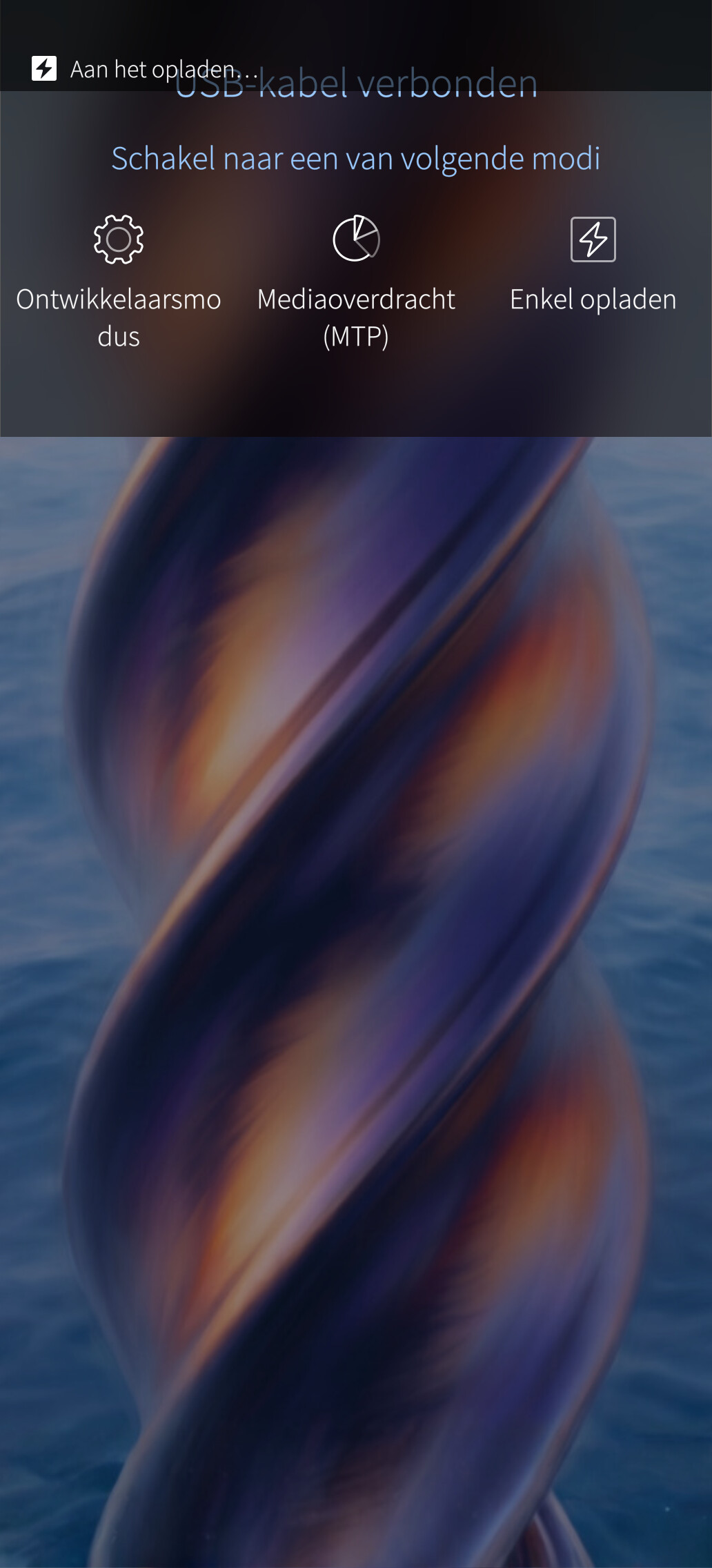
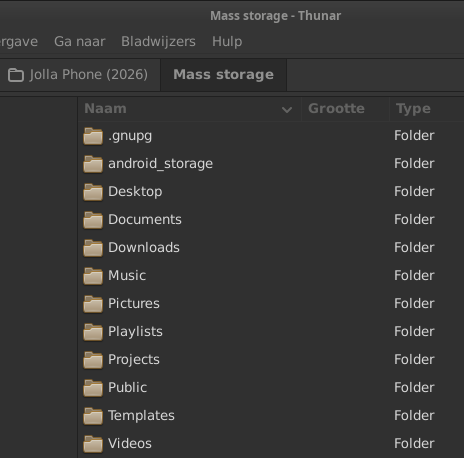
I am running Linux on my laptop (Solus Plasma (KDE) in fact). In the past I could copy the content of my Android phone’s folders to the laptop by just connecting the two and allowing data transfer.
Now, with my JP2026 being a Linux phone (you can’t get more Linux, can you?) that doesn’t seem to be possible.
Could you point me to a thread here or a help article that explains data transfer from the JP2026 to a Linux computer? If possible I would not like to start using the CLI - I just cannot see how a simple data transfer from one Linux machine to another shouldn’t be possible.
My phone is fully up-to-date (5.2.0.22) and allows 1. developer mode, 2. MTP protocol or 3. charging.
I’m a noob with things Jolla Phone so be patient with me…
I would imagine that you are able to tranfer files over cable also. I don’t know if you need to use SSH for that or what. Hopefully someone with better knowledge jumps in
Now, with my JP2026 being a Linux phone (you can’t get more Linux, can you?) that doesn’t seem to be possible.
The problem is not it being a linux phone. The reason is MTP (media transfer protocol), which abstracts from block devices, so you don’t mount the block device on the host. The block device is controlled and guarded by the phone.
If you don’t need access with cp or other console utils, you can just use dolphin or some other file browser that implements MTP. It works for me.
Thank you! That’s what I tried but although the phone shows up in the laptop’s file manager the files in the phone’s folders aren’t displayed. All folders except one are said to be empty which is not the case.
Yeah, use the developer settings to set up ssh access and use scp/sftp. If you don’t deploy keys, even the password way is simple enough and there are numerous linux sftp clients.
Could be the file manager at fault. I use TDE’s Konqueror but it doesn’t seem to cope well with MTP devices, so when I need to use those I launch pcmanfm.
Yeah, that’s what I’m actually using, but setting that up is rather more complicated. Just using Filezilla Client or (if your filemanager supports it) a path starting with sftp:// is much easier.
Very strange that MPT does not just work out of the box.
Here, it even works on a Mac with a small sw piece on the Mac but also, directly in Linux with Thunar, Nemo, etc.
In case, did you just try to reboot, and wait some (2-3) minutes after having chosen MTP on the phone?
Also, perhaps try another port, through an USB2 hub/extender if you have, or on another port of the PC.
I second that. MTP works with all my SFOS devices with Debian flawless for simple copy tasks to be done quickly.
In routine I prefer FTP and SSH for complex sync.